
89.99 € Original price was: 89.99 €.24.99 €Current price is: 24.99 €.
Digitally delivered by email within a few minutes after payment confirmation. These are ESD digital licenses — all product keys are original and have no expiration date. They can be reinstalled on the same activated device at any time.
By purchasing this product, you will receive the digital software download from our servers along with the product key needed for software activation, as well as detailed installation instructions.
License previously used and relinquished by the former owner in compliance with CJEU ruling C-128/2011 :
100% authentic digital products with official vendor warranties, ensuring genuine licenses.
Enjoy peace of mind with a 30-day return policy on all digital products. Full refunds or exchanges for any issues.
Your payments are fully secure with our encrypted transaction network. Shop with confidence.
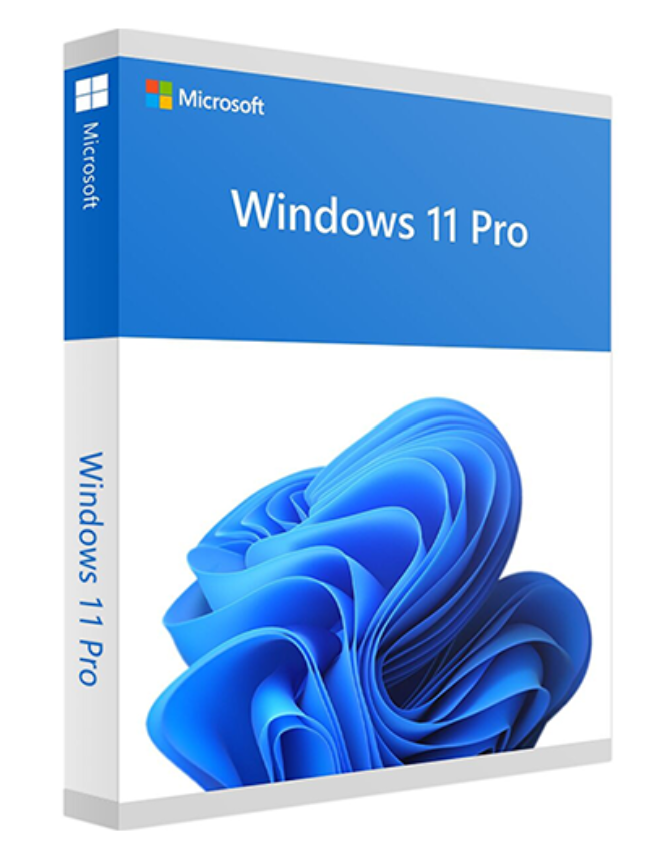
The first major point concerns a graphical update that Microsoft has implemented across all parts of the system, from rounded window corners to a new dark theme. We’ll also find new animations and sounds, a more modern File Explorer layout, a taskbar with central icons, a revamped notification center, new icons, wallpapers, and dedicated themes.
Windows will be able to adapt to different screen sizes, and with touch devices, it will adjust the spacing between elements and enable certain gestures to facilitate interaction with the touchscreen. Our first impression of the new OS was very positive in terms of graphics; the designers clearly put a lot of thought into the design.
NEW START AND SEARCH MENU
It has always been a benchmark for Windows and needed a makeover; Microsoft went further by creating a completely different Start menu. First, by default, its position will be central (but you can still choose to align it to the left), the “live tiles” have disappeared, and it has been reorganized with a “recommended” section where shortcuts to the most frequently used programs, applications, and files appear.
The search function has also been improved, with more “intelligent” suggestions and faster, clearer display of results.
WIDGETS
A new customizable widget section, featuring news items and user-selected blocks, appears on the side as an overlay with slight transparency. It’s visually appealing and open to the insertion of applications and programs, which Microsoft has invited developers to work on creatively.
MULTITASKING
Working across multiple instances, on different virtual and physical desktops will be very simple with Windows 11. Windows can be locked in multiple locations and create a custom interface for the user; animations clearly explain what will happen, and simply hovering the mouse over the maximize icon allows you to choose where to snap the window.
That’s not all, because multitasking has been greatly improved across multiple virtual desktops and even when using multiple monitors, for example by disconnecting a screen, programs will automatically be minimized and the window layout will be restored if the monitor is reconnected.
MICROSOFT TEAMS
Microsoft’s communication, calling, productivity and entertainment platform will now be integrated directly into the operating system; there will be no need to install additional programs and components, and every PC will be immediately ready to handle video calls and take advantage of the many opportunities offered by Microsoft Teams.
GAMES
The gaming world will find Windows 11 optimized to take advantage of the Microsoft Game Pass catalog, and on gaming PCs, there will be new possibilities to maximize performance and the gaming experience with Auto HDR and Direct Storage.
System requirements
Processor: 1 gigahertz (GHz) or faster with 2 or more cores on a 64-bit compatible processor or System on a Chip (SoC).
RAM: 4 gigabytes (GB).
Storage: 64 GB or larger storage device. Note: For more details, see below in “Additional information about storage space to keep Windows 11 up to date”.
System firmware: UEFI, compatible with Secure Boot. Check here for information on how your PC might be able to meet this requirement.
TPM: Trusted Platform Module (TPM) version 2.0. Check here for instructions on how to enable your PC to meet this requirement.
Graphics card: Compatible with DirectX 12 or later with WDDM 2.0 driver.
Display: High definition screen (720p) with a diagonal greater than 9 inches, 8 bits per color channel.
Reviews
There are no reviews yet.