
 Skip to content
€159,00 Original price was: €159,00.€59,00Current price is: €59,00.
Digitally delivered by email within a few minutes after payment confirmation. These are ESD digital licenses — all product keys are original and have no expiration date. They can be reinstalled on the same activated device at any time.
By purchasing this product, you will receive the digital software download from our servers along with the product key needed for software activation, as well as detailed installation instructions.
License previously used and relinquished by the former owner in compliance with CJEU ruling C-128/2011 :
100% authentic digital products with official vendor warranties, ensuring genuine licenses.
Enjoy peace of mind with a 30-day return policy on all digital products. Full refunds or exchanges for any issues.
Your payments are fully secure with our encrypted transaction network. Shop with confidence.
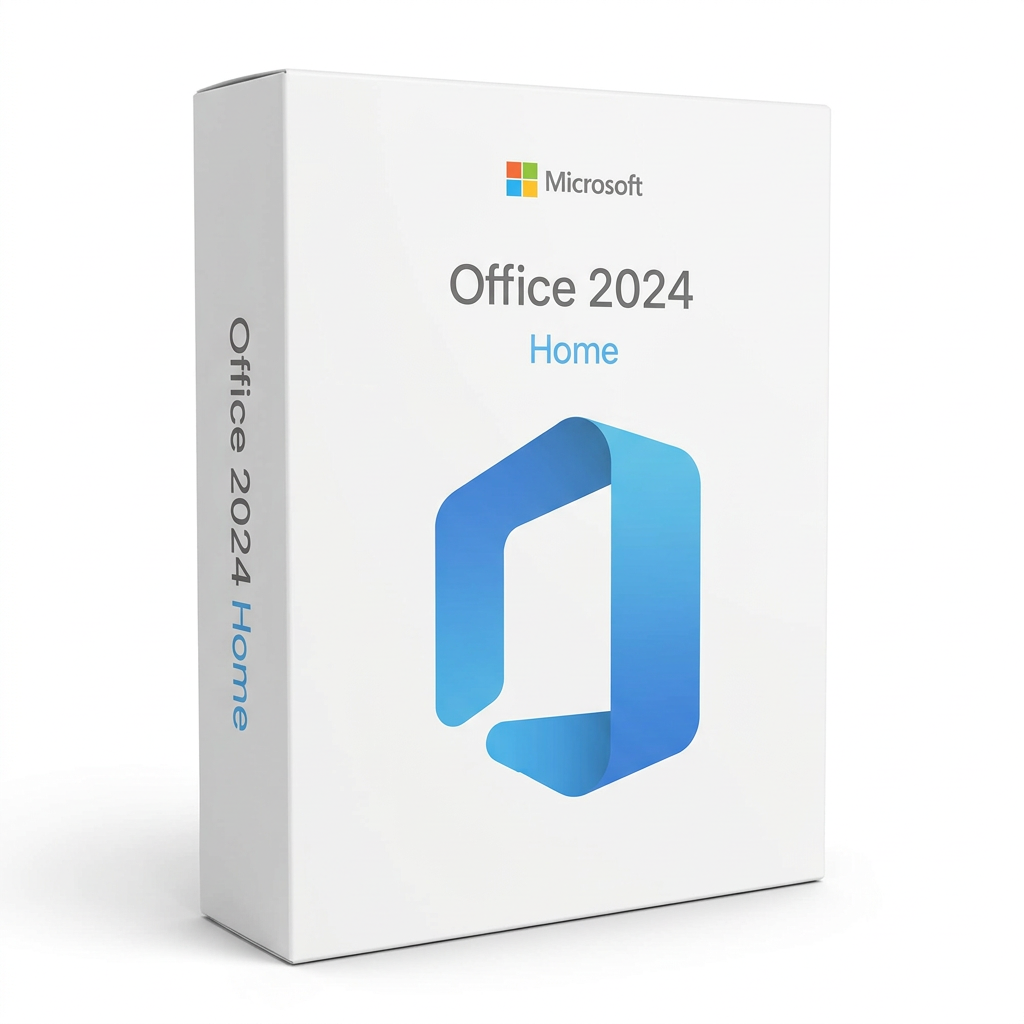
Downloading Office 2024 Home is very simple with ESDcodes. After purchase, you will immediately receive your product key via email along with all the necessary instructions to register it to your Microsoft account. Once registration is complete, you can download the installation file directly from the “Services & Subscriptions” section of the Microsoft website. Thanks to this method, you will always have access to a secure and original version of the software, with support guaranteed by ESDcodes.
After completing the registration of your license on the Microsoft website, go to the “Services & Subscriptions” section and download the official installation file. Once the download is complete, launch the file and follow the instructions to install the software on your device. If you encounter any difficulties, the free support team at ESDcodes is always ready to assist you with personalized and prompt help.
After installing the software, open an Office application such as Word and sign in with the same Microsoft account you used to register the license. The system will automatically recognize your key and activate Office without the need to enter it manually. In just a few seconds, you can start using all the features of the suite safely and without interruption.
Buying Office 2024 Home for Microsoft on ESDcodes offers you numerous advantages. You will receive the license via email within minutes of purchase, ensuring you can start working right away. Thanks to SSL secure payments, your transaction is protected at every step. ESDcodes also provides free technical support to help you at any time. You can trust ESDcodes: we are official partners of Microsoft, Kaspersky, and Adobe, which guarantees that every software purchased is original and of high quality. Each license is guaranteed for activation, offering you top-brand software at competitive prices. Take advantage of this opportunity to save and buy Office 2024 Home for Microsoft on ESDcodes today!
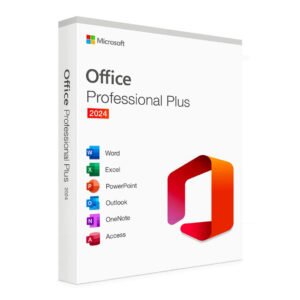
When you purchase Microsoft Office 2024 Home on ESDcodes, you will immediately receive everything you need to get started:
Reviews
There are no reviews yet.