
 Skip to content
€379,00 Original price was: €379,00.€279,00Current price is: €279,00.
Digitally delivered by email within a few minutes after payment confirmation. These are ESD digital licenses — all product keys are original and have no expiration date. They can be reinstalled on the same activated device at any time.
By purchasing this product, you will receive the digital software download from our servers along with the product key needed for software activation, as well as detailed installation instructions.
License previously used and relinquished by the former owner in compliance with CJEU ruling C-128/2011 :
100% authentic digital products with official vendor warranties, ensuring genuine licenses.
Enjoy peace of mind with a 30-day return policy on all digital products. Full refunds or exchanges for any issues.
Your payments are fully secure with our encrypted transaction network. Shop with confidence.
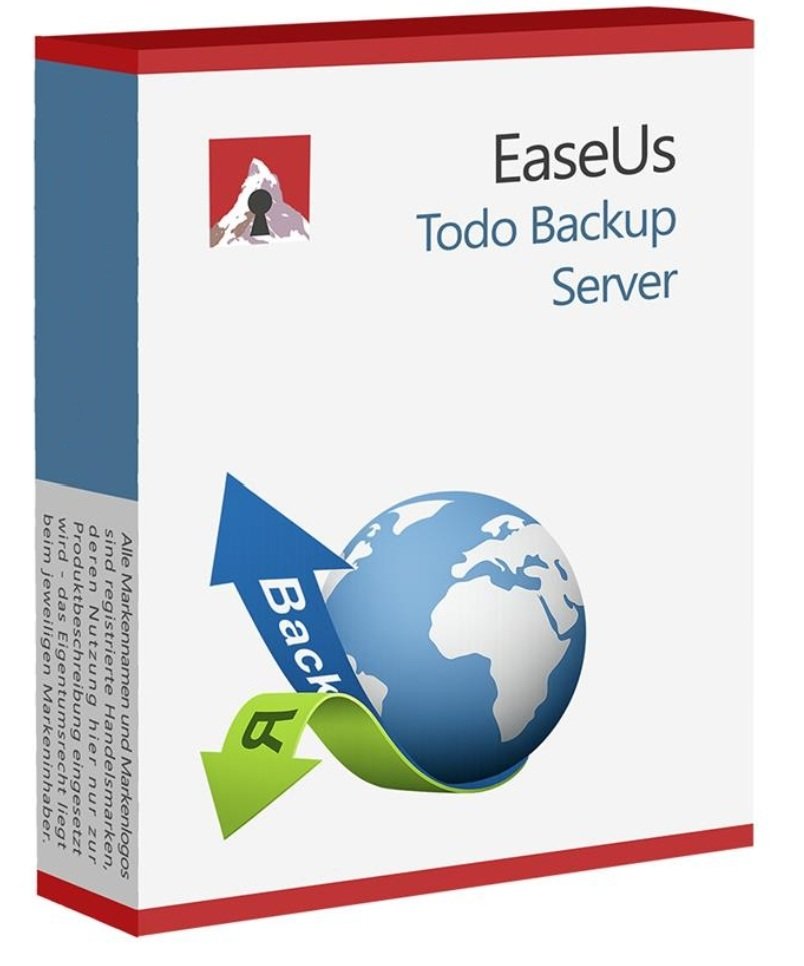
Backing up your important data is essential to ensure business continuity and prevent the loss of valuable information. In this article, we’ll introduce you to EaseUS Todo Backup Server 16, developed by the renowned manufacturer EaseUS. Discover why this product is the best choice for your backup needs and how it can help you back up your data safely and efficiently. Data backup made easy: how EaseUS Todo Backup Server 16 stands out. While other backup solutions may offer basic functions, EaseUS Todo Backup Server 16 goes a step further. It not only offers standard backup options but also special features that simplify and optimize server operation.
If you’re looking for a reliable solution to back up your data, there are many reasons why you should consider EaseUS Todo Backup Server 16:
With EaseUS Todo Backup Server 16, you’re buying software that’s extremely user-friendly. The intuitive user interface allows even beginners to create and restore backups effortlessly.
This product offers a multitude of features that cover all your data backup needs. From full system backups to incremental backups and file restoration options, it provides everything you need.
EaseUS Todo Backup Server 16 is known for its reliability. You can be sure your data is safe, and in case of data loss, you can restore it without any problems.
This product offers flexible data backup options, including scheduling and different storage locations. You can tailor the backup to best suit your needs.
EaseUS Todo Backup Server 16 is very easy to use. After purchasing and installing the software, you can follow these steps:

Reviews
There are no reviews yet.