 Skip to content

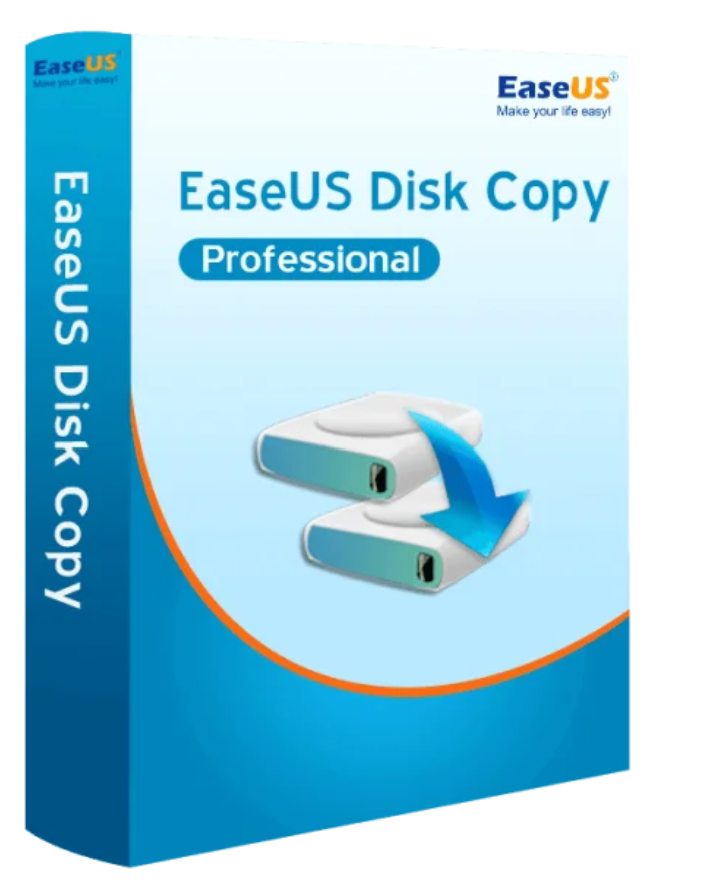
New features:
EaseUS Disk Copy can upgrade your old hard drive to a new one, copy a hard drive to an SSD, or clone an MBR hard drive to a GPT hard drive and vice versa.

Migrate your data, applications, and operating system to another hard drive without data loss.

Create a full backup copy of the source hard drive and you will be able to restore your data from the damaged hard drive in minutes.

EaseUS Disk Copy offers you an efficient way to upgrade your hard drive and gain storage space.

EaseUS Disk Copy helps you clone a hard drive to an SSD smoothly to speed up your PC’s boot time.
The following list indicates the system and hardware requirements for Disk Copy.
FAT12/FAT16/FAT32/NTFS
IDE hard drive, SSD, USB hard drive, SCSI hard drive, SATA hard drive, Fire wire hard drive (IEEE 1394), etc.

Reviews
There are no reviews yet.