
99.99 € Original price was: 99.99 €.69.00 €Current price is: 69.00 €.
Digitally delivered by email within a few minutes after payment confirmation. These are ESD digital licenses — all product keys are original and have no expiration date. They can be reinstalled on the same activated device at any time.
By purchasing this product, you will receive the digital software download from our servers along with the product key needed for software activation, as well as detailed installation instructions.
License previously used and relinquished by the former owner in compliance with CJEU ruling C-128/2011 :
100% authentic digital products with official vendor warranties, ensuring genuine licenses.
Enjoy peace of mind with a 30-day return policy on all digital products. Full refunds or exchanges for any issues.
Your payments are fully secure with our encrypted transaction network. Shop with confidence.
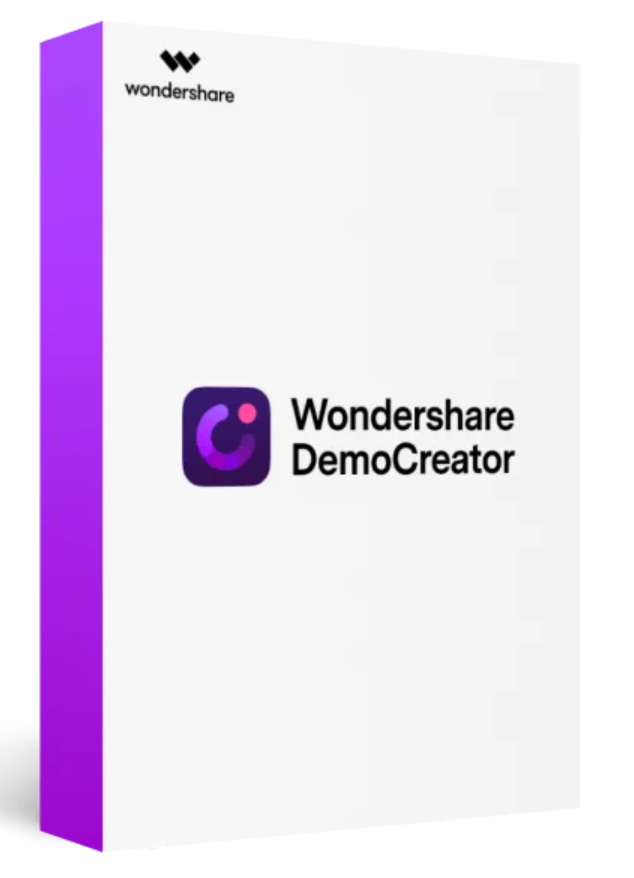
With O Learning Curve, record every moment on your screen and edit it creatively. A better alternative to Camtasia.
DemoCreator is a brand new screen recording software from the Wondershare family and aims to provide the best experience for every customer to create and improve recordings.
Discover the many facets of digital post-production and decide for yourself how to present your recordings. Choose between full-screen recording or specific screen areas . Change video scales and positions . Zoom in on the image or opt for panning effects that create tension. Speed up or slow down individual scenes. Thanks to advanced green screen technology , distracting backgrounds can be replaced in no time.
Is the standard computer mouse design too boring for you? In Wondershare DemoCreator for PC, you can change the cursor in just a few steps. Play with the display size and opacity . Set individual markers , ringing sounds, or clicks .
Enjoy all the powerful features you want
4K video quality
Exporting videos up to a resolution of 4096 x 2160.
Green screen
Advanced green screen technology allows you to change the background.
Noise reduction
The noise reduction function optimizes the clarity of video sound, especially when using a microphone.
Voiceover
For voice-over, you can record the screen with the microphone or record the sound separately in the editor.
Annotations
Add dialog boxes, lines, arrows, sketch animations, and shapes to your video.
Transitions
Add transitions such as fade, evaporation, crossfade, flash, etc. to make your video look more natural and cooler.
Video speed control
Increase or decrease the video speed.
Record the screen simultaneously with your camera.
Record the screen with the microphone and create a commentary for the video.
Adjust the scale and rotate the video position. Trim, crop, and perform all other basic editing functions.
Subtitling resources include opening themes, titles, subtitles and end credits for your various needs.
We have prepared descriptive stickers for animation effect, gesture, background, education, game, social media, etc.
Adjust the cursor’s scale and opacity. Add highlight, ring, and click sounds for the cursor.
Supports all input formats for editing. Export video to mp4, wmv, avi, mov, mp3, gif, etc.
Input formats
Output formats

Reviews
There are no reviews yet.