Total facial control
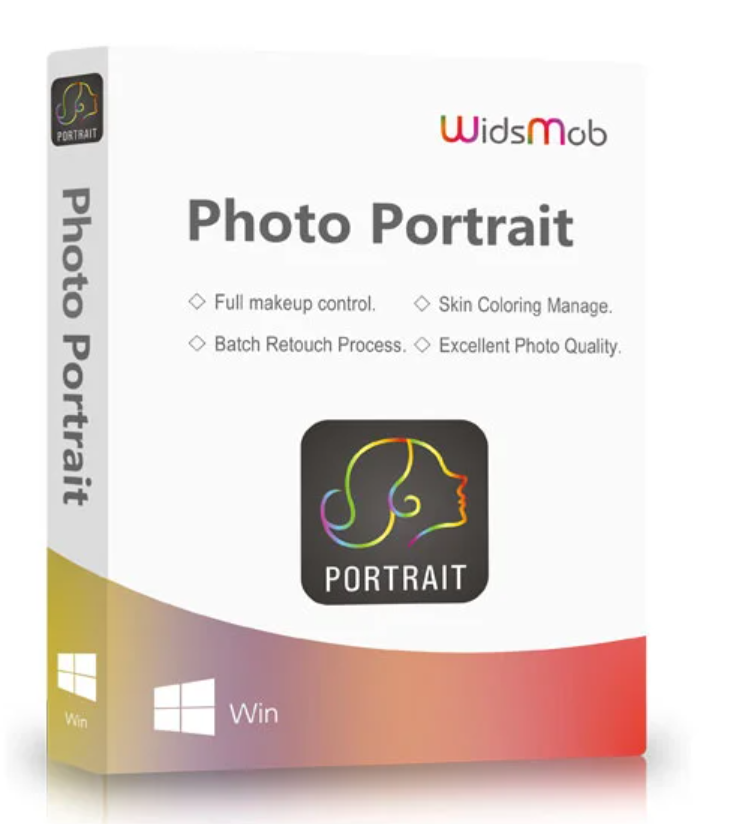
It couldn’t be simpler: skin imperfections and the edges of the eyes can be removed with a single click . WidsMob Photo Portrait intelligently identifies and enhances every aspect of your portrait. After importing the photo, all facial features, such as the eyes, cheekbones, teeth, and even the skin, can be edited individually. Simply use the sliders to adjust the intensity of the changes.
Presets and batch processing
Once you are satisfied with your settings, you can save them and apply them directly to one or more other portraits. This saves you a lot of time.
It is also possible to import multiple photos and apply previously saved settings to all your photos at the same time.
Excellent photo quality:
Widsmob Portrait is compatible with both RAW and JPEG formats . There is no loss of quality during editing. Whether you took your photos with a DSLR camera or a smartphone doesn’t matter. You can edit your photos directly without any further updates. Once the editing is complete, export all your photos as high-quality files .
Intuitive user interface
Simply move the sliders to edit and preview the effects in real time. The powerful algorithm applies the effects at 4x speed, so you can see the image before and after editing.


Reviews
There are no reviews yet.