Description
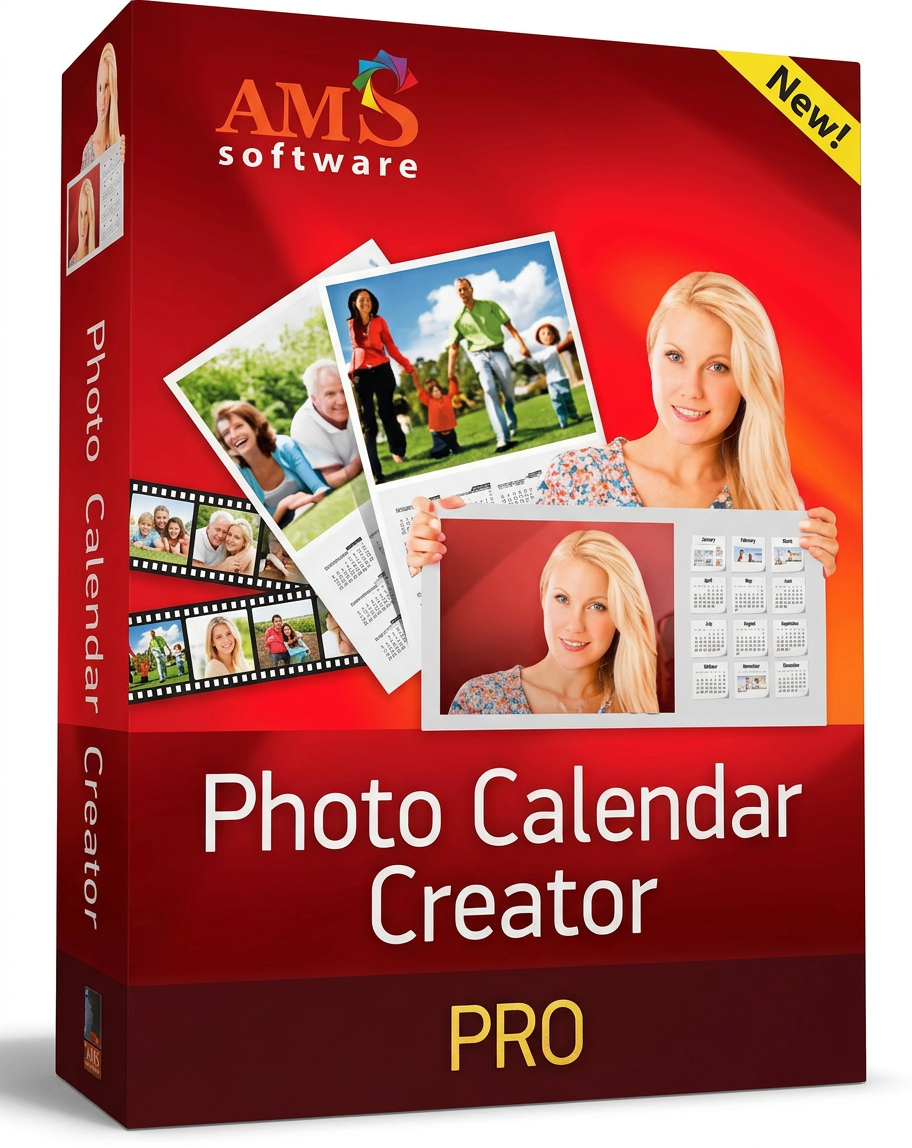
Buy Photo Calendar Creator: Create unique calendars
There’s nothing more beautiful than a personalized calendar to preserve your precious memories, right? That’s exactly what you can do with Photo Calendar Creator from AMS Software! Whether it’s for a personal gift or to beautify your own wall or desk, this easy-to-use software lets you create creative and unique calendars that reflect your personality.
What is Photo Calendar Creator?
Photo Calendar Creator is a powerful software that lets you create impressive calendars with your own photos. It offers a wide range of templates, design elements, and customization options that will allow you to create calendars that reflect your style.
Features of Photo Calendar Creator:
- Wide selection of calendar designs for different occasions and styles
- Easily add your own photos and text
- Multiple customization options for layouts, backgrounds, and frames
- Intuitive drag-and-drop function for effortless use
- Integration of public holidays and events into the calendar
- Exporting and printing high-quality calendars
How does Photo Calendar Creator work?
Photo Calendar Creator lets you create personalized calendars in no time. Just follow these steps:
- Choose a model from our extensive collection.
- Add your own photos and text.
- Customize the layout, backgrounds, and frames as you wish.
- Include public holidays and events to complete the calendar.
- Export the completed calendar and print it.
Photo Calendar Creator Pro system requirement
- Windows 11
- Windows 10
- Windows 8
- Windows 7



Reviews
There are no reviews yet.