
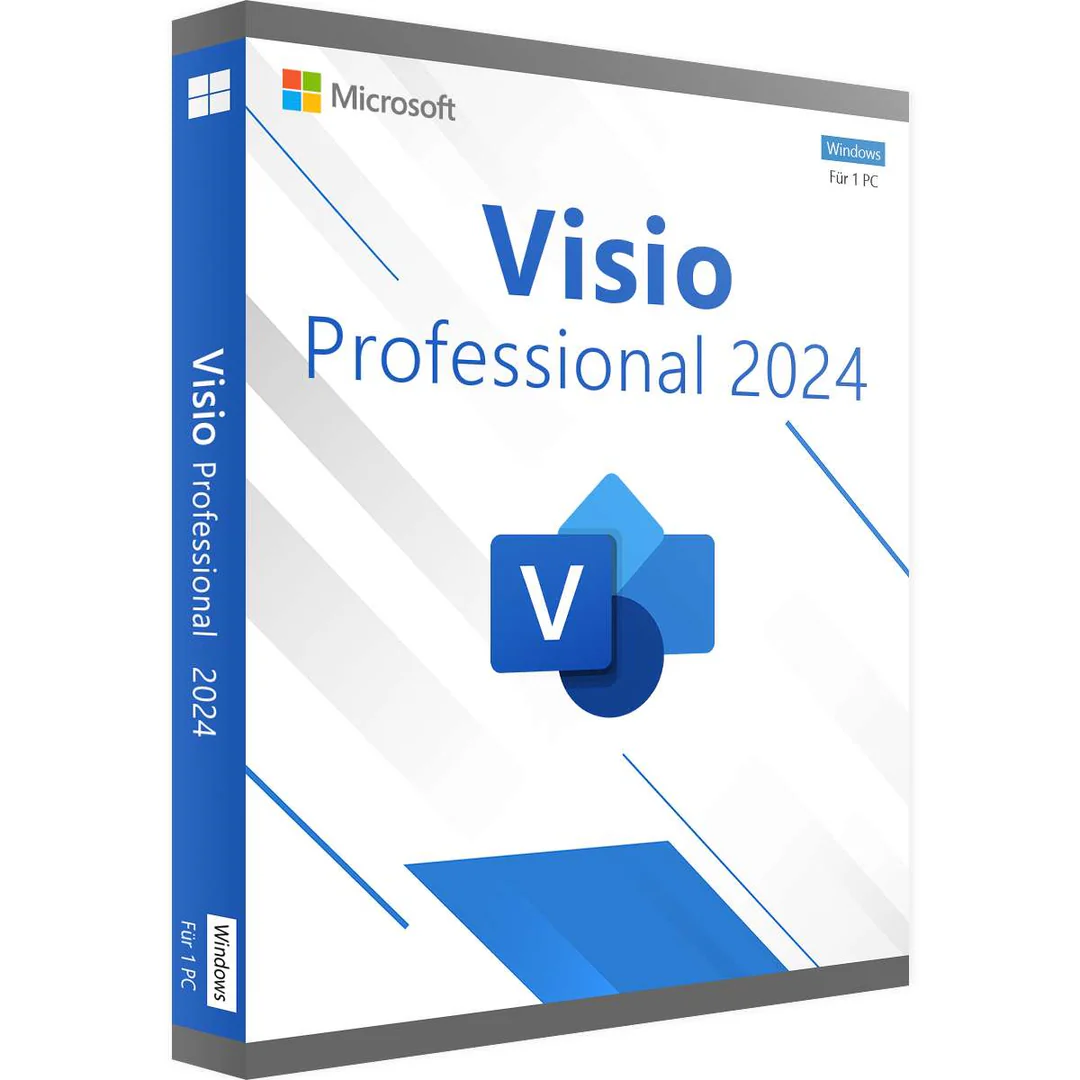
289.00 € Original price was: 289.00 €.139.99 €Current price is: 139.99 €.
Digitally delivered by email within a few minutes after payment confirmation. These are ESD digital licenses — all product keys are original and have no expiration date. They can be reinstalled on the same activated device at any time.
By purchasing this product, you will receive the digital software download from our servers along with the product key needed for software activation, as well as detailed installation instructions.
License previously used and relinquished by the former owner in compliance with CJEU ruling C-128/2011 :
100% authentic digital products with official vendor warranties, ensuring genuine licenses.
Enjoy peace of mind with a 30-day return policy on all digital products. Full refunds or exchanges for any issues.
Your payments are fully secure with our encrypted transaction network. Shop with confidence.
Diagrams are an essential tool for transforming complex information into easy-to-understand visualizations. With Microsoft Visio Professional 2024 , this process becomes even simpler, more efficient, and more flexible. Whether you’re managing a team project, analyzing data, or visualizing business processes, Visio offers a wealth of features for creating accurate and professional diagrams.
Visio Professional 2024 is the latest version of Microsoft’s powerful diagramming software, enabling you to create versatile and detailed diagrams. With pre-built templates and a wide variety of shapes, you can quickly create compelling visualizations for any industry, even without prior knowledge. From business process models and flowcharts to network infrastructure diagrams, Visio covers a broad range of needs.
Compared to other diagramming tools , Visio Professional 2024 offers some exceptional advantages:
If you’re looking for a tool that helps you transform complex information into easy-to-understand graphics, Visio Professional 2024 is the right choice. With its powerful features and seamless integration with other Microsoft products, Visio offers a complete diagramming solution for individuals and large teams alike.
While numerous diagramming tools exist on the market, Visio Professional 2024 stands out with its unique combination of ease of use, flexibility, and integration with other Microsoft services. Especially for companies already invested in the Microsoft ecosystem, Visio offers a seamless transition and best-in-class collaboration across departments.
| Function | Visio Standard 2024 | Visio Professional 2024 | Visio Plan 2 |
|---|---|---|---|
| Models and shapes | Several thousand predefined models and shapes | Wide selection of models and shapes | Full access to all models and shapes |
| Industry standards | BPMN 2.0, UML 2.5 | BPMN 2.0, UML 2.5, additional advanced standards | BPMN 2.0, UML 2.5, full access to advanced standards |
| Team collaboration | Add and share comments | Advanced team features, common edition | Full real-time collaboration, co-authorization |
| Creating data-driven diagrams | Organizational charts from Excel, Exchange, Azure AD | Advanced data links and visualization capabilities | Full integration with Excel, Power BI, and SQL databases |
| AutoCAD support | Importing DWG files | Importing and exporting DWG files, advanced AutoCAD functions | Full AutoCAD integration, including enhanced file format support |
| Flowcharts | Simple, cross-functional, workflow | Simple, BPMN, SDL, IDEF0/1, SharePoint Workflow | All types of flowcharts, plus BPMN, SDL, SharePoint Workflow |
| Schedules | Time axis, calendar, Gantt chart, PERT chart | Time axis, calendar, Gantt chart, PERT chart | Time axis, calendar, Gantt chart, PERT chart, plus additional functions |
| Network | Simple network diagram | Azure, AWS, detailed network, rack, Active Directory | All types of networks, cloud network diagrams, and advanced IT |
| Maps, floor plans | Office layout, directions map | Electricity, house, room, HVAC, plan, installation layout | All the plans, plus detailed layouts for specialized applications |
| Business diagrams | Organizational chart, TQM, EPC, cause and effect, brainstorming | Value stream map, pivot diagram, Six Sigma, ITIL | Advanced business functions, including Six Sigma, ITIL, Lean |
| Versatile | Functional diagram, many forms | Functional diagram, many forms | Functional diagram, all available shapes |
| Engineering | – | Electrical, piping, industrial controls, process flow | Advanced engineering tools, all technical diagrams |
| Software & Database | – | UML, database model, web and mobile feed models | Full support for the software, database, and web diagram |
| License type | One-time purchase | One-time purchase | Subscription |
Visio Professional 2024 integrates seamlessly with Microsoft Office 2024 Professional and Microsoft Office 2024 Professional Plus . By linking Visio to Word, Excel, and PowerPoint, you can insert diagrams directly into documents, presentations, or spreadsheets and update them at any time. Users of the Professional Plus version also benefit from advanced collaboration features that provide invaluable support, especially for large-scale projects.
For anyone looking for a professional, intuitive, and powerful tool to create and share diagrams, Visio Professional 2024 is a worthwhile investment. For a competitive price, you’ll get a product that will boost your productivity and significantly improve team collaboration.
In short, Visio Professional 2024 is the ideal tool for anyone who needs to create accurate and professional diagrams. With comprehensive templates, support for industry standards, and seamless integration with data sources, it offers everything you need for your projects. Buy Visio Professional 2024 now and boost your efficiency and collaboration!
| Requirement | Details |
|---|---|
| Processor | 1.6 GHz or faster (dual-core) |
| Operating system | Windows 11, Windows 10, Windows Server 2019, Windows Server 2022, Windows Server 2025 |
| RAM | 4 GB RAM, 2 GB RAM (32-bit) |
| Hard drive space | 4 GB of available space |
| Screen | Screen resolution of 1280 × 768 pixels |
| Chart | DirectX 10 graphics card to accelerate graphics hardware |
| Additional system requirements | Internet access, Microsoft account |
| Operating System: | |
| Included Applications: |
Video conferencing
|
| Year: |
2024
|


Reviews
There are no reviews yet.