
89.00 € Original price was: 89.00 €.39.00 €Current price is: 39.00 €.
Digitally delivered by email within a few minutes after payment confirmation. These are ESD digital licenses — all product keys are original and have no expiration date. They can be reinstalled on the same activated device at any time.
By purchasing this product, you will receive the digital software download from our servers along with the product key needed for software activation, as well as detailed installation instructions.
License previously used and relinquished by the former owner in compliance with CJEU ruling C-128/2011 :
100% authentic digital products with official vendor warranties, ensuring genuine licenses.
Enjoy peace of mind with a 30-day return policy on all digital products. Full refunds or exchanges for any issues.
Your payments are fully secure with our encrypted transaction network. Shop with confidence.
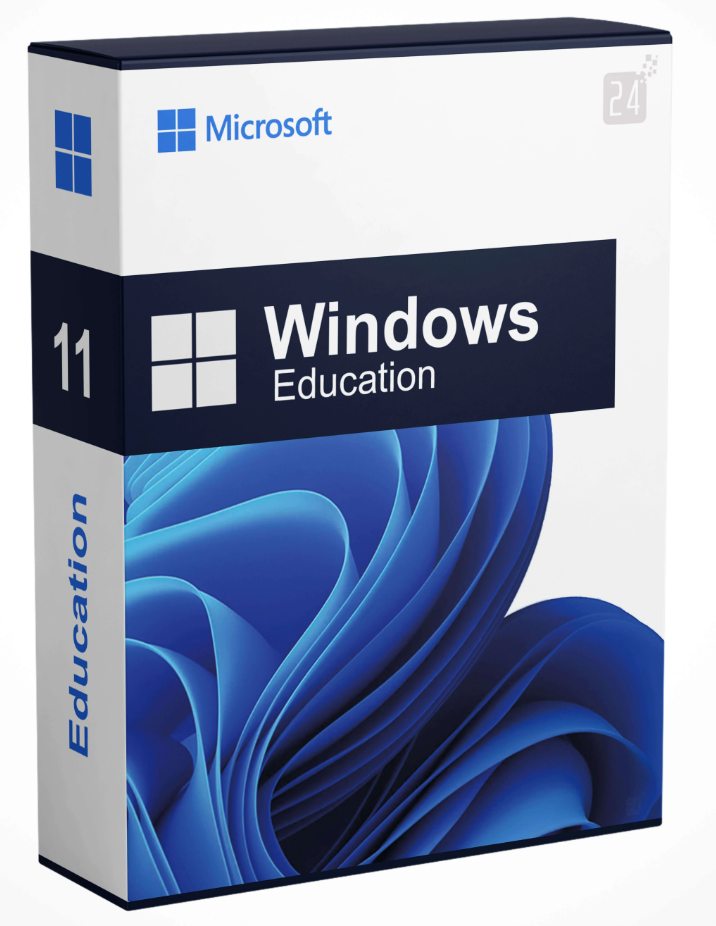
With a technically modern and secure version of Windows 11 , educational institutions also have a solid foundation. Students and teachers alike have a secure and always up-to-date solution for developing their own educational experience. The content offered by Windows 11 Education is similar to that of Windows 11 Pro or Windows 11 Pro N. However, in this article, we’ll show you what this version offers educational institutions and its respective advantages compared to, for example, the Windows 11 Home classroom application. The advantages are numerous.
As we’ve already mentioned, the new Windows 11 Education is very directly based on Windows 11 Pro. This means that students and teachers have an excellent technical foundation for everyday learning. However, one of the major differences is that Windows 11 Education stands out significantly from previous device classes and is much more flexible for everyday learning.
This allows for easy use of the intuitive operating system on tablets or Surface devices. Many other versions of the system don’t support these devices, which often leads to frustrating disruptions. But those who choose Windows 11 Education with a 2-in-1 device are counting on a seamless learning experience. With this in mind, the new update becomes the best choice for combining convenience and data security while staying at the cutting edge of technology.
For businesses seeking powerful and modern operating systems, enterprise operating systems like Windows 11 Enterprise or Windows 11 Enterprise N are the ideal choice . They make work faster, simpler, and more structured. Windows 10 IoT Enterprise LTSC 2021, a current and compact operating system , is the solution.
To understand the many new features and advantages of Windows 11 Education, it’s worth taking a look behind the operating system’s technology. This will allow, in the future, the installation of Android apps on computers. If a wider selection is important to you, this becomes a good solution. The following advantages also make Windows 11 the best choice as a new system:
With its numerous improvements, Windows 11 Education doesn’t completely break away from its predecessor. Nevertheless, this version continues to address many issues and enables much more efficient operation. Enhanced connectivity is a key selling point, especially for the students for whom Windows 11 Education is designed. This significantly simplifies agreements related to school and student topics and makes them even clearer.
The numerous new features for improved data security are also evident in the Windows 11 Education system. Maintenance and remote access assistance, along with BitLocker encryption technology, are the main new features. This allows for the complete and relatively effortless encryption of entire drives or devices. This can be very useful for maintaining a comprehensive overview of daily educational data.
Those who wish to purchase Windows 11 Education shouldn’t miss out on exciting apps either. These are included, at least in part, and complement the package perfectly. Thanks to the new version of the Microsoft Store, it will always be possible to get even more apps and applications. So don’t wait any longer to get your educational version of Windows.
Have you already finished your studies and are looking for more power for your operating system at work? Then we recommend Windows 11 Pro for Workstation or Windows 11 Pro N for Workstation to emphasize performance and efficiency. Those who prefer a compact operating system will likely opt for Windows 10 IoT Enterprise LTSC 2021 .
If your device is compatible with Windows 11 Education, we highly recommend upgrading to Windows 11 Education. This makes it easy to take advantage of the new designs and significantly improve your daily workflow. At the same time, the student version offers the same comprehensive and modern features as the Pro version. You can purchase Windows 11 Education directly from Blitzhandel24 and significantly enhance your workflow.
Reviews
There are no reviews yet.