
79.00 € Original price was: 79.00 €.49.00 €Current price is: 49.00 €.
Digitally delivered by email within a few minutes after payment confirmation. These are ESD digital licenses — all product keys are original and have no expiration date. They can be reinstalled on the same activated device at any time.
By purchasing this product, you will receive the digital software download from our servers along with the product key needed for software activation, as well as detailed installation instructions.
License previously used and relinquished by the former owner in compliance with CJEU ruling C-128/2011 :
100% authentic digital products with official vendor warranties, ensuring genuine licenses.
Enjoy peace of mind with a 30-day return policy on all digital products. Full refunds or exchanges for any issues.
Your payments are fully secure with our encrypted transaction network. Shop with confidence.
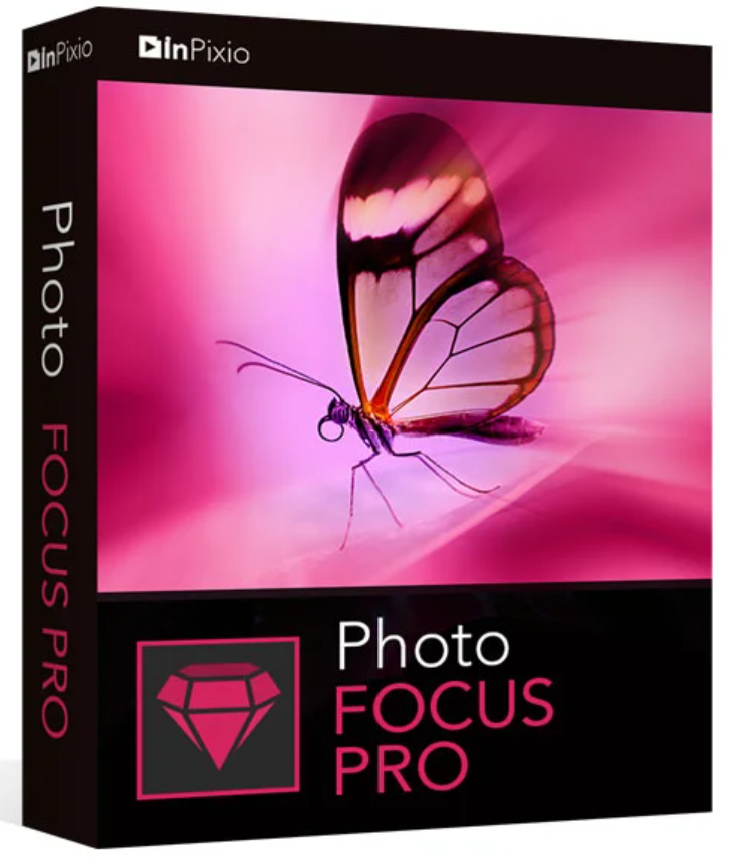
InPixio Photo Focus Professional
Improve sharpness
It’s not always possible to avoid blurry photos, especially when it comes to spontaneous shots. InPixio Photo Focus solves this problem in a flash and creates clear, sharp photos.
Focus strengthen
Add both sharpness and blur to your photos, creating areas of blurred image. This further enhances the contrast between the soft background and the sharp center of the image: what is known as depth of field.
The result is an even stronger focus on what’s essential.
Not all images are perfectly centered. Redefine the center of your images and focus your attention on the center of the image.
Impressive tilt-shift effects
Add a horizontal blur (tilt-shift) to your images. This creates beautiful miniature effects that make your central object in the image look like a miniature.
During the development of InPixio Photo Focus, particular attention was paid to the software’s ease of use. The program is self-explanatory and offers numerous one-click wizards.
If you don’t know how to do it, you’ll find usage tips next to each function.
| One-click automatic sharpening function to correct blurry photos | One-click focus function for portraits, landscapes, architecture, or close-ups (macros) | ||
| Before/after comparison between the original photo and the result | Tiltshift : horizontal blur to create miniature worlds | ||
| Crop images: Select a custom format or choose from 6 presets (16:9, 4:3, etc.) | Image processing: brightness, contrast, clarity, color saturation | ||
| Supported image formats: JPEG and TIFF (8-bit or 16-bit), PNG, BMP, GIF and JPEGXR | Compatible with the latest version of Windows 10 |
It’s not always possible to avoid blurry photos, especially when it comes to spontaneous snapshots. InPixio Photo Focus Professional solves this problem in a flash and creates clear, sharp photos.
The professional version also offers many additional features to improve the sharpness of your photos even more quickly and easily, and to add targeted blurred areas to your photos.
Add self-defined blurred areas to your photos (iris softening)
Add a blurred area of your choosing to your image; this is called iris blur. In photography, this effect is created by using the widest aperture.
Save your personal optimization settings (presets)
Create and save your own presets in 1 click for future use.
Add oval frames to your photos (vignetting)
Create atmospheric photos from your pictures with oval frames in black or white. You can choose the transparency of the frames to suit your taste and select sharp or blurred transitions as you wish.
IMPROVED! Crop photos: Horizontal and vertical symmetry
Crop your photos manually or choose a predefined cropping format: 1/1, 16/9, 3/4 etc.
You can also rotate your photos and adjust the angle.
NEW! “Gradation Curves” Module
With the “Grading Curves” module, it is possible to fine-tune the tonal scale of a photo.
Settings Module
Temperature, hue, brightness, contrast, shadows, highlights, sharpness, saturation.
IMPROVED! New user interface and new workspace
The new version is even easier to use thanks to a pleasant and modern user interface.
NEW! Tutorial videos for each Photo Focus module
Mini-videos in the form of tooltips have been added to each module of Photo Focus so that you can quickly learn and use the software program optimally.
The program’s old and new functions are explained in a fun way. Simply hover your mouse over a function to see what you can do with it.
| Version | 4 |
| Operating system | Windows 7, Windows 8, Windows 10 |



Reviews
There are no reviews yet.