
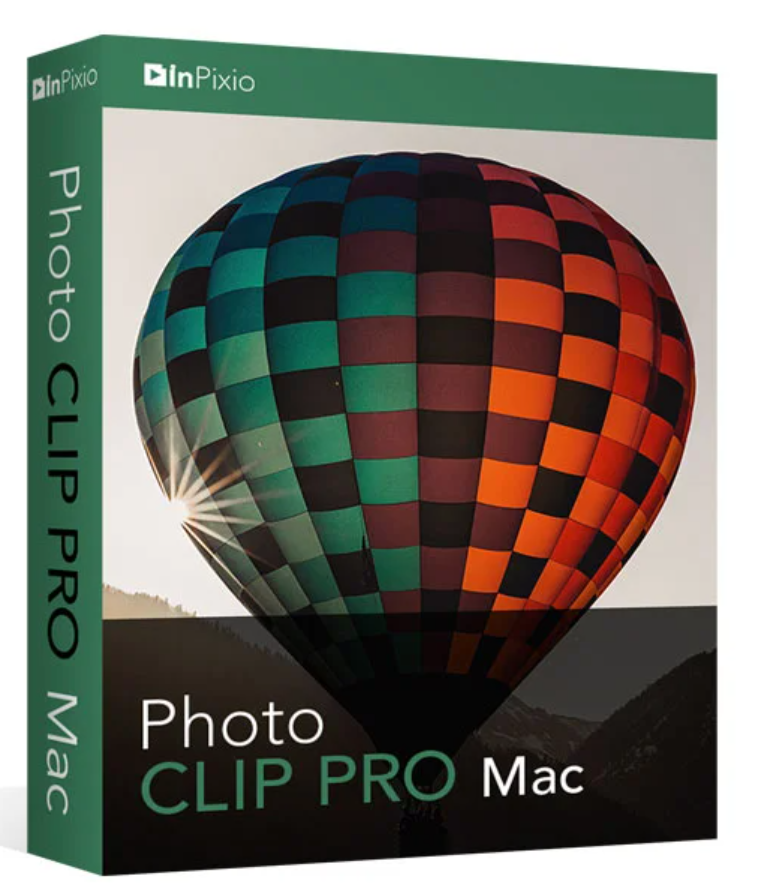
149.00 € Original price was: 149.00 €.99.00 €Current price is: 99.00 €.
Digitally delivered by email within a few minutes after payment confirmation. These are ESD digital licenses — all product keys are original and have no expiration date. They can be reinstalled on the same activated device at any time.
By purchasing this product, you will receive the digital software download from our servers along with the product key needed for software activation, as well as detailed installation instructions.
License previously used and relinquished by the former owner in compliance with CJEU ruling C-128/2011 :
100% authentic digital products with official vendor warranties, ensuring genuine licenses.
Enjoy peace of mind with a 30-day return policy on all digital products. Full refunds or exchanges for any issues.
Your payments are fully secure with our encrypted transaction network. Shop with confidence.
Available ONLY in the “Professional” version.
The “Professional” version offers many new features, particularly for image editing:
“Delete” function
This function allows you to remove any object or person from your photo without affecting its quality.
The cursor automatically detects color contrasts and helps you define the correct path.
inPixio Photo Clip lets you remove objects just like you would with an eraser. Simply select the unwanted areas of the screen. The program automatically reconstructs the background structure. You can then correct any unsightly blemishes using the copy clone stamp tool.
Application examples:
Copy stamp
Original photo of a cloning tool
Cut in just a few clicks
With inPixio Photo Clip – your digital scissors – you can cut out any detail, person, object or landscape element from your photo.
With your inPixio Photo Clip digital scissors, you can cut out any detail, person, object, or even entire landscapes from your photos. Use the cursor to select the outline of the person or background you want to remove. Photo Clip automatically applies its internal algorithm!
Conversely, you can use the “Keep” slider to mark the areas you want to preserve for a perfect cutout. Even hairs, water droplets, and the finest details are removed from the background down to the pixel level.
Select a background:
Place the cut-out objects onto one of the available backgrounds to create photomontages or collages. Simply select your desired background pattern from the new original images or upload your own to create unique photomontages.
Choose from over 100 filters and select the ones that best suit your photo.
Choose from over 100 designs to find the perfect frame. All images are categorized by type (classic, retro, sports, travel, etc.).
Crop your photos manually or select a predefined cropping format: 1/1, 16/9, 3/4, etc.
You can also rotate your images and adjust the angle.
This effectively reduces noise in your low-light photos.
Sharper photos to better show the details
Gives photos an artistic or nostalgic effect through grain.
A brand new module that allows you to blur all or part of your photos.
Experiment with tone curves to achieve light or dark tones and adjust RGB (red, green, blue) values individually.
If necessary, you can adjust the opacity and intensity of the textures.
| Version | 9 |
| Operating system | Mac OS 10.11 El Capitan, Mac OS 10.12 Sierra, Mac OS 10.13 High Sierra, Mac OS 10.14 Mojave |



Reviews
There are no reviews yet.