Description
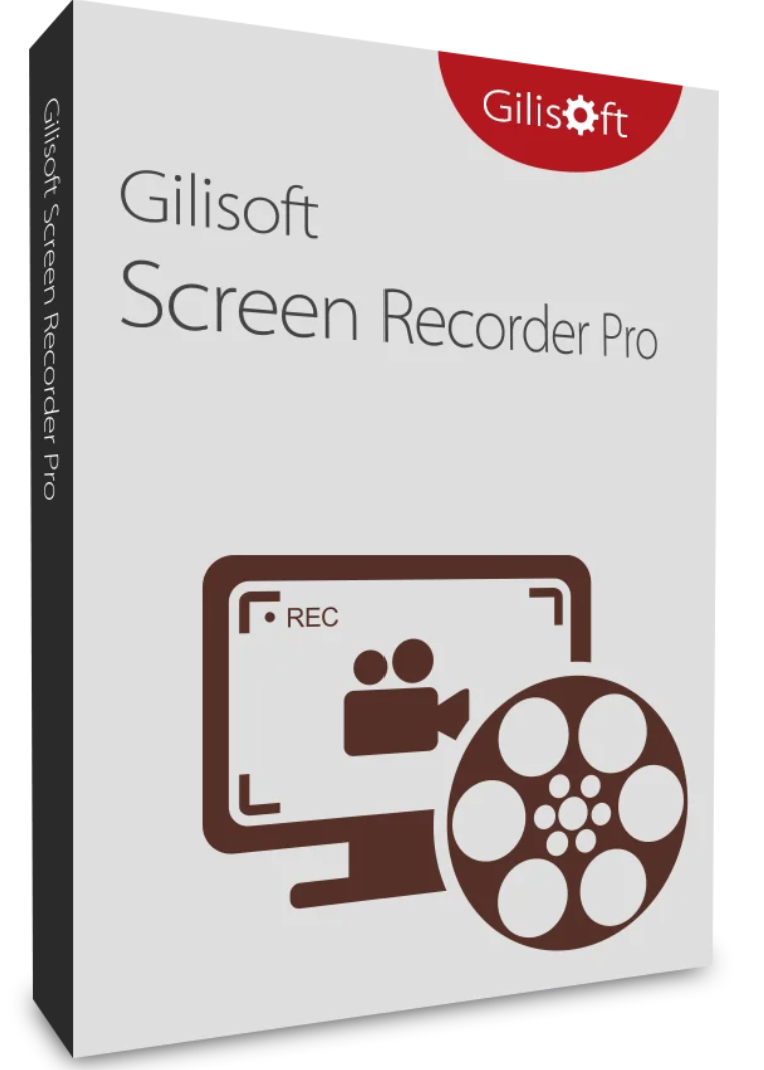
Gilisoft Screen Recorder Pro – Screen capture and video editing
Gilisoft Screen Recorder Pro combines screen capture and video editing functions in one powerful yet simple program. This allows you to capture desktop activity and create video tutorials, demonstrations, and presentations without any programming knowledge. Recorded videos do not include the user interface of the software being used.
Main functions
- Record screen and audio: Capture what you see on the screen (supports high DPI) and what you hear or say, and record it all in real time as a compressed video file.
- Integrated video editing: Gilisoft Screen Recorder Pro’s video toolkit lets you cut and assemble videos, apply stylish video effects and filters, add logos, music and titles and much more – all without loss of quality.
- Easy to use: the user-friendly interface allows you to record office activities and audio without technical knowledge.
Other functions
- High-quality recordings: Supports high-resolution recording, ideal for professional video tutorials and presentations.
- Recording from multiple sources: Simultaneously records on-screen activity and audio from your microphone and speakers.
- Real-time video compression: immediately saves recorded videos as compressed files to save storage space.
Exclusive features of Screen Recorder Pro
- Powerful recording function: Record high-quality video from your webcam, external devices, your computer screen, or streaming video. Capture the entire screen, a single window, or a selected area of the screen, as well as both the screen and webcam simultaneously.
- Simultaneous video and audio recording: Record video alone or at the same time as audio. You can record video with only computer sounds, only microphone sounds, or both computer and microphone sounds.
- Support for video conference recording: Record audio from your microphone and speakers at the same time, ideal for recording video conferences.
- Zoom during recording: enlarge the cursor area during recording (up to 4 times) and adjust the recording area during screen recording.
- H264 encoder with GPU acceleration: both video recording and editing offer an H.264 encoder with hardware acceleration and an Nvidia® CUDA/NVENC H.264 encoder.
- Multiple output formats: Recordings can be saved in MP4, AVI, WMV, FLV, H264, and other formats. The video toolkit supports most video formats, including High Efficiency Video Coding (HEVC) H265.
- Recording with watermark: Records videos with a text or image watermark (JPG/PNG/GIF).
- Capture snapshots: Create photo snapshots in PNG, JPG and BMP format at any time during video recording.
- Shortcut keys, cursor and click effects: Use customizable shortcut keys to start, pause, stop, capture screenshots, and use other functions. Incorporate the mouse cursor into the recording and add mouse click sounds and effects.
- Recording scheduling: Schedule the screenshot to start and stop at a specific time. Automatically start and record a specific URL at a given time.
- Assemble and trim video: Merge multiple files with transitions or cut your favorite sections from a video and merge them. Trim unwanted parts and tailor your video exactly to your needs.
- Edit, enhance and personalize videos: Adjust speed, brightness, saturation and contrast, change aspect ratio and volume, cut and rotate videos, add picture-in-picture effects, add watermarks, subtitles and music or remove watermarks from videos.
Why choose Gilisoft Screen Recorder Pro?
Gilisoft Screen Recorder Pro offers a complete solution for all your screen recording and video editing needs. With its user-friendly interface and powerful features, it’s ideal for creating tutorials, recording gameplay, presentations, and more. Whether you’re a beginner or a professional, Gilisoft Screen Recorder Pro provides the tools you need to create high-quality recordings.
Gilisoft Screen Recorder Pro is the ultimate tool for screen recording and video editing. With its multiple features and ease of use, it allows you to create professional recordings effortlessly. Download Gilisoft Screen Recorder Pro today and discover the best screen recording software on the market!
System requirements
- Windows 2000/XP/7/10/11 (32&64 bit)
- Android

Reviews
There are no reviews yet.