
99.99 € Original price was: 99.99 €.79.00 €Current price is: 79.00 €.
Digitally delivered by email within a few minutes after payment confirmation. These are ESD digital licenses — all product keys are original and have no expiration date. They can be reinstalled on the same activated device at any time.
By purchasing this product, you will receive the digital software download from our servers along with the product key needed for software activation, as well as detailed installation instructions.
License previously used and relinquished by the former owner in compliance with CJEU ruling C-128/2011 :
100% authentic digital products with official vendor warranties, ensuring genuine licenses.
Enjoy peace of mind with a 30-day return policy on all digital products. Full refunds or exchanges for any issues.
Your payments are fully secure with our encrypted transaction network. Shop with confidence.
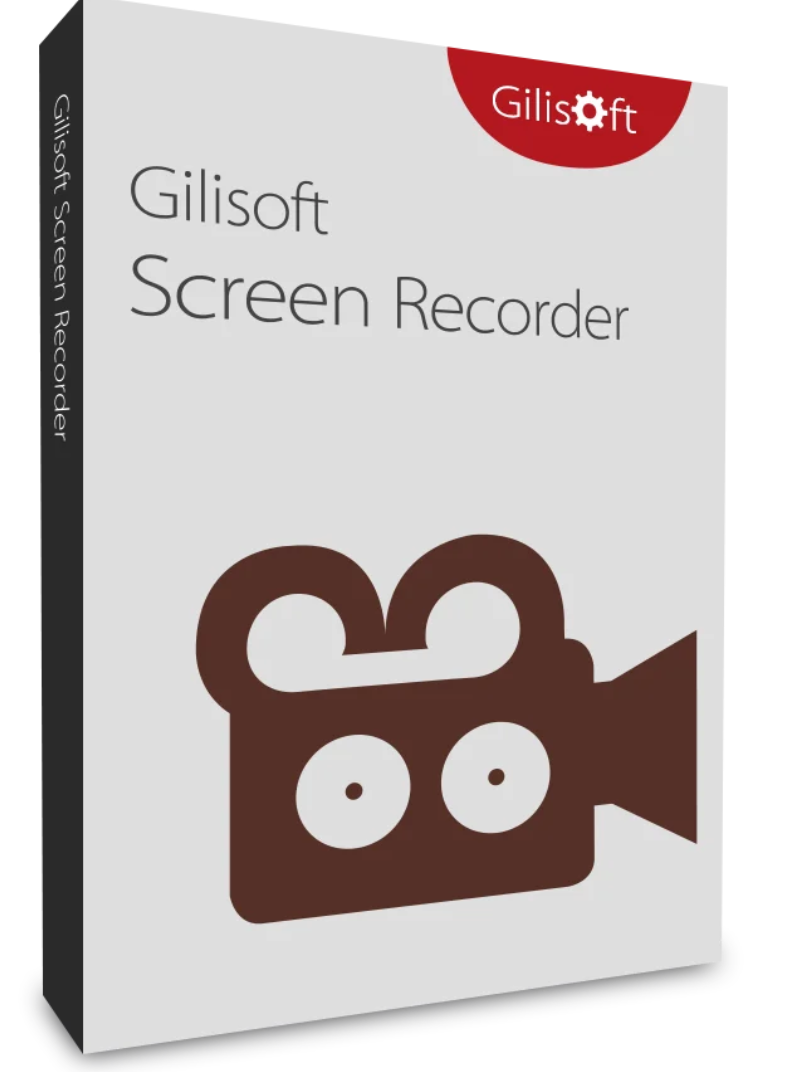
Gilisoft Screen Recorder is a powerful screen recording software for Windows that records everything you see and hear/say on your screen. It helps you record webcam videos with a virtual background and save them in real time as compressed video files. The videos recorded by the software do not include the user interface of the software being used. In addition to recording on a single monitor, you can also capture screen activity on multiple monitors simultaneously. With this software, you can quickly and easily record webinars, games, Skype videos in HD, and much more. The intuitive and user-friendly software offers a comprehensive suite of tools and options for professional screen recordings.
Gilisoft Screen Recorder offers a complete solution for all your screen recording needs. With its user-friendly interface and powerful features, it’s ideal for creating tutorials, recording games, presentations, and more. Whether you’re a beginner or a professional, Gilisoft Screen Recorder provides the tools you need to create high-quality recordings.
Gilisoft Screen Recorder is the ultimate screen recording tool. With its multiple features and ease of use, it lets you create professional recordings effortlessly. Download Gilisoft Screen Recorder today and discover the best screen recording software on the market!

Reviews
There are no reviews yet.