
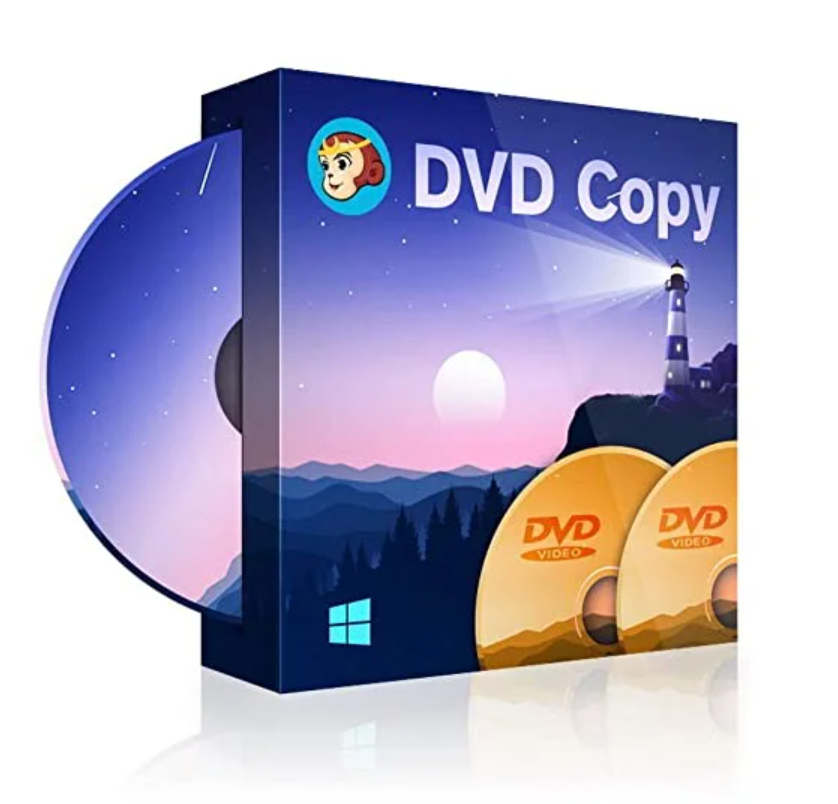
DVDFab DVD Copy
DVDFab DVD Copy is a popular DVD copying and burning program that can copy DVDs to any blank disc, including DVD+R/RW, DVD-R/RW, DVD+R DL, and DVD-R DL, or copy ISO files/folders to your hard drive/media server at super-fast speeds and with excellent output quality. With
DVDFab’s Cinavia Removal feature, you can permanently remove Cinavia watermarks from DVD audio tracks, allowing you to play backup discs without any issues on playback devices equipped with Cinavia detectors, such as the PS3.
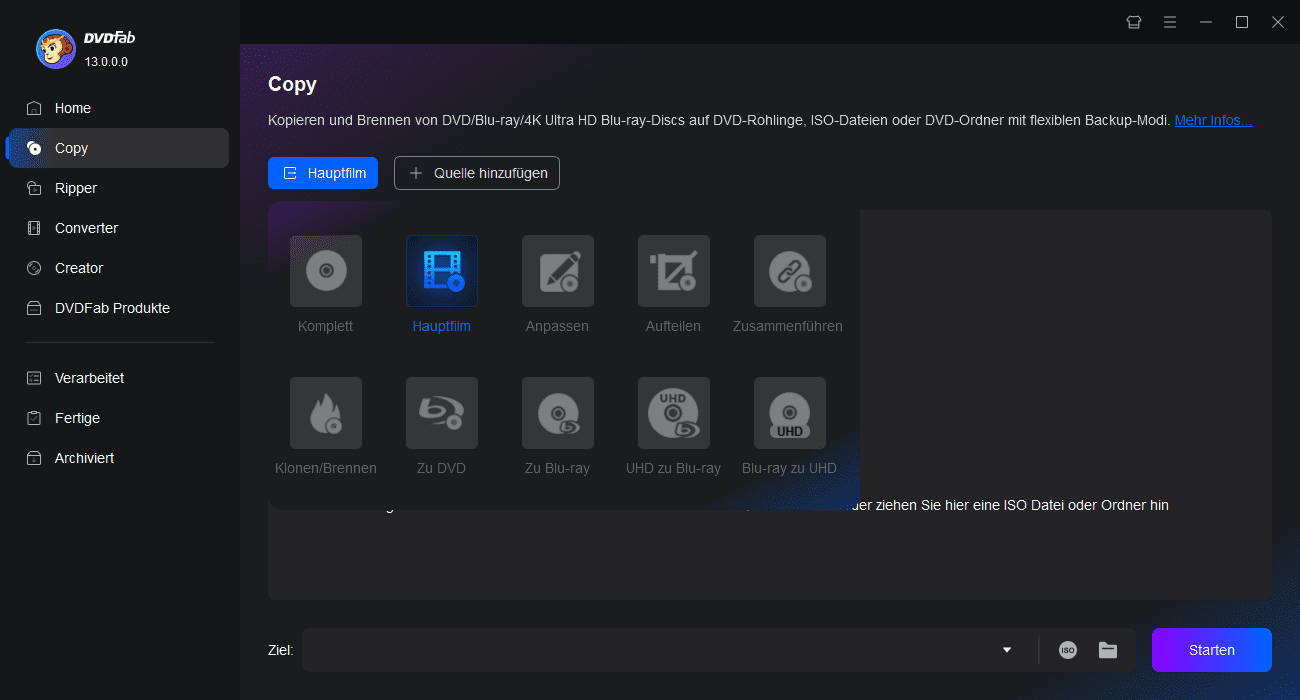
With this powerful DVD copying program for copying and burning DVDs, you can copy a DVD to your hard drive as an ISO image file or DVD folder. You can also burn a DVD disc/ISO file/folder from your computer to any blank DVD. Furthermore, with this DVD copier, you can clone a DVD at a 1:1 ratio to obtain a lossless output DVD or copy with compression to DVD-9 to DVD-5, DVD-9 to DVD-9, DVD-5 to DVD-5, and DVD-5 to DVD-9.

DVDFab DVD Copy, for copying and burning DVDs, is popular worldwide for its power and flexibility. It offers six copy modes and allows you to copy the entire DVD or just a portion of the content in one or two clicks. Furthermore, DVD copying is free during the trial period.
This is the best all-purpose DVD ripping software. Its user interface is very user-friendly, and you can preset languages for audio and subtitles. The ripping process in this DVD ripper can be viewed in detail, and a preview window lets you see and hear the content before ripping to avoid unnecessary setup errors.
As a powerful DVD copying program, DVDFab DVD Copy can copy one DVD to another and burn one DVD to another, detecting all types of DVDs, even scratched discs. Despite its super-fast speed, DVD Copy can produce a high-quality DVD that is in no way inferior to the source. In clone mode, you can obtain a completely lossless output DVD.
Instructions
DVDFab DVD Copy is the best solution for copying, burning, and cloning DVDs. All standard DVD discs, ISO files, and folders are supported as input formats. You can choose to copy the source to a blank DVD-9/DVD-5 disc, an ISO file, or a folder with this DVD copier.
System requirements
Mac system requirements
★ macOS 10.10 – 10.15
★ Intel 1GHz processor or
higher ★ 2GB RAM or
higher ★ 100GB free
hard drive storage ★ A Blu-ray
drive ★ A live internet connection to activate DVDFab (very low data usage)

Reviews
There are no reviews yet.