
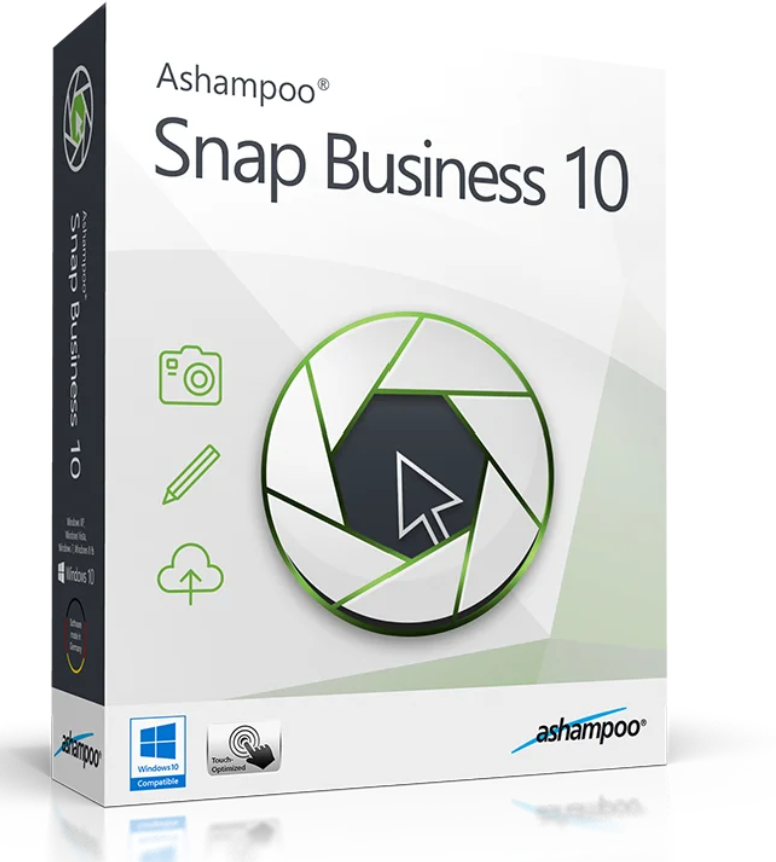
Ashampoo® Snap Business is tailored to your needs and integrates seamlessly into your professional environment. We’ve already added the design, logo, and watermark with copyright information for you. This ensures your company identity is preserved and your intellectual property is protected. For convenient network use, we can customize the program upon request so that all screenshots and videos can be automatically sent to a predefined address.
With Ashampoo® Snap Business, creating screenshots and videos is even easier. Work more efficiently, smarter, and more productively with fast, one-click operations, even more creative design options, and enhanced sharing features. Create pixel-perfect screenshots and videos at lightning speed, enhance them with text, hints, and notes, as well as arrows, freeform shapes, and clipart, and share your work with a single click. Easily capture, edit, and share screenshots with Ashampoo® Snap Business.
…you have several visual design options
… share your recordings effortlessly with others
Copy text from images or PDFs in a flash! Ashampoo Snap Business converts image text into computer-readable text. Content from faxes, scanned documents, or photographs is also available. Perfect for documents in foreign languages (German, English, French, Spanish, Turkish, and Russian)!

Ashampoo Snap Business offers all your familiar tools and improves upon them. Apply gradients to almost any object, add visual emphasis with the new outline style, work with curved lines and arrows, or clone objects with the tap of a button. Not sure which request window you’ll need later as a recording? Simply use the “Pull to Multiple Objects” feature and capture all the windows at once. The windows are then inserted into a single project, but their size and position can still be changed directly from within Snap.

Ashampoo Snap Business uses a smart backup mechanism so your original image is always preserved. Want to start over? Simply restore your recording to its original state with the touch of a button.

Reviews
There are no reviews yet.