
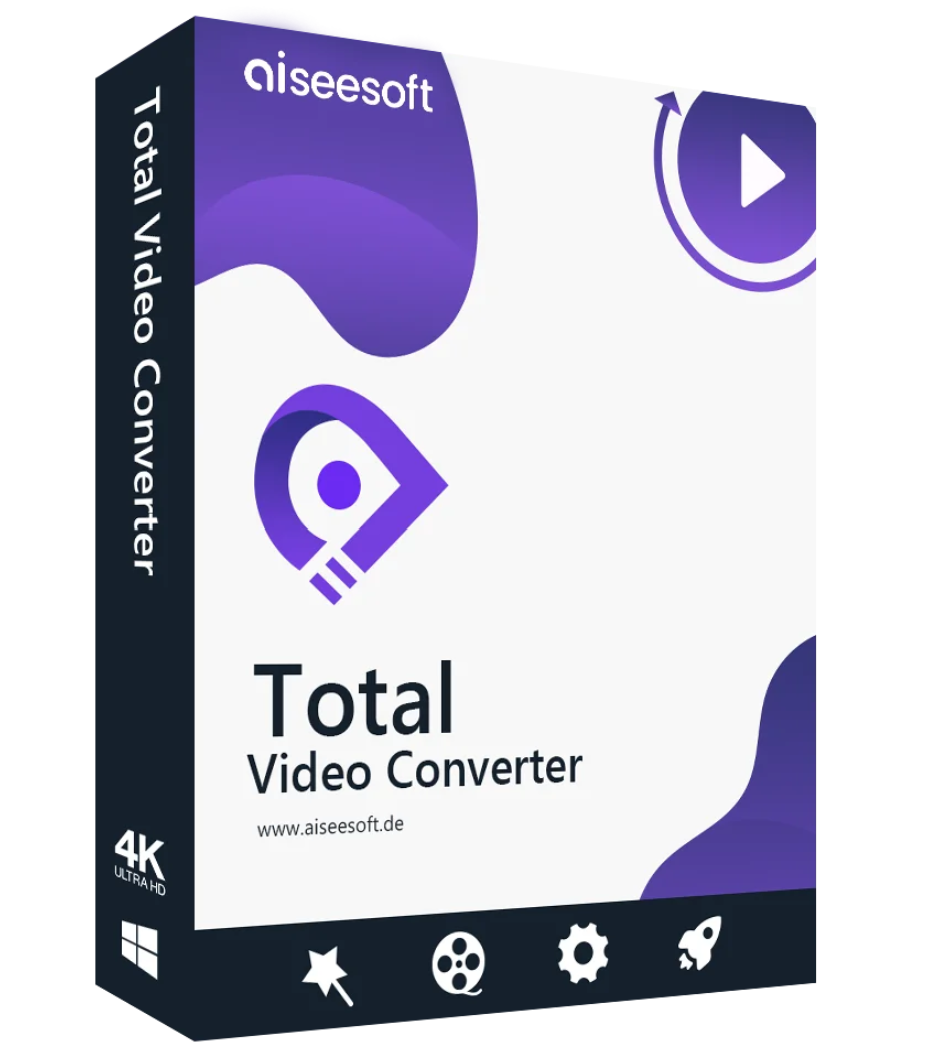
Aiseesoft Total Video Converter enjoys a worldwide reputation for its comprehensive suite of video conversion and editing tools. With it, you can enjoy all your videos and music files on any device without restrictions; even HD/4K UHD and 3D videos are widely supported.

Aiseesoft Total Video Converter can easily convert between various video formats such as MP4, H.264/MP4 AVC, H.265/HEVC, MTS, MXF, MOV, AVI, DivX, WMV, MKV, FLV, WTV, VOB, and more. Even if your video was recorded with a camcorder or mobile phone, this video conversion software can fully meet your needs. It can also convert various audio formats, including AAC, AC3, AIFF, AMR, AU, FLAC, MP3, M4V, MP2, OGG, WAV, WMA, and others. You can even use it to extract your favorite movie soundtrack from videos.
This video converter can convert to audio and video formats compatible with any device. Whether you’re using a portable player like an iPhone, iPad, iPod, Samsung Galaxy S9, Samsung Galaxy Note, HTC, PSP, Sony Xperia, Xbox, etc., or you want to edit your video with editing software like Avid Media Composer, Adobe Premiere, Windows Movie Maker, iMovie, etc., or you’re using other players like Windows Media Player, VLC, QuickTime Player, etc., you can choose your preferred formats for your device. It
supports 4K UHD video conversion
and all 4K encoding and decoding, including H.265, H.264, MPEG, Xvid, VP8, VP9, etc. Furthermore, you can convert and upsample HD/SD videos to 4K and vice versa, paving the way for 4K conversion and providing an excellent viewing experience for watching 4K movies on your 4K and OLED TVs with family and friends. With this powerful video conversion and editing software, you can convert
2D
videos to 3D format with multiple 3D options. It supports up to 14 types of 3D modes, including anaglyph 3D (10 types), side-by-side (half-width/full) 3D, and top and bottom (half-height/full) 3D. Additionally, 3D to 2D conversion can be customized to your preferences.
This software isn’t just a professional video converter; it’s also the best software for improving video quality. Are you always bothered by the blurry quality of your downloaded SD videos? Increase your video resolution with a single click. It automatically adjusts brightness and contrast to brighten dark videos. It’s as powerful as a de-spell remover for eliminating annoying blemishes on your video, leaving you with a clean screen. This application also lets you stabilize shaky videos. All of this can be done with just one click.
Have you ever watched a foreign film without subtitles or with out-of-sync subtitles? Do you get frustrated when you have to watch a video file with the wrong background sound? If so, you’ve come to the right place. Aiseesoft Total Video Converter is here to help. You can add one or more additional audio tracks as background music for your video. Furthermore, you can freely edit or delete existing audio tracks. Of course, you can also edit, delete, or add subtitles in *.srt, *.ssa, and *.ass formats to create a video with clear subtitles. You can do all of this yourself.
Aiseesoft Total Video Converter is, as its name suggests, the all-in-one video assistant. With it, you can convert over 1000 video and audio formats and play them on any device. Furthermore, thanks to its superb editing tools, you can make your videos the highlights of your social network.
Supported Input File Formats
Video Formats 4K UHD MP4, TS, MKV, AVI, FLV, WebM, MOV, MXF, AVI
Encoding 4K UHD H.265/HEVC, H.264
, MPEG, M4V, TS, MTS, M2TS, RM, RMVB, WMV, ASF, MKV, AVI, 3GP, 3G2, F4V, FLV, SWF, MPV, MOD, TOD, QT, MOV, DV, DIF, MJPG, MJPEG, TP, TRP, WebM
Audio MP3, MP2, AAC, AC3, WAV, WMA, M4A, RA, RAM, OGG, AU, AIF, AIFF, APE, FLAC, CUE
HD Video MTS, TS, M2TS, MPG, MPEG, MP4, WMV, QuickTime HD MOV
GIF Image
Supported output file formats
Video MPG, MPEG-1, MPEG-2, MPEG-4, H.264, H.264/MPEG-4 AVC, DivX
, AMR, AU, FLAC, M4A, MKA, MP2, MP3, OGG, WAV, WMA
HD Video H.264/MPEG-4 AVC, AVI, ASF, MKV, MOV, MPG, TS, WMV, MP4, WebM
4K UHD Video 4K H.265/HEVC Video(*.mp4), 4K H.265/MPEG-4 AVC Video(*.mp4), 4K MPEG-4 Video(*.mp4), WebM-VP8 4K WebM Video(*.webm), WebM-VP9 4K WebM Video(*.webm), 4K H.264 TS Video(*.ts), 4K AVI Video(*.avi)
, Video MP4 Side by Side 3D, MP4 Top and Bottom 3D, MP4 Anaglyph 3D, MKV Side by Side 3D, MKV Top and Bottom 3D, MKV Anaglyph 3D, TS Side by Side 3D, TS Top and Bottom 3D, TS Anaglyph 3D, AVI Side by Side 3D, AVI Top and Bottom 3D, AVI Anaglyph 3D, FLV Side by Side 3D, FLV Top and Bottom 3D, FLV Anaglyph 3D
Image GIF

Reviews
There are no reviews yet.