
99.99 € Original price was: 99.99 €.69.00 €Current price is: 69.00 €.
Digitally delivered by email within a few minutes after payment confirmation. These are ESD digital licenses — all product keys are original and have no expiration date. They can be reinstalled on the same activated device at any time.
By purchasing this product, you will receive the digital software download from our servers along with the product key needed for software activation, as well as detailed installation instructions.
License previously used and relinquished by the former owner in compliance with CJEU ruling C-128/2011 :
100% authentic digital products with official vendor warranties, ensuring genuine licenses.
Enjoy peace of mind with a 30-day return policy on all digital products. Full refunds or exchanges for any issues.
Your payments are fully secure with our encrypted transaction network. Shop with confidence.
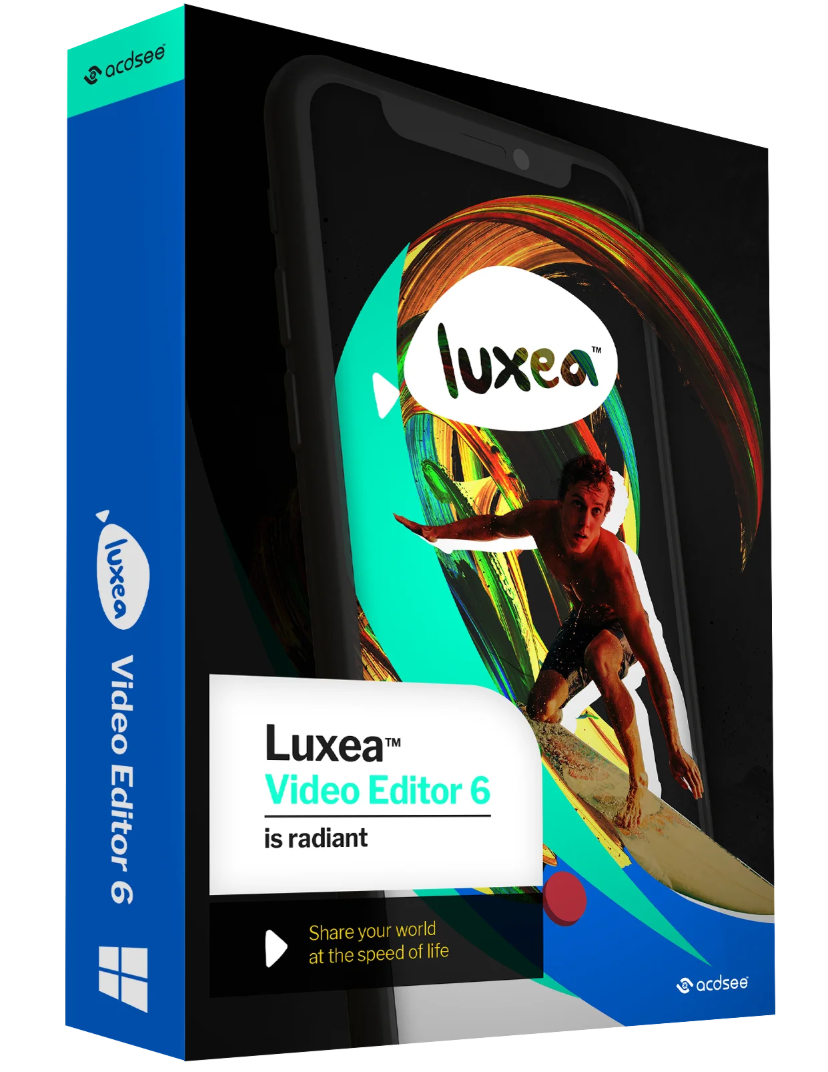
ACDSee Luxea Video Editor
In a world where everyone is a creator, you can be more creative. With Luxea Video Editor, you can turn your visions into reality. Produce your smoothest work with support for up to 60 frames per second. Get creative with new features like a text tool, additional transitions, and advanced editing functions. Let Luxea Video Editor take your video production to the next level.
Import your own images, work with existing media, or create your own. Record your webcam, microphone, or screen and add the recording to your project.
edit
class=”fusion-builder-row fusion-builder-row-inner fusion-row”>class=”fusion-layout-column fusion_builder_column_inner fusion-builder-nested-column-9 fusion_builder_column_inner_4_5 4_5 fusion-four-fifth fusion-column-last” style=”width: calc(80% – ( 4% ) * 0.8 ) ) ; margin-top: 0px ; margin-bottom: 20px ;”>
Arrange, edit, split, cut, and merge audio, video, and still images. Add effects, captions, filters, and transitions to make your video unique.
produce
Finalize and render your video in a variety of formats and sizes, including 4K. Then share your creation on social media directly from the app.
Thanks to support for up to 60 frames per second, your videos and transitions become smoother and offer a better viewing experience.
You can now adapt the timeline to your media to get an overview.
New keyboard shortcuts make editing easier. Rotate your media in two clicks. Copy and paste optimized filters from one media to another.
Easily manage discrepancies between media when you change the duration of clips.
Take control of the workspace to get a better overview of the project you are working on by splitting the display area and moving it to your other screen – this will allow you to view changes in full screen mode.
Reduce playback quality to speed up editing and maximize processing power without sacrificing output quality.
Enhance your video by adding text in one of 20 different styles. Customize fonts, colors, alignments, directions, and formats to match the look you want.
Use the new transitions to communicate your vision.
Focus on the color that is important. Choose one color that stands out and reduce the rest of the clip to a grayscale.
Want to be a YouTuber, an online gamer, or produce IGTV videos to promote your brand? Luxea Video Editor is your new business partner. It makes recording, editing, and showcasing your talents easy. With our preset resolutions, you can optimize your videos for YouTube, Instagram, or TikTok. In addition to visuals, you can add subtitles, impactful text effects, audio tracks, and sound effects. You can also create still images or GIFs to promote your content. What else does this video editor have to offer to become your go-to tool? You can add our new content packs.
With our new content packs, you can add unique, creative, and engaging assets to your video. Import a library of royalty-free images, videos, audio, text style presets, behaviors, and overlays.
You need an internet connection to activate your software.
DirectX 10 compatible graphics adapter High- resolution
color graphics adapter 1024 x 768 (1920 x 1080 recommended) 4 GB available hard disk space
Date: 2020/08/26 File size
: 225 MB

Reviews
There are no reviews yet.