
329.00 € Original price was: 329.00 €.149.00 €Current price is: 149.00 €.
Digitally delivered by email within a few minutes after payment confirmation. These are ESD digital licenses — all product keys are original and have no expiration date. They can be reinstalled on the same activated device at any time.
By purchasing this product, you will receive the digital software download from our servers along with the product key needed for software activation, as well as detailed installation instructions.
License previously used and relinquished by the former owner in compliance with CJEU ruling C-128/2011 :
100% authentic digital products with official vendor warranties, ensuring genuine licenses.
Enjoy peace of mind with a 30-day return policy on all digital products. Full refunds or exchanges for any issues.
Your payments are fully secure with our encrypted transaction network. Shop with confidence.
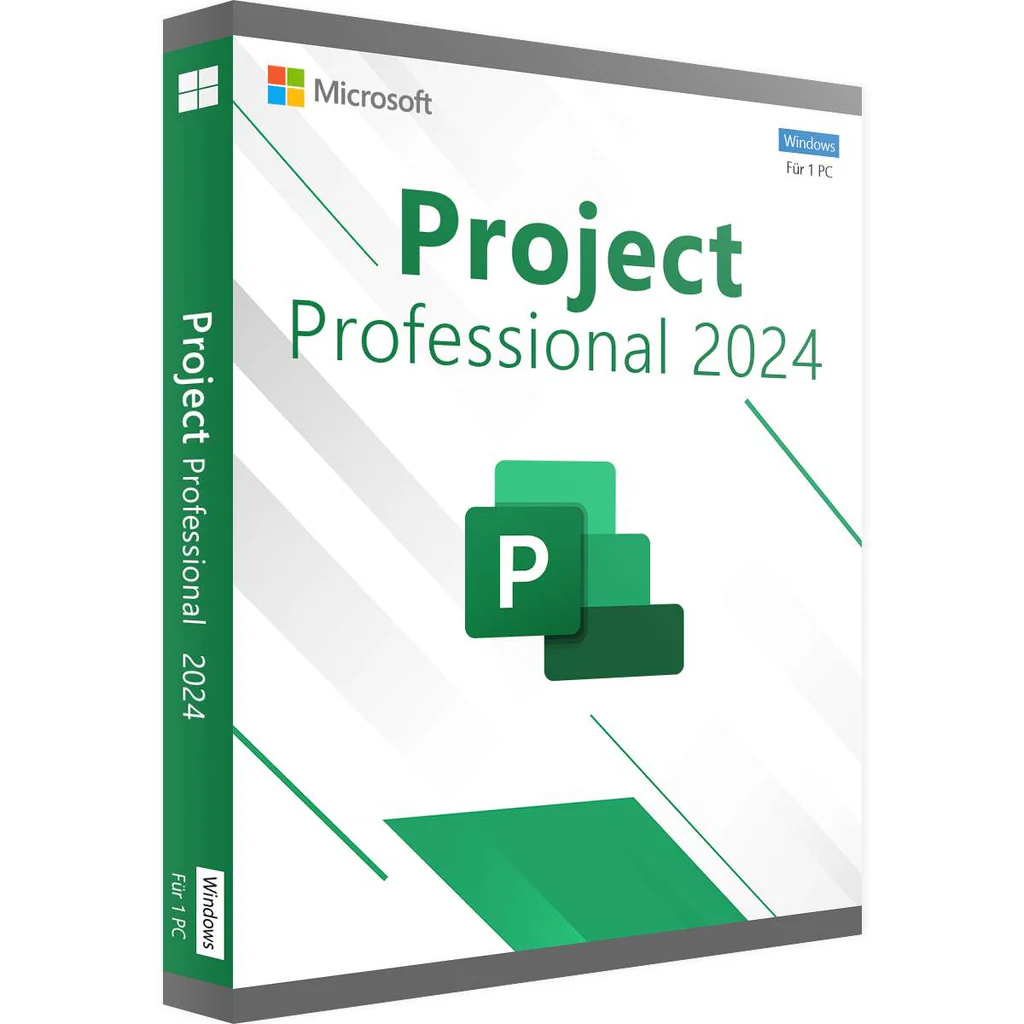
Planning and executing projects is a demanding undertaking that requires sound organization and effective management. With Project Professional 2024 , you have the right tools to maintain control over all your projects—from schedules and budgets to resources. Whether it’s small projects or large-scale corporate campaigns, this software takes your project management to the next level.
The latest features and enhancements in Project Professional 2024 will allow you to organize your project plans more efficiently and flexibly. The software is ideal for project managers looking for an intuitive solution to manage time, resources, and tasks .
With advanced planning tools, you can automatically set the start and end dates of your tasks based on dependencies. This significantly reduces the complexity of your schedules. Visualize complex project structures using Gantt charts, which contain color-coded task paths, making the relationships between tasks clear.
Create reports directly within the software. Comprehensive reports such as burndown charts or resource overviews give you and everyone involved in the project an overview of project progress and help make data-driven decisions.
Team collaboration has never been easier. By hovering your mouse over the screen, you can check the online status of your team members and contact them immediately if needed. This ensures seamless communication and prevents delays.
Project Professional 2024 offers a wide selection of ready-made templates to make your work easier. In addition, you can run “what if” scenarios to find the best task and resource allocation for your project.
Submit timesheets to record project-related and non-project-related work hours. This simplifies payroll calculations, invoicing, and general time management.
| Advantages of Project Professional 2024 | |
| Effective planning | Automated planning tools help you minimize inefficient processes and reduce training time. This way, you always stay on track. |
| Improved collaboration | Monitor the online status of your team members directly in the project plan. Start chats or calls via Microsoft Teams (separate license required) – perfect for quick consultations. |
| Well-founded decisions | Integrated reports, such as burndown reports and resource overviews, provide you with valuable information to make informed decisions. |
| Manage project resources effectively | Project Professional 2024 helps you build the best teams for your projects and manage their working time optimally. |
Project Professional 2024 is the perfect tool to complete your projects on time and within budget. With enhanced resource management features, automated time scheduling, and integrated reporting, you can guarantee project success. So what are you waiting for? Buy Project Professional 2024 now and take advantage of all its benefits!
| Functions | Project Standard 2024 | Project Professional 2024 |
| Basic project management functions | ✔️ | ✔️ |
| Pre-configured templates | ✔️ | ✔️ |
| Team collaboration | ❌ | ✔️ |
| Several time axes | ✔️ | ✔️ |
| Visualizing the task path | ✔️ | ✔️ |
| Reporting functions | ✔️ | ✔️ |
| Resource management | ❌ | ✔️ |
| Integration with Project Server | ❌ | ✔️ |
| SharePoint Integration | ❌ | ✔️ |
| Skype for Business integration | ❌ | ✔️ |
| Synchronization with Project Web App | ❌ | ✔️ |
Microsoft Project Professional 2024 is the perfect tool for professional project planning, task tracking, and resource management. Combined with Microsoft Office 2024 Professional and Microsoft Office 2024 Professional Plus , you can leverage the full potential of your Office environment to organize projects efficiently and clearly.
Project Plan 1 : Basic functions for task management and simple project planning.
Project Plan 3 : More comprehensive functions, including resource management and reporting.
Project Plan 5 : Offers the full range of features, including portfolio management and advanced analytics.
| Requirement | Details |
| Processor | 1.6 GHz or faster (dual-core) |
| Operating system | Windows 11, Windows 10, Windows Server 2019 |
| RAM | 4 GB RAM, 2 GB RAM (32-bit) |
| Hard drive space | 4 GB of available space |
| Screen | Screen resolution of 1280 × 768 pixels |
| Chart | DirectX 10 graphics card to accelerate graphics hardware |
| Additional system requirements | Internet access, Microsoft account |
| Operating System: | |
| Included Applications: |
Project
|
| Year: |
2024
|
Reviews
There are no reviews yet.