
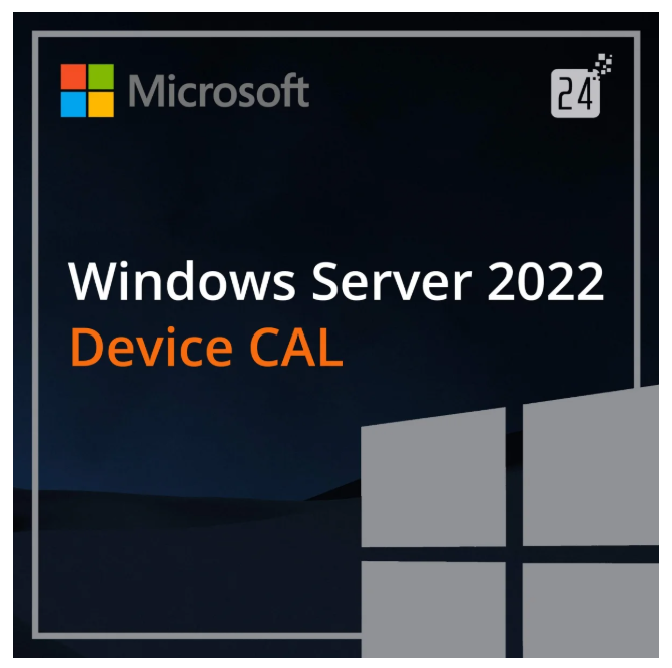
A Windows Server 2022 Device CAL is required for businesses and entrepreneurs to legally use their new server. CAL stands for Client Access License. Companies that have purchased a CAL for Windows Server 2022 Device CAL can finally enjoy numerous benefits in their daily professional and personal lives. Having multiple users is practical and, in many cases, even necessary to fully utilize the software’s potential. For this purpose, they can purchase a Windows Server 2022 Device CAL. This application is always useful in professional life, regardless of the industry. Anyone who decides to purchase a Windows Server 2022 Device CAL has officially and legally acquired the corresponding license for the program and can benefit from the associated product key. Thus, whether it’s a furniture purchasing office, a car rental agency, an insurance company, a real estate agency, or anything else, a Windows Server 2022 Device CAL offers significant added value for all work processes in all situations.
When you purchase a Windows Server 2022 Device CAL , you’re choosing a business application. The application can be configured to suit your needs, which is especially important when multiple users are working on the same computer. It’s not uncommon for systems to need to be reinstalled and individually configured to meet your specific requirements. In such cases, a Windows Server 2022 Device CAL offers significant added value and straightforward operation. The help function is also easily accessible, so practical questions can usually be quickly resolved. For entrepreneurs, marketers, or PC users in general who need a valid CAL—that is, an access license—the convenience of ordering it online is a real advantage. This saves time that ambitious entrepreneurs can then invest in efficient business processes. A Windows Server 2022 Device CAL allows for a variety of access levels, which can also be explicitly assigned to a specific user. Depending on the needs, different access permissions are generally available. Some CALs are better suited for individual, user-specific use, while others are particularly well-suited because they can be used across multiple devices.
Users who purchase a Windows Server 2022 Device CAL officially receive rights to numerous business functions and applications. What does this mean in practice? It means licenses for Windows Server, allowing applications to be used professionally and to their full potential.
This package is particularly suitable for business owners who want to obtain an official license for their employees’ workstations to ensure everything is legal. It is highly recommended for companies that work in teams, as it allows for individual settings for each user.
Users can expect many new and effective features, as well as improvements over previous versions. Another advantage for many interested parties is the ability to purchase online.
Feature: License
Version: Microsoft Windows Server 2022 Device-CAL
Product activation and installation information:
You will receive the license (transfer of rights) for the Microsoft product you purchased. No product or license key is required for this license. The receipt is legally valid in the form of a shipping label.
The Windows Server Device CAL also remains relevant for the Server 2022 Edition: this is Microsoft’s licensing model with which devices can access Win Server 2022 Standard 16/24 Core or Win Server 2022 Datacenter 16/24 Core .
Note: The abbreviation CAL stands for Client Access License. This term alone does not indicate whether the client is a device or a user. This is why Microsoft distinguishes between the standard Win Server 2022 user CAL and the standard Win Server 2022 device CAL .
Purchasing a CAL for a device is always a good idea if that device needs to access the server, but the number of users is irrelevant . The license grants the device access to all the features of the purchased Windows Server 2022 functionality . This varies depending on whether it’s a major or minor version.
Such a CAL (Customer Access License) is used for administrative or economic purposes, for example. This would be the case, among other things, if several employees of a company use the same devices. Whether for the same activity or for different stages of work is irrelevant.
For external access, however, a special license is required: the Remote Desktop 2022 CAL device license . It can be used in conjunction with the Remote Desktop 2022 user CAL and is selected under the same circumstances as regular licenses.

Photo credits: © Amgun – stock.adobe.com
CALs for devices and users are available for various Microsoft offerings. It’s important to note that licenses are required for each device that directly or indirectly accesses the server or program. These include:
Whether the Standard or Datacenter edition is the right product for a business depends on its IT infrastructure . While small businesses typically manage with the Standard edition, medium and large organizations require the Datacenter edition. Both will only function if the minimum hardware requirements are met and the necessary licenses are available.
Generally, the difference between Windows Server editions lies in the number of virtual machines allowed. While this number is unlimited in the Datacenter edition , it is limited to two virtual machines in the Standard edition .
| CAL Number | 1 CL, 5 CL, 10 CL |
|---|
Reviews
There are no reviews yet.