
 Skip to content
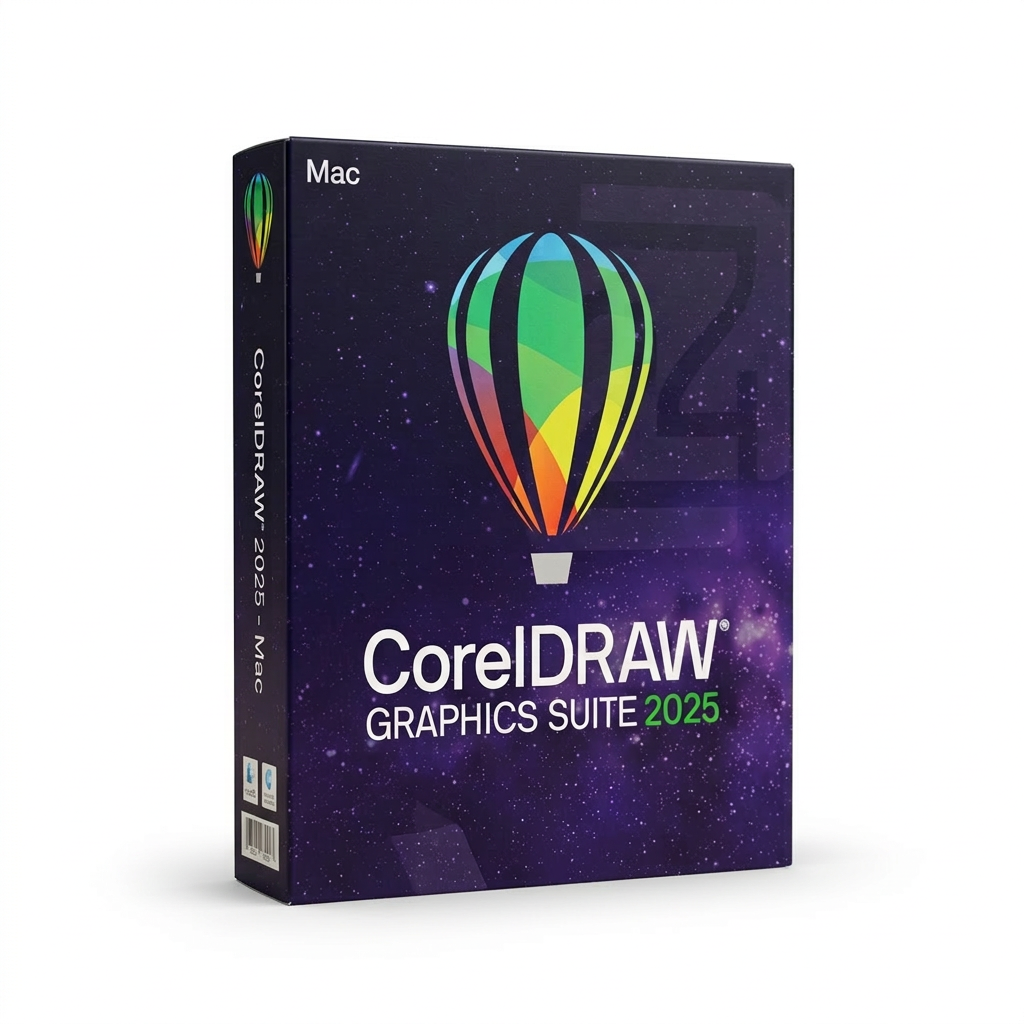
€299,00 Original price was: €299,00.€119,00Current price is: €119,00.
Digitally delivered by email within a few minutes after payment confirmation. These are ESD digital licenses — all product keys are original and have no expiration date. They can be reinstalled on the same activated device at any time.
By purchasing this product, you will receive the digital software download from our servers along with the product key needed for software activation, as well as detailed installation instructions.
License previously used and relinquished by the former owner in compliance with CJEU ruling C-128/2011 :
100% authentic digital products with official vendor warranties, ensuring genuine licenses.
Enjoy peace of mind with a 30-day return policy on all digital products. Full refunds or exchanges for any issues.
Your payments are fully secure with our encrypted transaction network. Shop with confidence.
The CorelDRAW 2025 graphics suite is the perfect solution for anyone working in the world of graphic design and vector illustration. This comprehensive software suite combines powerful tools for vector illustration, page layout, image editing, typography, and collaboration. With the flexible subscription model, you regularly have access to the latest features, exclusive content, and support for the latest technologies to take your design projects to the next level.
CorelDRAW Graphics Suite 2025 offers a wealth of features that will be useful to both beginners and professional designers. Its powerful tools allow you to be creative while maximizing your productivity. Whether you want to create complex vector illustrations, perform stunning image retouching, or design impressive layouts, CorelDRAW provides everything you need.
Vector illustration and layout
With this powerful graphic design program for illustration and layout, projects can be completed quickly and efficiently.
Policy search and management
Manage and organize your fonts effortlessly with Corel Font Manager’s intuitive features. Use your favorite fonts without having to install them.
Browser-based vector illustration and graphic design
Design even on the go with CorelDRAW Web. Save your projects to the cloud and access them anytime via a web browser. Subscription only!
Screen capture program
Capture screenshots of your computer screen with a simple click of the mouse, whether it’s individual windows, menus, or the entire screen.
Image editing and pixel-based design
With Corel PHOTO-PAINT’s AI-based features, you’ll edit images at maximum speed and enjoy an integrated workflow with CorelDRAW.
| Characteristic | CorelDRAW Graphics Suite 2025 (365) | CorelDRAW Graphics Suite 2025 | CorelDRAW Graphics Suite 2024 |
|---|---|---|---|
| Paintbrush tool | ✓ + 100 additional free brushes + extra brush settings and customization options |
✓ + Additional brush settings and customization options |
– |
| Advanced PDF printing function | ✓ | ✓ | – |
| Multi-user license management | ✓ | ✓ | – |
| Latest PANTONE®+ color palettes: 175 additional new colors | ✓ | ✓ | ✓ |
| Online fonts in CorelDRAW | ✓ + 300+ additional Google font families |
✓ + 300+ additional Google font families |
✓ |
| CDR files are saved by default in the format of previous versions. | ✓ | ✓ | ✓ |
| Customized training projects | ✓ | ✓ | – |
| CorelDRAW Web | ✓ | – | – |
Use powerful tools to transform simple lines and shapes into complex works of art. With effects such as ‘Outline’, ‘Envelope’, or ‘Mesh Fill’, you can add creative highlights to your vector graphics.
Create professional layouts for brochures, magazines, and multi-page documents. Effortlessly switch between single-page and multi-page editing.
Optimize your texts with advanced tools: Text effects, block shadows and precise control of variable fonts – for perfect font layout.
Manage your fonts efficiently with Corel Font Manager. Use fonts without installing them and access over 1,700 Google font families.
Optimize your images with Corel PHOTO-PAINT: use AI to improve quality, modify hues, remove defects and create HDR photos from RAW images.
| Characteristic | CorelDRAW Go | CorelDRAW Essentials | CorelDRAW Graphics Suite | CorelDRAW Technical Suite |
|---|---|---|---|---|
| For whom? | For graphic design enthusiasts & budding creators | For amateur and creative users | For graphic design professionals in companies | For technical communication experts |
| Areas of application | Social media design, web graphics | Invitations, posters, greeting cards | Logos, marketing materials, print design | Technical drawings, electrical diagrams |
| Main advantages | – Browser-based, no installation required – Millions of design assets – Easy to use |
– Affordable desktop software – No subscription required – Template-based designs |
– Full creative control – Cloud integration – Extensive file compatibility |
– Specialized technical tools – Support for CAD files – Maximum file compatibility |
| Functions | – Simple shapes & lines – Standard vector tools – Gradients & text |
– Advanced vector tools – Raster-to-vector conversion – Transparencies & shadows |
– Professional illustration tools – AI-powered design optimization – Advanced color management |
– Technical illustration tools – Isometric drawing capabilities – 3D file import & export |
| License template | Subscription model | One-time purchase | One-time purchase & subscription option | One-time purchase & subscription option |
With CorelDRAW Graphics Suite 2025 , you can create everything from brand content design to sales and promotional materials. Whether you’re a creative professional in advertising or publishing, or you support a small or medium-sized business, CorelDRAW provides the tools to design your marketing materials professionally and efficiently.
Whether you’re an advertising professional or a print service provider, CorelDRAW Graphics Suite 2025 is the ideal solution for creating print layouts. With advanced color management features and excellent prepress tools, it offers everything you need for large-format printing projects.
CorelDRAW Graphics Suite 2025 is also perfect for the fashion industry. It helps you create designs for screen printing, embroidery, and direct-to-garment printing. CorelDRAW Graphics Suite 2025 provides all the tools you need to create precise and professional clothing designs.
Whether for print or web media, CorelDRAW gives you the tools you need to create compelling promotional and marketing materials. It also helps you optimize designs for your e-commerce sites and showcase your products.
In engineering, manufacturing, and construction, CorelDRAW Graphics Suite 2025 is indispensable. With its precise tools, you can create product illustrations, component drawings, diagrams, and schematic representations. If you need detailed technical illustrations and documentation, the CorelDRAW Technical Suite offers a comprehensive set of tools.
Whether you prefer classic artistic techniques or digital illustrations, CorelDRAW allows illustrators and artists to combine their creativity with cutting-edge vector illustration technologies to create beautiful and detailed works of art.
| System configuration |
|
| CorelDRAW Web – Browser Requirements |
|
| Internet connection | An internet connection is required for installation, authentication, and access to certain online features. |



Reviews
There are no reviews yet.