 Skip to content

| Operating systems: |  |
 |
 |
 |
| 1 Device | ✖ |
|||
| 3 Devices | ✖ |
✖ |
||
| 5 Devices | ✖ |
✖ |
||
| 10 Devices | ✖ |
✖ |
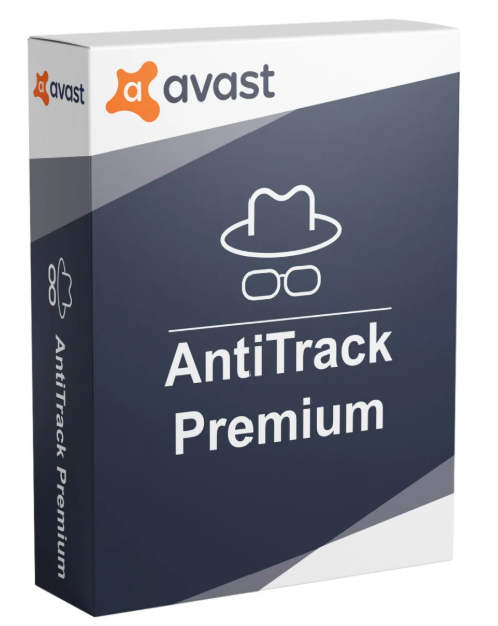
Websites collect information about you to create a unique online profile that allows advertisers to identify you. Our anti-tracking software alerts you when you’re being spied on and keeps those prying eyes away.
With your online activities, your Device and browser settings constitute your unique digital fingerprint that allows advertisers to identify you among the mass of site visitors, bombard you with targeted ads, or use price discrimination to show you excessive prices for all the products and services you have searched for, from airline tickets to health care and insurance packages.

For example, did you search online for information about your health? Now your spouse knows too. Your previous online searches and the websites you visited can reappear in your browser at the most inconvenient time. Furthermore, embarrassing ads for products you’ve bought or searched for can continue to appear and be seen by the whole family.

The more you browse online, the more you reveal. Your bank, your health insurance provider, even your favorite online store uses data mining to collect and store vast amounts of data about you. And a single data breach could wipe it all out. You never know who gets hold of your digital profile or what they do with it.

Your browser knows more about you than your mother, your spouse, your boss, or even your doctor. And all this information can be revealed to advertisers, data miners, or even anyone who sits in front of your computer.

Anti-tracking apps, ad blockers, VPNs, and incognito mode—they all contribute to protecting your online privacy. But only when used together. We’ll explain why.
A VPN alone is like Superman: he takes off his glasses and puts on his suit. Now, let’s be honest! … Of course, we know: He’s still Clark Kent.
A VPN encrypts your connection, protects you on public Wi-Fi networks, and hides your location, but advertisers can still track and identify you through your device settings and browser.

Like a doctor who treats the symptoms but not the cause of your illness, an ad blocker only hides targeted ads; it doesn’t remove the trackers.
Unlike anti-tracking software, ad blockers influence how websites are displayed and function. Furthermore, they need to be updated to keep up with the massive influx of new ads.
If you’re worried about your partner finding out what you’re doing online at night, this protection works perfectly.
Incognito mode prevents the saving of cookies, visited websites, and auto-filled fields, but your IP address is still visible, and your internet service provider can still record your online activity. That’s why it doesn’t offer complete anonymity.
Discover how our anti-tracking software keeps advertisers and other spies away from your data.
| Operating System: | |
| Included Applications: |
Reviews
There are no reviews yet.