Description
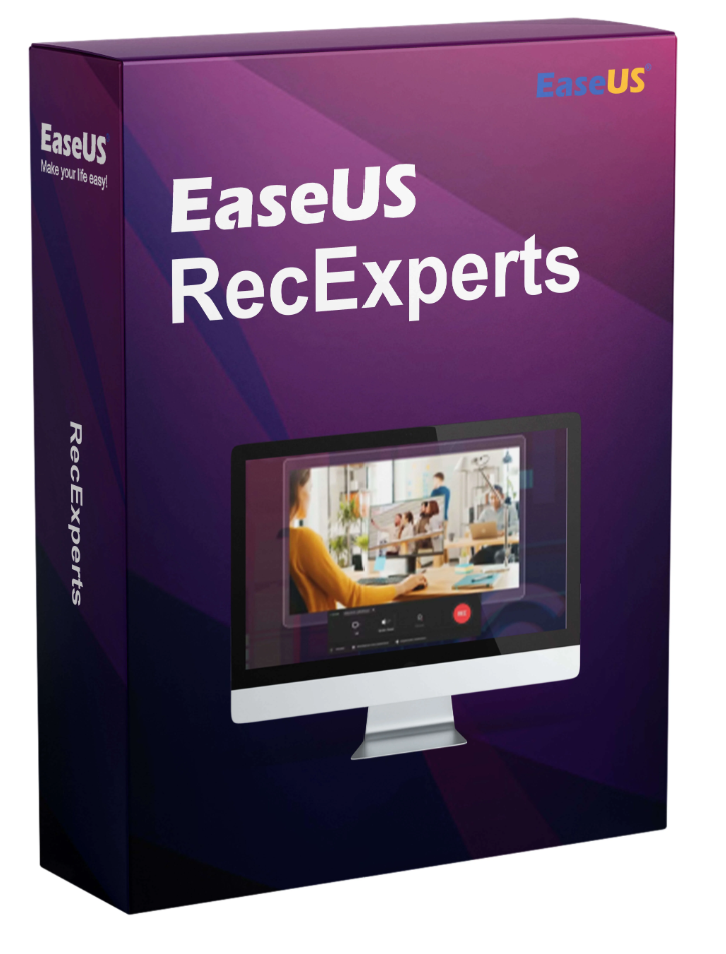
EaseUS RecExperts (lifetime license)
An easy-to-use and powerful screen recording software to record your Windows desktop with sound and video.
- Record the entire desktop, a specific screen, and the webcam.
- Record system sounds and narration voice with a microphone.
- Edit the video with text, lines, arrows, and images while recording.
The best screen recording program with powerful features
Free full-featured screen recorder to create professional videos on your PC.
Flexible capture of any area of the screen
Flexiblely capture the entire screen, a selected area of the screen, or a single window.
Record audio and video simultaneously
Record background noise and a voice simultaneously with the microphone.
Webcam recording
Record a webcam or use it as a webcam overlay to increase viewer engagement.
Game recording method
Record various popular and high-quality 2D/3D games in UHD 4K resolution.
Task Planner
Automatically create recording jobs with EaseUS RecExperts. Start recording at a specific time and schedule multiple jobs simultaneously.
Advanced Edition
Add text, lines, arrows, and other edits in real time. Trim video length, add a watermark, and perform other advanced edits.
Save in multiple formats
Save captured footage in more than 10 formats, such as MP4, WMV, AVI, MOV, FLV, ASF, etc.
Share on YouTube
Export the recording directly to popular video platforms like YouTube.
Remove background noise and improve sound
Effortlessly eliminate all annoying ambient noise.
Record all activities on your screen
Screen recording software can simplify everyday tasks such as giving instructions, training new employees, recording video calls, and sharing conferences. EaseUS RecExperts, one of the most effective screen recorders, can do much more. You can record all activity on your desktop or only in a selected window, and even create a scheduled recording task to automatically record your screen and webcam at a specific time. EaseUS RecExperts is a convenient screen recording tool that allows you to export recordings with excellent results.
Case
Record your PC screen, webcam, video calls, online games, or anything else on your desktop.
Edit
Add text and highlight important content during recording, or perform advanced editing in the video.
Share
Download videos from YouTube or Vimeo, and upload your videos directly to Google Drive or Dropbox.
Technical specifications
Equipment requirements
Supported video/audio formats
Video – mp4, wmv, avi, FLV, mpeg, vob and more
Audio – wav, mp3, aac and many others
Supported image formats
bmp, jpg, png, gif, tiff and more
 Skip to content


Reviews
There are no reviews yet.