 Skip to content

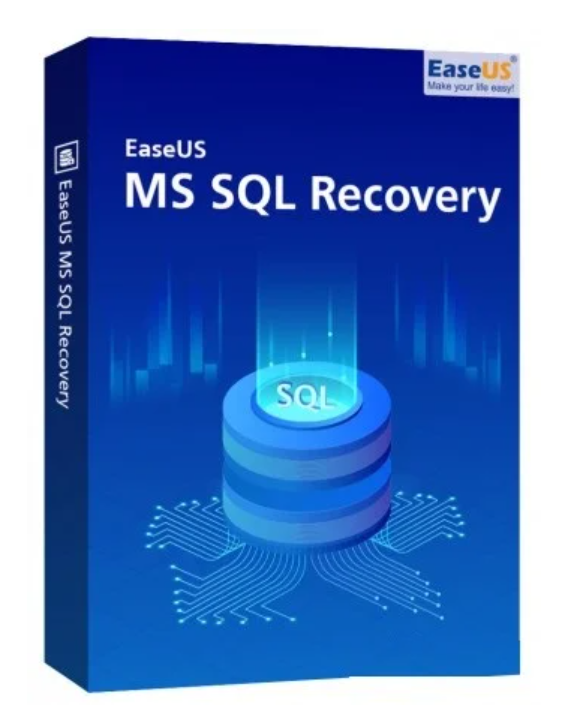
Can recover database components (tables, triggers, indexes, keys, rules and stored operations) and deleted entries from SQL databases.
When a database is corrupted, both the primary data file (.mdf) and the secondary data file (.ndf) are usually affected. This software can find, identify, and repair corrupted data files to restore a fully functional database.
Corrupted databases can occur for a number of reasons. Recovery of all corrupted or lost database objects is supported, including tables, indexes, triggers, keys, views, stored operations, functions, and more.
A corrupted log file (.ldf) can cause errors in the database. EaseUS MS SQL Recovery automatically repairs corrupted log files along with the rest of the database. The repaired transaction log is then stored in a secure location with the other recovered data.

In addition to repairing corrupted files, EaseUS MS SQL Recovery can also find and recover deleted or lost data. Recovered data can also be stored separately from the repaired files for better organization.

A repaired SQL database can be flexibly stored in a new database or in an active database, and in four formats – MSSQL, CSV, XLS or HTML.

After EaseUS MS SQL Recovery scans the entire database, it lists the repairable and recoverable files. You can then efficiently search by keyword for the exact files you want to recover.

All files from the analysis results can be previewed before you restore them. This allows you to check the quality of the recovery before restoring it, and to ensure that you only restore what you actually want to recover.

Compression is important for the ever-increasing amounts of data in databases. EaseUS MS SQL Recovery restores SQL tables to their original format using PAGE and ROW compression.

If the connection to the SQL database is interrupted during the repair process, it is automatically paused. The software automatically reconnects and resumes from where it left off as soon as a connection is re-established.
Operating system
Windows 11/10/8/7
MS SQL Server 2019, 2017, 2016, 2014, 2012, 2008
Equipment requirements
Installation and use
Can be used with 3 systems in one place.
Instructions :
Step 1: Select the corrupted database.
Locate the corrupted database objects using the Select Database, Search Folder, or Find option.
Step 2: Repair the corrupted database.
Once you have selected the database objects, click Repair to begin the repair process.
Step 3: Preview and save the repaired database
. Preview the database files. Click Save to save the repaired database objects.
| Years | 1 Year, Lifetime |
|---|

Reviews
There are no reviews yet.