
 Skip to content
€449,00 Original price was: €449,00.€399,00Current price is: €399,00.
Digitally delivered by email within a few minutes after payment confirmation. These are ESD digital licenses — all product keys are original and have no expiration date. They can be reinstalled on the same activated device at any time.
By purchasing this product, you will receive the digital software download from our servers along with the product key needed for software activation, as well as detailed installation instructions.
License previously used and relinquished by the former owner in compliance with CJEU ruling C-128/2011 :
100% authentic digital products with official vendor warranties, ensuring genuine licenses.
Enjoy peace of mind with a 30-day return policy on all digital products. Full refunds or exchanges for any issues.
Your payments are fully secure with our encrypted transaction network. Shop with confidence.
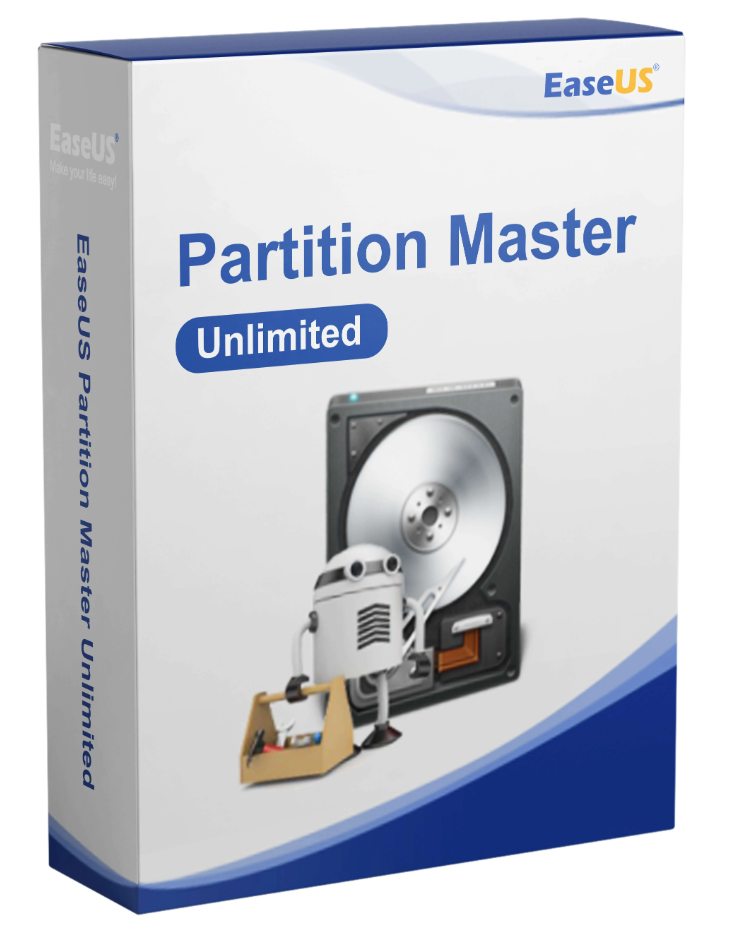
Scalable disk management solution with unlimited usage to run PCs or servers with the best efficiency, particularly useful for large companies.
Manage data storage
The ever-increasing volume of data poses a challenge to your data storage, making storage management a key function of your business. The smooth operation of your business requires flexible, stable, and secure data storage. EaseUS Partition Master helps you manage your storage centrally and clearly, adapting it to your needs. Partition quickly, easily, and flexibly, and organize your hard drive as you wish. Works on Windows 10/8.1/8/7/Vista/XP and Windows Server 2017, 2012, 2008, and 2003.
Partition recall protection
Changes to partitions are deep operations. An interruption, for example due to a power outage or hardware failure, can cause system damage. With partition rollback protection, you are protected against this by reverting NTFS partitions to their pre-operation state in case of an interruption.
What’s new?
EaseUS Partition Master is your toolkit for organizing your data storage on computers and servers. Partition your hard drives in just a few clicks, entirely according to your needs. This allows you to focus on your core business while your work computers, servers, and data storage operate reliably and efficiently. Make the most of your storage space: create, delete, extend, shrink, move, format, hide, or browse your partitions. You can also merge or split partitions as you wish—no subscription, no ongoing fees.
Clone hard drives/partitions.
Clone your partitions to reorganize them or even the entire hard drive to replace or upgrade it.
Merge partitions.
Combine two or more partitions into one larger partition without losing data. Or split the partitions.
Format/delete a partition
Formats or deletes partitions so that space can then be added to other partitions.
Check/Explore Partitions
: Check your partitions for errors and explore any legacies that have accumulated in the file system.
Hide/delete partitions .
Hide or delete partitions. This frees up storage space and allows you to reliably destroy sensitive data.
Manage dynamic partitions.
Change dynamic volumes to basic volumes or basic volumes to dynamic volumes without deleting volumes/partitions.
Resize/move partitions.
Resize your partitions more easily than ever, or move partitions on your hard drive.
Install groups of new hard drives. The unlimited version of EaseUS Partition Master ensures that each device is partitioned correctly and quickly. Smart Partition saves you time when setting up your computers and servers. Furthermore, this method reduces the risk of errors.
Establish a partitioning scheme according to which your working hard drives will be divided. This effortlessly creates a base for any number of machines, from which you only need to make individual adaptations – if you wish.
This partitioning program is an essential tool for data and storage management in any professional environment.
Data Infrastructure:
This partition management solution for the professional environment works perfectly for developing a targeted data infrastructure for your business. It runs on Windows 10/8.1/8/7/Vista/XP and Windows Server 2017, 2012, 2008, and 2003. Manage your hard drives and SSDs according to the highest professional standards and deploy any number of PCs and servers. All this with minimal downtime, saving you time and effort, and is easy to use.
Resource allocation
: Partitioning can divide hard drives into different logical systems, each with its own purpose and resources. This ensures that all your operations can be reliably performed in parallel. If you have unused space, you can move it to where it’s needed. For example, expand system partitions without restarting. This will reduce downtime and simplify IT administration.
Optimize system maintenance.
Good storage management is directly linked to the hardware on which your systems run. EaseUS Partition Master can clone entire systems, including data and configurations, and migrate them to other storage locations. This way, your systems remain operational even if you need to perform physical maintenance on the hardware, such as replacing hard drives.
A system failure is a disaster for your business. If your system crashes, you lose access to your data and operations grind to a halt. EaseUS Partition Master lets you create WinPE bootable media—on USB, DVD, or CD—that you can use to restart your PCs and servers and begin troubleshooting.
Change the boot order, choose a disk to act as the primary boot device, and quickly restore lost partitions. Furthermore, you can access your system without involving other programs. Simply create a WinPE bootable drive and use it.
A range of functions helps keep your hard drives healthy and performing at their best.
4K SSD Alignment:
Properly align your SSD for maximum performance. This will give you even faster speeds.
Clean your hard drive.
Remove unwanted and large files to increase storage space and improve your hard drive’s performance.
Check the hard drives.
Check the surfaces of your hard drives for errors to avoid failures.
Repair RAID-5 Volumes:
Repairs RAID-5 volumes quickly and efficiently if one of the disks fails.
Convert your partitions so that your data storage always serves your business, and not the other way around.
Primary and logical partitions
Convert between primary and logical partitions – depending on what you need.
FAT and NTFS Partitions
Convert a FAT partition to an NTFS partition – without data loss, more easily and faster than ever.
Create partitions, resize them.
Drag the cursor to resize the partitions and move the storage space as you wish.
Migrate the operating system to an HDD/SSD.
Select a target disk/partition and clone your system partition/disk without reinstalling Windows.
Clone a partition.
Choose a target disk and clone the partition or the entire disk onto it.
Merge partitions
Selects two adjacent partitions and merges them.
Format a partition.
Formats partitions to check for errors and prepare them for future use. Determines the file system and cluster size together.
Operating systems
Storage media
Supported languages
Supported file systems
Material requirements
Reviews
There are no reviews yet.