 Skip to content

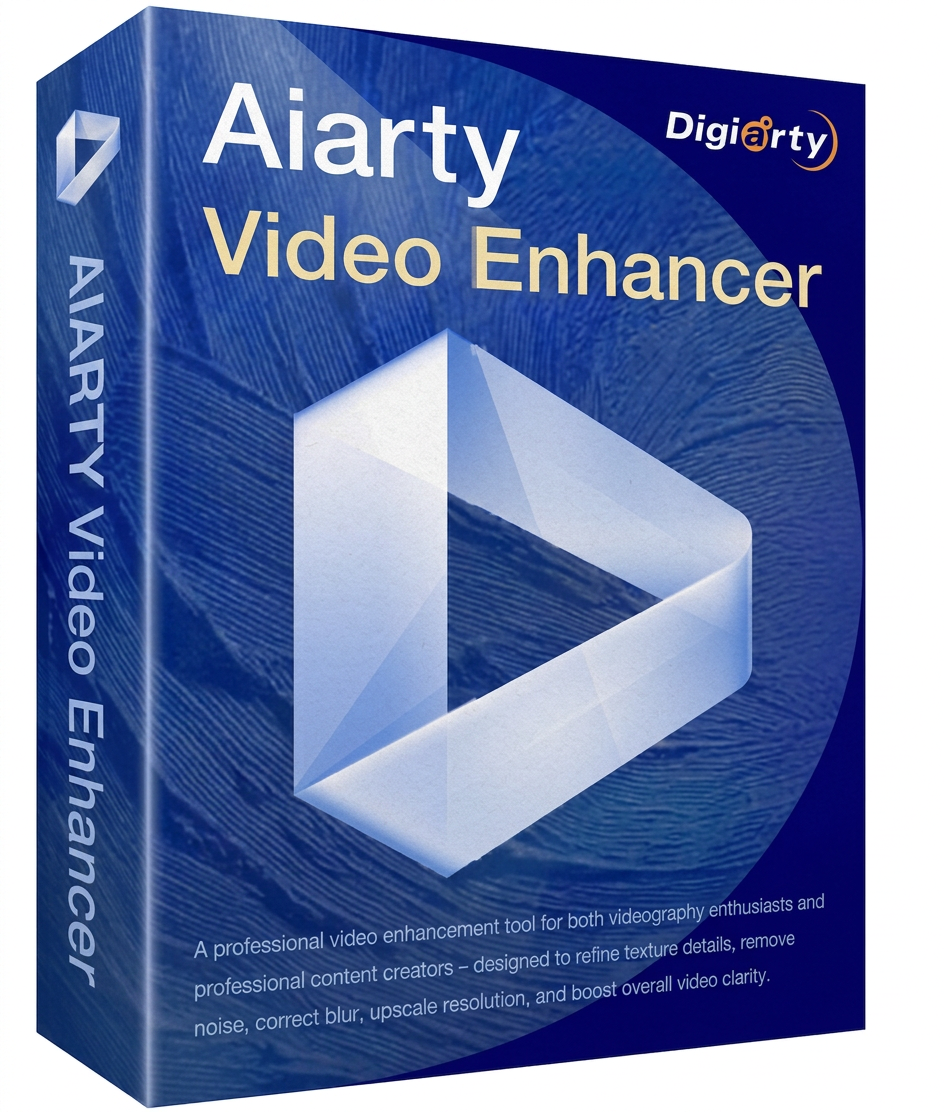
Aiarty Video Enhancer is a modern AI-powered video enhancement software that visibly improves old, noisy, or low-resolution clips. Whether it’s low-res videos, grainy recordings, noisy or blurry footage, the application uses advanced AI models to reconstruct details, stabilize edges, and improve image quality up to HD or true 4K upscaling. Since the processing is done locally on your PC, there’s no need to upload to the cloud—ideal if you want to combine data protection with speed.
Particularly practical: efficient GPU utilization for faster calculations, a turbo mode for increased speed, and a step-by-step mode if you want to process high-resolution projects in a controlled, stage-by-stage manner. Aiarty Video Enhancer is therefore suitable for content creators, archiving, social media, e-commerce, and anyone who wants to professionally enhance, upscale, and optimize videos .


Removes annoying noise and film grain for a calmer, cleaner, and significantly clearer image.
Reduces blur and improves edges – particularly useful for old recordings or shaky scenes.
Enhances details and textures so that upscaling looks more natural and less “softened”.
Creates smoother slow motion thanks to better calculation between frames – ideal for sports, action and product photos.
Reduces background noise and improves speech intelligibility – practical for interviews, vlogs and old clips.
Optimize colors , contrast and dynamics for a more modern and vibrant image – with HDR character if you wish.
Each image is analyzed by AI. Movements, edges and fine structures are preserved, while distracting noise is eliminated in a targeted manner.
Ideal for smartphone videos, action cameras, drone recordings, or older clips with visible quality loss.
Optimized videos appear calmer, sharper, and of higher quality – perfect for social media, presentations, or archival documents .
| Category | Supported formats/codecs |
|---|---|
| Input formats | AVI, FLV, MP4, MKV, MOV, WEBM, WMV, TS, M2TS, MTS, M4V, 3GP, 3G2, RM, RMVB, MPEG, MXF, OGV, VOB, ASF, DIVX, F4V |
| Output formats | MP4, MOV |
| Output codecs | H.264, H.265 (HEVC), ProRes, AV1 |
| Chroma formats | YUV 4:2:0, 4:2:2, 4:4:4 ( depending on the codec and profile) |
| Platform | Component | Requirement |
|---|---|---|
| Windows | Operating system | Microsoft Windows 10 (x64) version 1809 or higher (CPU) – version 1903 or higher (GPU) |
| Processor (CPU) | x86-64 platform (Intel64 or AMD64) | |
| Random Access Memory (RAM) | 8 GB or more (16 GB or more recommended) | |
| macOS | Operating system | macOS 13.0 or later |
| Processor (Intel) | Any Intel processor | |
| Processor (Apple Silicon) | Apple Silicon processors (M series) | |
| Random Access Memory (RAM) | 8 GB or more | |
| Graph & Memory | Dedicated graphics card with at least 4 GB of VRAM. Disk space: 512 GB or more. |
Reviews
There are no reviews yet.