Description
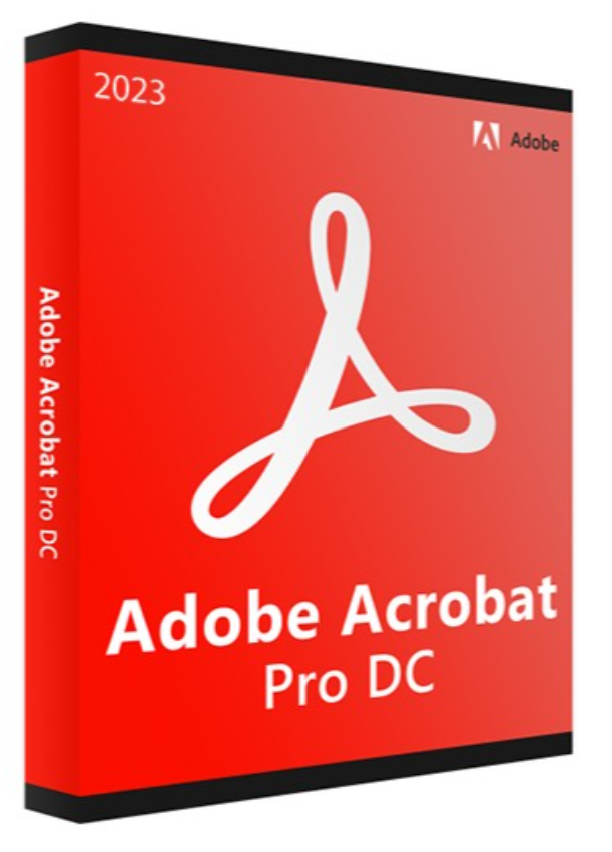
Information “ADOBE ACROBAT PRO DC 2023”
Improvements in the new Acrobat:
- Customize all tools
- Combine the files using the create button
- New options in the Create menu: Combine files and Open files
- Combine files from the context menu
- Improvements to PDF file editing in the new Acrobat
- Automatic layout adjustment when editing PDF files in the new Acrobat
Main functions:
When you edit a PDF, the text and images automatically adjust on the pages.
The original layout and margins are preserved.
Use the cursor to navigate and freely select text across multiple paragraphs.
Define the text or images as continuous content or highlight them, as needed.
Easily select the contents of multiple boxes on a page.
It supports editing multi-level lists on a page.
Auto-adjustment functionality in the new Acrobat
Reorganization of the Comment tool for better visibility
Minimum system requirements
Processor
Intel® or AMD processor of at least 1.5 GHz
Operating system
Windows 11 (64-bit), Windows 10 (64-bit) version 1809 or later
RAM
2 GB of RAM
Hard drive space
4.5 GB of available hard drive space.
Screen resolution
Screen resolution 1024×768
Graphics card
Video hardware acceleration (optional)


Reviews
There are no reviews yet.