Digitally delivered by email within a few minutes after payment confirmation. These are ESD digital licenses — all product keys are original and have no expiration date. They can be reinstalled on the same activated device at any time.
By purchasing this product, you will receive the digital software download from our servers along with the product key needed for software activation, as well as detailed installation instructions.
License previously used and relinquished by the former owner in compliance with CJEU ruling C-128/2011 :
License valid for 1 device
Compatible with Windows
Instant digital delivery
24/7 support, also available via WhatsApp
No expiration
Reusable after formatting
Lifetime updates
Original Product
100% authentic digital products with official vendor warranties, ensuring genuine licenses.
30 Days Warranty
Enjoy peace of mind with a 30-day return policy on all digital products. Full refunds or exchanges for any issues.
100% Secure
Your payments are fully secure with our encrypted transaction network. Shop with confidence.
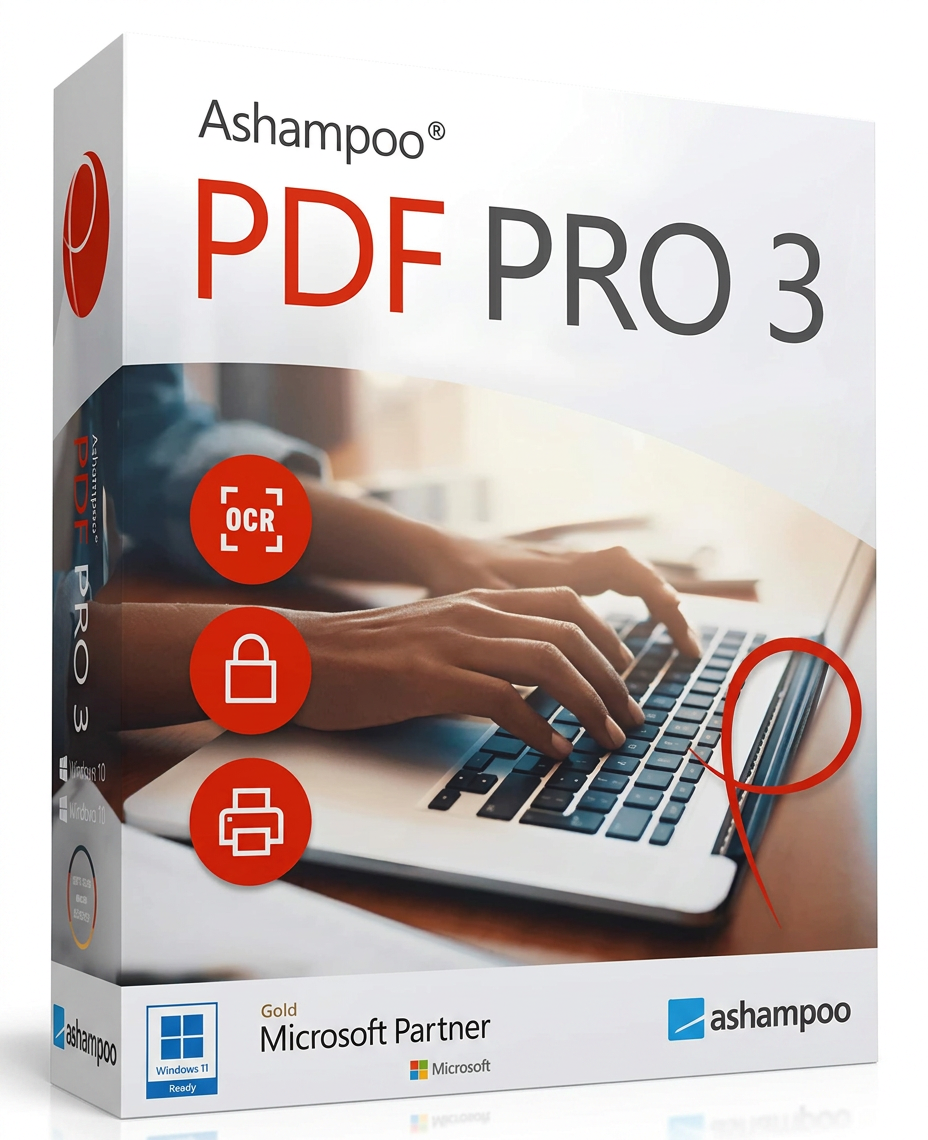
Easily Edit PDFs Edit your PDFs as if they were Word documents with a Microsoft Office-like interface. Essential functions are easily accessible, just like in a text editing program.
Ergonomics and Comfort Dark mode reduces eye strain, improving the viewing experience during prolonged program use.
Rearrange and Page Editing Tools Easily rearrange, delete, crop, or rotate individual pages. You can also merge multiple PDF documents into one, or insert pages from other files.
Conversion and Optical Character Recognition (OCR) Convert your PDFs into editable documents like Word or RTF files. OCR support allows you to transform scans into searchable and editable text.
Quick Switching Between Working Modes Easily switch from text editing to manual or object mode in seconds.
Perfect Document Enlargement A built-in slider lets you zoom in on your documents precisely, tailoring them to your needs.
Create PDFs from Any Windows Program Create high-quality PDFs from any application that supports printing. Simply select “Print” and choose “Ashampoo PDF” as your printer.
Quick Access Flyouts New flyouts provide the most important contextual features clearly and concisely.
PDF/A Support PDF/A is ISO-compliant and ideal for long-term archiving, ensuring your documents are readable and accessible even after many years.
Document Comparison Quickly compare two documents and view the differences in a separate sidebar for easier analysis.
Reviews
There are no reviews yet.
Be the first to review “Ashampoo PDF Pro 3” Cancel reply

Reviews
There are no reviews yet.