
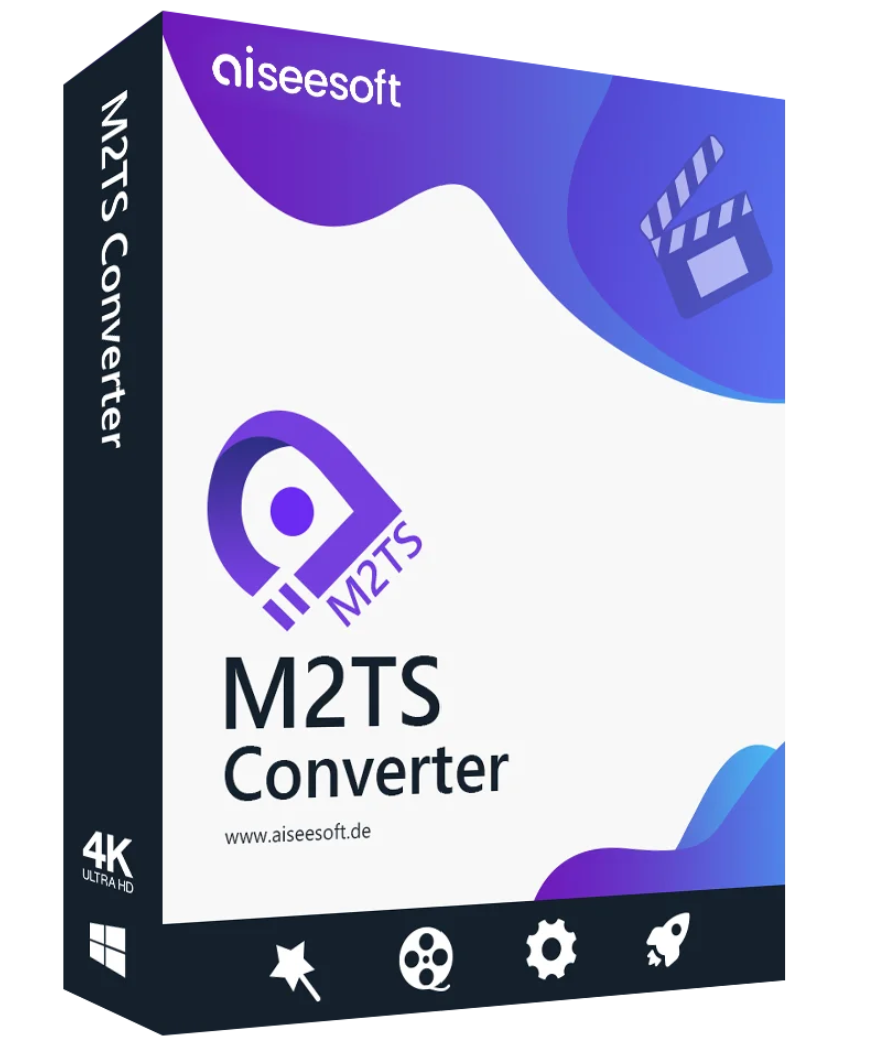
Best M2TS converter that helps you convert the M2TS/MTS file recorded with your camcorder to MP4, MKV, WMV, AVI, MOV, 3GP, MP3, FLAC, etc. so you can edit, share and play it on your PC.
Convert M2TS files from Sony, Panasonic, Canon and other AVCHD camcorders to MP4, MKV, AVI, WMV, MOV, MPEG, etc. without loss of quality, so you can easily import M2TS files into M2TS editing software, play M2TS files on your PC and share them with your friends.

Aiseesoft M2TS Converter can convert M2TS/MTS files to MKV, MP4, AVI, MOV, MPEG, WMV, FLV, ASF, VOB, and other popular video formats. This allows you to play your M2TS files on more video players. You can play M2TS files without any problems on your computer. It can also help you extract the audio from M2TS files and convert it to MP3, AAC, WMA, OGG, AC3, ALAC, FLAC, and other audio formats, so you can enjoy portable listening on your iPod or other music players.
Aiseesoft M2TS Converter lets you enjoy your M2TS videos on your mobile devices such as iPhone, iPad, iPod touch, Samsung Galaxy S9/S8/S7/S6/S5, HTC One M9/M8, Sony, LG, Wii, PS3/4, Xbox 360, and other mobile phones and tablets. If you want to import M2TS files into professional editing software, Aiseesoft M2TS Converter offers numerous profiles for Adobe Premiere Pro, iMovie, Final Cut Pro, Sony Vegas Pro, and Magix Video Pro. You can therefore easily edit M2TS files and create your own videos, exactly as you envision them.

Aiseesoft M2TS Converter works perfectly as a video editing software. You can rotate the video 90 degrees clockwise or counterclockwise, flip the video horizontally, reverse the video file, trim the video to remove the letterbox effect, manually adjust the effects (audio and video), add a text or image watermark to your video file, cut a long video into clips, and combine several clips into a new video file. Even if you’re a beginner, you can easily edit your video file with this program.
The resolution and quality of M2TS videos are significantly higher than those of traditional videos because they are recorded with AVCHD camcorders in HD or 4K quality. Therefore, converting the video losslessly to other video formats can be time-consuming. Fortunately, we offer professional video acceleration technology—AMD APP, NVIDIA® CUDA™, and multi-core CPU support—to convert your M2TS video at speeds up to 10 times faster.
System Requirements for Aiseesoft M2TS Converter Windows
Supported Operating Systems: Windows 11, Windows 10, Windows 8, Windows 7, Windows Vista, Windows XP (SP2 or higher)
Processor: 1GHz Intel/AMD CPU or higher
RAM: 1GB RAM or more
Supported Input File Formats
HD Video MPEG2 HD files (*.mpg;*.mpeg), MPEG4 HD files (*.mp4), QuickTime HD files (*.mov), WMV HD video files (*.wmv) HD TS, HD MTS, HD M2TS, HD TRP, HD TP
SD Video 3GP (*.3gp;*.3g2), AVI, DV files (*.dv;*.dif), Flash files (*.flv;*.swf;*.f4v), MXF (*.mxf), MOD, MJPEG (*.mjpg;*.mjpeg), MKV, WTV, MPEG (*.mpg;*.mpeg;*.mpeg2;*.vob;*.dat), MPEG4 (*.mp4;*.m4v), MPV, QuickTime files (*.qt;*.mov), Real Media files (*.rm;*.rmvb), TOD, Video Transport Stream files (*.ts;*.trp;*.tp), Windows Media files (*.wmv;*.asf)
Audio AAC, AIFF files (*.aif;*.aiff), CUE, FLAC, M4A, MPEG files (*.mp3;*.mp2), Monkey’s Audio files (*.ape), OGG, Raw AC3 files (*.ac3), Real Audio files (*.ra;*.ram), SUN AU files (*.au), WAV, WMA
Supported output file formats
Video MPG, MPEG-1, MPEG-2, MPEG-4, H.264, H.264/MPEG-4 AVC, DivX
,
Side 3D, MP4 Top and Bottom 3D, MP4 Anaglyph 3D, MKV Side by Side 3D, MKV Top and Bottom 3D, MKV Anaglyph 3D, TS Side by Side 3D, TS Top and Bottom 3D, TS Anaglyph 3D, AVI Side by Side 3D, AVI Top and Bottom 3D, AVI Anaglyph 3D, FLV Side by Side 3D, FLV Top and Bottom 3D, FLV Anaglyph 3D
Audio AAC, AC3, AIFF, AMR, AU, FLAC, M4A, MKA, MP2, MP3, OGG, WAV, WMA
System Requirements for Aiseesoft M2TS Converter for Mac
Supported Operating Systems: Mac OS X 10.7 or later (macOS Big Sur and macOS Monterey)
Processor: 1GHz Intel® processor and Apple M1 chip
RAM: 1GB RAM or more
Supported Input File Formats
3GP Video (*.3gp;*.3g2), AVI, DV files (*.dv;*.dif), Flash files (*.flv;*.swf;*.f4v), MXF (*.mxf), MOD, MJPEG (*.mjpg;*.mjpeg), MKV, WTV, MPEG (*.mpg;*.mpeg;*.mpeg2;*.vob;*.dat), MPEG4 (*.mp4;*.m4v), MPV, QuickTime files (*.qt;*.mov), Real Media files (*.rm;*.rmvb), TOD, Video Transport Stream files (*.ts;*.trp;*.tp), Windows Media files (*.wmv;*.asf)
Audio files AAC, AIFF (*.aif;*.aiff), CUE, FLAC, M4A, MPEG files (*.mp3;*.mp2), Monkey’s Audio files (*.ape), OGG, Raw AC3 files (*.ac3), Real Audio files (*.ra;*.ram), SUN AU files (*.au), WAV, WMA
HD video files MPEG2 HD (*.mpg;*.mpeg)
MPEG4 HD files (*.mp4)
QuickTime HD files (*.mov) WMV HD video files (*.wmv)
HD TS, HD MTS, HD M2TS, HD TRP, HD TP
Supported output file formats
Video Advance Media Video (*.amv), ASF, AVI, DivX Video (*.avi), Flash H264 Video (*.flv), FLV, SWF, H.264 AVI (*.avi), H.264 /MPEG-4 AVC Video (*.mp4), M4V MPEG-4 Video (*.m4v), MKV, MOV, MPEG-1 Video (*.mpg), MPEG-2 Video (*.mpg), MPEG-4 Video (*.mp4), Music TV (*. mtv), VOB MPEG2 PS Format (*.vob), WMV, XviD (*.avi
) (*.ts), MPEG-4 HD video (*.mp4), HD VOB video (*.vob), HD WMV video (*.wmv), HD MPEG2-PS video (*.mpg), HD MPEG2-TS video (*.ts), H.264 HD video (*.mp4), HD XviD video (*.avi), HD MP4 video (*.mp4), HD WebM
Audio AAC, ALAC, AC3, AIFF, AMR, AU, FLAC, M4A, MKA, MP2, MP3, OGG, WAV, WMA
Reviews
There are no reviews yet.