Description
Phone mirror
The best app for mirroring or controlling mobile devices
- Compatible with iPhone and Android
- Works with AirPlay
- Play Android games on your computer
- Connection: Wi-Fi or USB
- Streaming video support
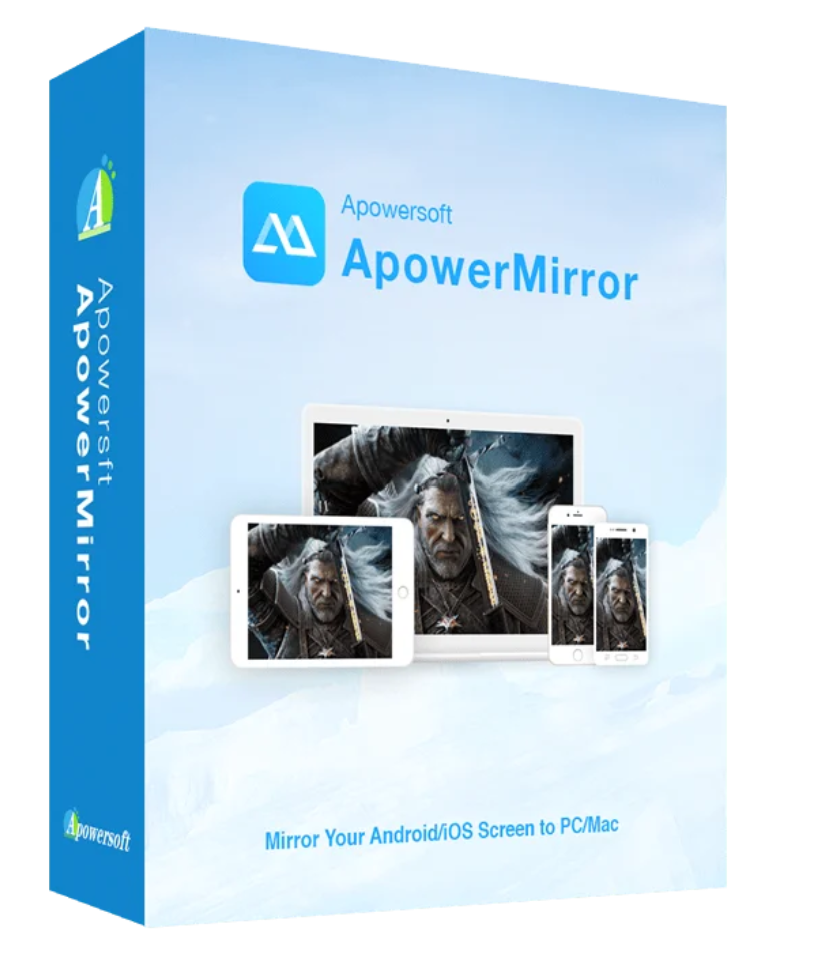
Phone Mirror is the best app for mirroring Android/iOS screens to your PC. This app is compatible with Windows and Mac operating systems. It allows you to control Android mobile devices on your computer using your mouse and keyboard.
One software, two supported systems
Phone Mirror is a multifunctional screen mirroring application for Android and iOS mobile devices, supporting Windows and Mac computers. The tool works with Android 5.0 and above, provided the mobile device supports Chromecast. It allows users to mirror their screen. Users can also use the tool on iOS mobile devices that support AirPlay, enabling screen sharing with others.
Streaming on large screens
ApowerMirror supports wireless streaming of videos, photos, and other media files to computers or projectors. You can stream the display in full-screen mode or landscape mode to view it on a larger screen.
Control Android from your PC
Phone Mirror lets you control your Android smartphone from your PC. This allows you to easily use your screen with a mouse or type messages on your PC. Android games can also be played more smoothly without an emulator or root access.
Suitable for various situations:
- Office: For presenting files to large audiences
- Classroom: to share content with entire classes
- Live: to show oneself to a wide audience
- At home: like a home cinema for the whole family
Easy recording:
It has a recording function that lets you capture your smartphone screen and even take screenshots. Unlike similar apps, it’s very easy to use. You can now easily save all your mobile device’s screen content to your PC.

| Operating system | Windows 7, Windows 8, Windows 10 |
Supported mobile devices
Android brands :
- Samsung, HTC, LG, HUAWEI, MEIZU, Coolpad
- Android system: Android 5.0 or higher
- Available functions: Mirroring, using a mobile device, taking screenshots, screen recording
iPhone:
- iPhone models: iPhone X, iPhone 8/8 Plus, iPhone 7/7 Plus, iPhone 6s/6s Plus, iPhone 6/6 Plus, iPhone SE, iPhone 5s, iPhone 5c, iPhone 5
- Available functions: Mirror display, screen capture, display recording
| Operating system | Mac OS X 10.9 Mavericks, Mac OS |
Supported mobile devices
Android brands :
- Samsung, HTC, LG, HUAWEI, MEIZU, Coolpad
- Android system: Android 5.0 or higher
- Available functions: Mirroring, using a mobile device, taking screenshots, screen recording
iPhone:
- iPhone models: iPhone: iPhone X, iPhone 8/8 Plus, iPhone 7/7 Plus, iPhone 6s/6s Plus, iPhone 6/6 Plus, iPhone SE, iPhone 5s, iPhone 5c, iPhone 5
- iOS system: iOS 11/10/9/8
- Available functions: Mirror display, screenshot capture, display recording


Reviews
There are no reviews yet.