
149.00 € Original price was: 149.00 €.49.00 €Current price is: 49.00 €.
Digitally delivered by email within a few minutes after payment confirmation. These are ESD digital licenses — all product keys are original and have no expiration date. They can be reinstalled on the same activated device at any time.
By purchasing this product, you will receive the digital software download from our servers along with the product key needed for software activation, as well as detailed installation instructions.
License previously used and relinquished by the former owner in compliance with CJEU ruling C-128/2011 :
100% authentic digital products with official vendor warranties, ensuring genuine licenses.
Enjoy peace of mind with a 30-day return policy on all digital products. Full refunds or exchanges for any issues.
Your payments are fully secure with our encrypted transaction network. Shop with confidence.
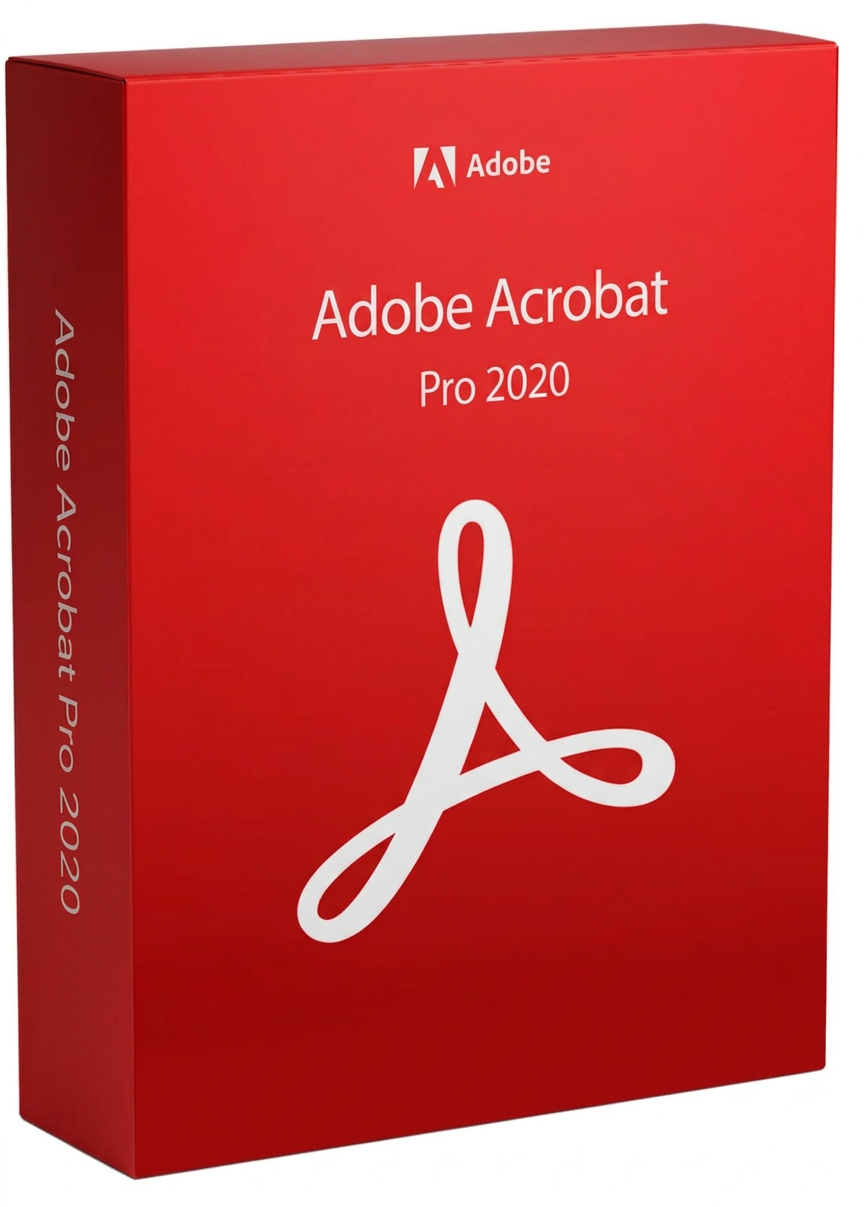
Acrobat 2020 is the latest version of Acrobat with a perpetual license. It’s a complete desktop solution for working with PDF documents. Acrobat 2020 simplifies everyday PDF tasks and includes numerous productivity enhancements for working with PDFs on your desktop.
You can work with Acrobat 2020 on your desktop only, or purchase an Acrobat DC membership to take advantage of the additional features made possible by the new Adobe Document Cloud services.
Create, edit, and sign PDF documents reliably
New view of the homepage
(Acrobat Pro and Standard)
The new home screen helps you stay organized and productive – a central place to organize, manage and search all your PDF files.
View MIP-protected PDF files in Acrobat 2020 and Reader 2020
(Acrobat Pro and Standard)
You can now use the Adobe Acrobat 2020 and Acrobat Reader 2020 desktop applications for Windows and Mac to open files protected by Microsoft Information Protection (MIP) solutions, including Azure Information Protection (AIP) and Information Protection with Office 365.
Acrobat 2020 and Acrobat Reader 2020 automatically recognize an MIP-protected file and prompt you to download the corresponding plug-in from the Help page. Once the plug-in is downloaded and installed, protected files can be opened just like any other PDF file in Acrobat or Reader.
Color adjustment function in the “Fill and Sign” tool
(Acrobat Pro and Standard)
You can now use the “Fill & Sign” tool in Acrobat 2020 to select the desired color for filling out the PDF form, and then sign it. To change the color, click the “Color” button in the “Fill & Sign” toolbar.
By default, the signature color is black. To keep the default color, uncheck the “Keep original color for signatures” box.
Perform OCR on scanned documents with Live Text
(Acrobat Pro and Standard)
Acrobat 2020 can now perform OCR for scanned PDF files that contain images with live text.
Extensions to preflighting and PDF/UA validation in preflighting
(Acrobat Pro function only)
Improvements and updates to accessibility features and workflow enhancements
(Acrobat Pro function only)
Enhanced accessibility features in Acrobat 2020 make it easier for people with disabilities to use PDF documents and forms with or without the aid of assistive software, technology, and devices.
Improving the user experience with DirectInk
(Acrobat Pro and Standard)
The enhanced pen tool with DirectInk technology allows you to write and draw directly on the document even more simply and precisely, without having to select a tool.
Sign PDF files with DirectInk
(Acrobat Pro and Standard)
The new DirectInk support in the Certificates app’s signature field provides a more natural experience and gives you more control over how your signature looks when signing on Windows 10 devices.
Windows
Reviews
There are no reviews yet.