
89.00 € Original price was: 89.00 €.59.00 €Current price is: 59.00 €.
Digitally delivered by email within a few minutes after payment confirmation. These are ESD digital licenses — all product keys are original and have no expiration date. They can be reinstalled on the same activated device at any time.
By purchasing this product, you will receive the digital software download from our servers along with the product key needed for software activation, as well as detailed installation instructions.
License previously used and relinquished by the former owner in compliance with CJEU ruling C-128/2011 :
100% authentic digital products with official vendor warranties, ensuring genuine licenses.
Enjoy peace of mind with a 30-day return policy on all digital products. Full refunds or exchanges for any issues.
Your payments are fully secure with our encrypted transaction network. Shop with confidence.
And only in the pro version:
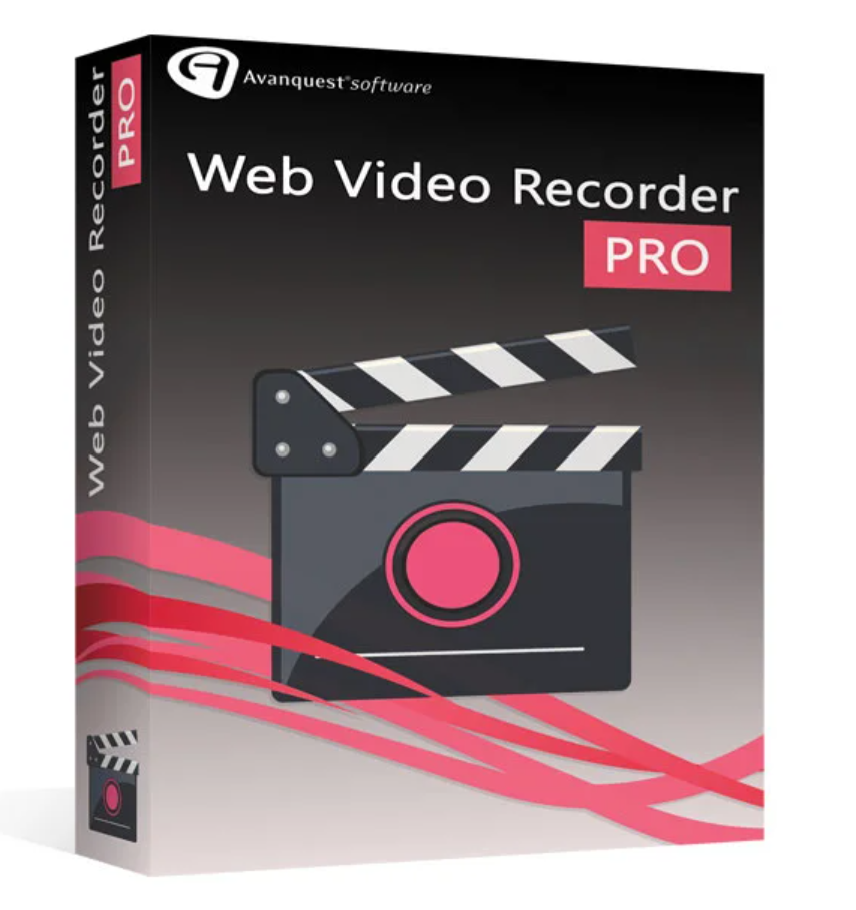
Web Video Recorder is the ideal tool for viewing, recording, and converting any video on the internet. Downloads from Web Video Recorder can be exported to any device (smartphone, PC, tablet, etc.) and viewed at any time.
Functions
Web Video Recorder includes a built-in browser, allowing you to directly access the most popular video platforms such as YouTube, Yahoo, Wat, Ustream, Metacafe and many more!
Download online videos with ease! The Web Video Recorder stores any video. You decide whether you want to store only audio, video, or both. Make your selection, play the video, and click “Download from this page”.
Once the download is complete, you will find the video in your file manager.
Convert your files in one click! After downloading, you can convert the files to various output formats such as: MP4, PSP, AVI, MP3, wave, mpeg, iPhone/iPad/Ipod, 3gp, 3g2 etc.
A downloaded video can be exported to PCs, mobile phones, tablets and viewed at any time!
Capture the screen using the Record button. You determine the start and end times of the recording. The volume, view size, and video speed can be adjusted.
This function is very useful because you don’t have to record an entire video and then edit it.
Perform a video search by theme in the Web Video Recorder database and select the video portals whose results you want to display (YouTube, Dailymotion, Google Video, etc.).
Example: Enter “How to make a cupcake” in the search bar. Web Video Recorder displays results from various video portals.
In the “Calendar” tab, you’ll find numerous programs to suit all tastes: sports, travel, animals, cooking, and more. Select the desired activity and click ” Add a program” to create an alert message with the date and time of the desired activity.
You can use the “Book” icon to create new folders and sort your videos.
Key facts
The best video sites (YouTube, Dailymotion…)
Fast download
Conversion to multiple output formats (MP4, AVI, MPEG…)
Easy to use and customizable (user interface, calendar, etc.)
System requirements
| Operating system | Windows 7, Windows 8, Windows 10 |


Reviews
There are no reviews yet.