
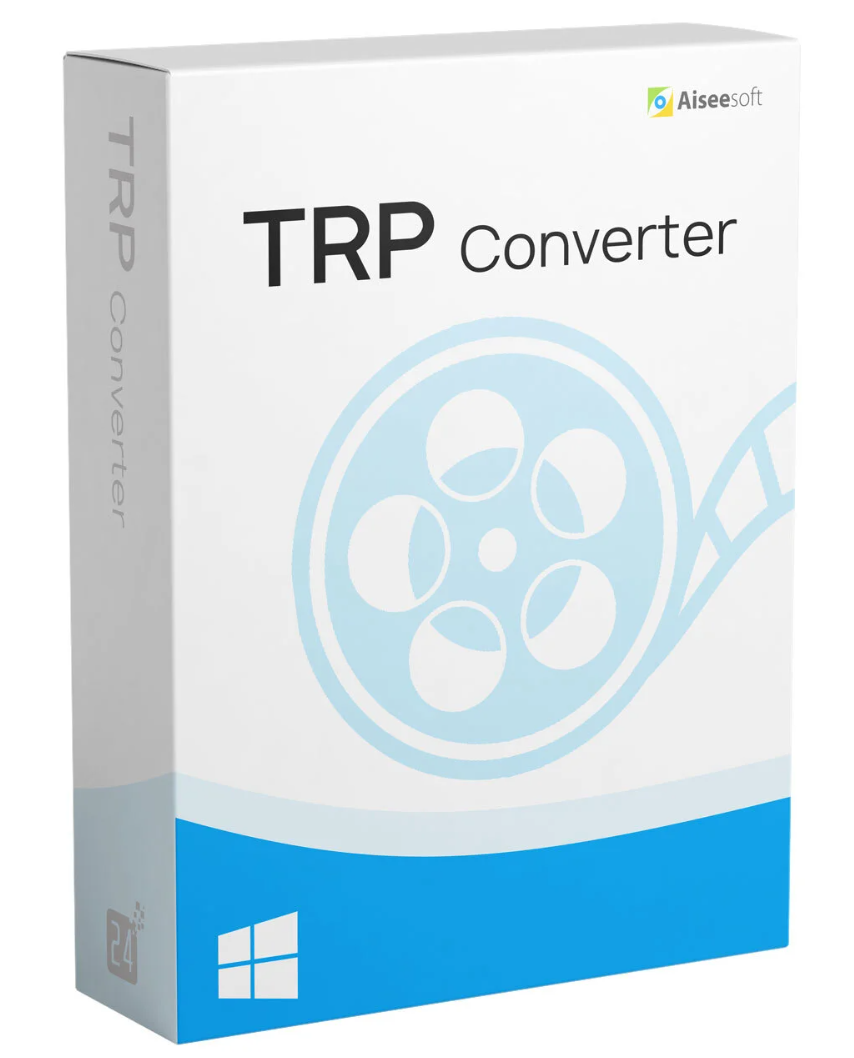
Aiseesoft TRP Converter is professional TRP file conversion software that can help you convert TRP files to any video/audio format you need. This TRP file converter makes the TRP files from your recorded HD setup box playable on computers and other players for convenient viewing and sharing.
Aiseesoft TRP Converter can convert TRP to any commonly used video format, including MP4, MKV, AVI, FLV, WMV, MOV, MPEG, and more. Furthermore, you can edit the video, enhance video quality, and adjust output effects with various editing functions.

With Aiseesoft TRP Converter , you can convert TRP files to common video formats and HD video formats, including MP4, AVI, WMV, FLV, MOV, HD H.264/MPEG-4 AVC, HD MP4, HD MOV, HD AVI, etc. After conversion, the TRP file, which contains more than one video and audio stream, can be played and edited on any video player and video editor, including iPhone, iPad, iPod, Apple TV, and other devices.
 Adjust video effects for enhanced enjoyment with Aiseesoft TRP Converter
In addition to basic TRP conversion, Aiseesoft TRP Converter can also edit TRP videos. Several factors influence the video effect, including brightness, contrast, saturation, and more. All of these factors can be adjusted. You can view the original and adjust the effect simultaneously, allowing you to achieve the best results. The cropping function also lets you remove letterboxing. To make your video unique, this TRP converter allows you to add a watermark in the form of text or an image. With multiple 3D modes, you can convert your 2D video into 3D.

Besides converting TRP files to many popular video formats, this TRP file converter also supports all popular audio formats, allowing you to extract audio from TRP files and convert it to MP3, AAC, AC3, FLAC, ALAC, AIFF, WAV, WMA, M4R, M4A, and other audio formats. So, if you like the music from your TRP movie, you can use this converter to extract the song from the TRP file and then convert it to MP3, M4A, or another popular audio format, enabling you to play the audio on your portable devices like iPhones, iPods, Zunes, and more.
 Aiseesoft TRP Converter boasts high conversion speed and the best image quality.
With Aiseesoft TRP Converter , you no longer have to worry about TRP video compatibility. It converts TRP videos with high quality and speed, and lets you choose the audio track and subtitles. After conversion, you get lossless video/audio. And it’s incredibly easy to use; you only need one click to convert TRP to other video or audio formats.
Supported operating systems: Windows 11, Windows 10, Windows 8.1, Windows 8, Windows 7, Windows Vista, Windows XP (SP2 or higher)
Processor: 1GHz Intel/AMD CPU or higher
RAM: 1GB RAM or more
Supported input file formats:
3GP video (*.3gp;*.3g2), AVI, DV files (*.dv;*.dif), Flash files (*.flv;*.swf;*.f4v), MOD, MJPEG (*.mjpg;*.mjpeg), MKV, MPEG (*.mpg;*.mpeg;*.mpeg2;*.vob;*.dat), MPEG4 (*.mp4;*.m4v), MPV, QuickTime files (*.qt;*.mov), Real Media files (*.rm;*.rmvb), TOD, Video Transport Stream files (*.ts;*.trp;*.tp) Windows Media files (*.wmv;*.asf)
HD Video Files: MPEG2 HD (*.mpg;*.mpeg), MPEG4 HD (*.mp4), QuickTime HD (*.mov), WMV HD (*.wmv), HD TS, HD MTS, HD M2TS, HD TRP, HD TP
Audio Files: AAC, AIFF (*.aif;*.aiff), CUE, FLAC, M4A, MPEG (*.mp3;*.mp2), Monkey’s Audio (*.ape), Ogg, Raw AC3 (*.ac3), Real Audio (*.ra;*.ram), SUN AU (*.au), WAV, WMA
Supported Output File Formats:
Video Advance Media Video (*.amv), ASF, AVI, DivX Video (*.avi), Flash H264 Video (*.flv), FLV, SWF, H.264 AVI (*.avi), H.264 /MPEG-4 AVC Video (*.mp4), M4V MPEG-4 Video (*.m4v), MKV, MOV, MPEG-1 Video (*.mpg), MPEG-2 Video (*.mpg), MPEG-4 Video (*.mp4), Music TV (*. mtv), VOB MPEG2 PS Format (*.vob), WMV, XviD (*.avi), DV, DVD video (*.vob), Super VCD video (*.mpg), VCD video (*.mpg
) VOB(*.vob), HD WMV video (*.wmv), HD MPEG2-PS video (*.mpg), HD MPEG2-TS video (*.ts), H.264 HD video (*.mp4), HD XviD video (*.avi), HD MP4 video (*.mp4), HD WebM
Audio: AAC, AC3, AIFF, AMR, AU, FLAC, M4A, MKA, MP2, MP3, OGG, WAV, WMA
Snapshot: JPG, PNG, BMP
Supported Devices:
Apple iPhone 11 Pro Max/11 Pro/11, iPhone XS, iPhone XS Max, iPhone XR, iPhone X, iPhone 8, iPhone 8 Plus, iPhone 7, iPhone 7 Plus, iPhone SE, iPhone 6s, iPhone 6s Plus, iPhone 6 Plus, iPhone 6, iPhone 5s/5c, iPhone 5, iPhone 4S/4, iPhone 3GS, iPhone iPad Pro, iPad Air 2, iPad Air, iPad mini 4/2, iPad mini with Retina display, iPad 4, the new iPad, iPad 2iPod touch 7, iPod touch 6, iPod touch 5, iPod touch 4, iPod touch 3, iPod touch 2, iPod touchApple TV
Android Samsung, Google, Motorola, Sony, LG
Windows Phone Samsung Galaxy, Nokia
Gaming Hardware PSP, PS3, PS4, Xbox
Others BlackBerry, Nokia, Palm, HUAWEI, Xiaomi, HTC
Reviews
There are no reviews yet.