Discount up to 35% for first purchase only this month.
Sale!

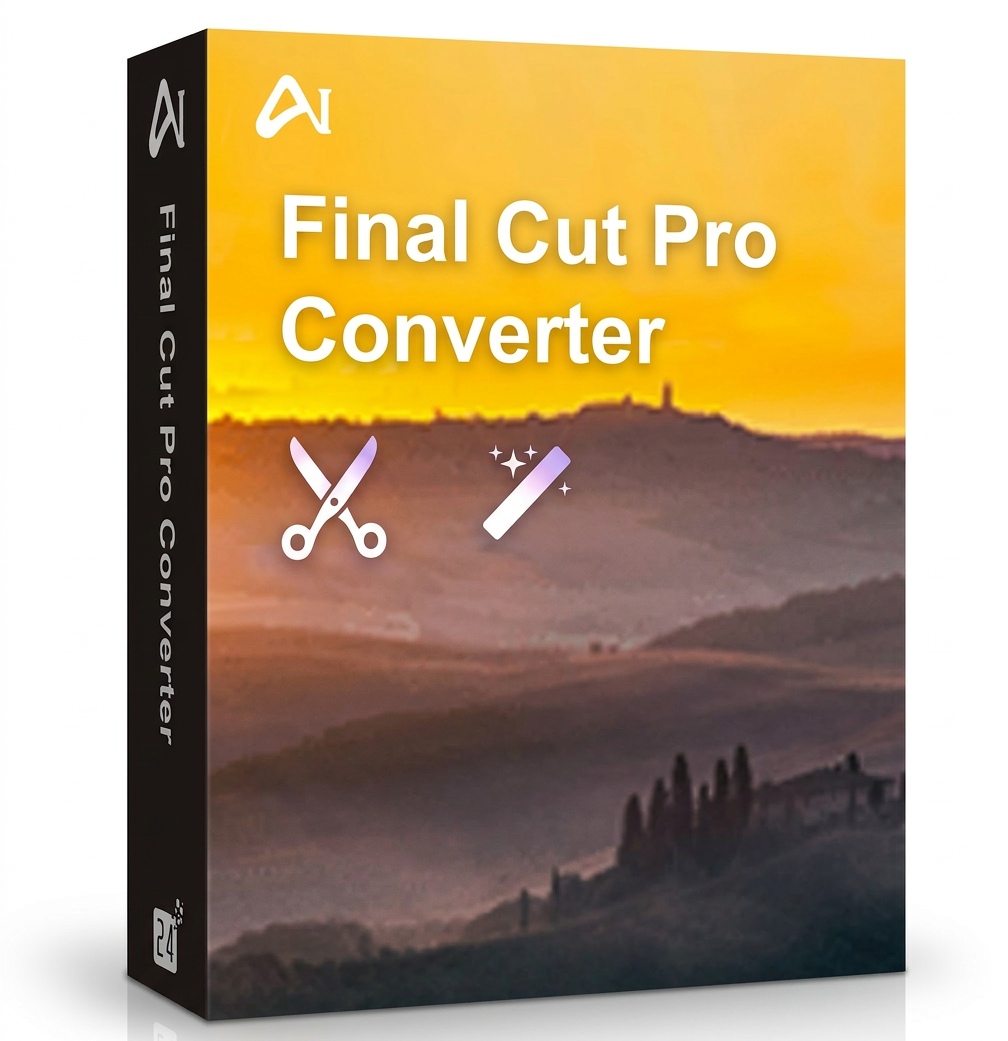
Aiseesoft Final Cut Pro Converter (Mac)

Original price was: 89.99 €.Current price is: 49.00 €.

Digitally delivered by email within a few minutes after payment confirmation. These are ESD digital licenses — all product keys are original and have no expiration date. They can be reinstalled on the same activated device at any time.

By purchasing this product, you will receive the digital software download from our servers along with the product key needed for software activation, as well as detailed installation instructions.

License previously used and relinquished by the former owner in compliance with CJEU ruling C-128/2011 :

  • License valid for 1 device
  • Compatible with Windows
  • Instant digital delivery
  • 24/7 support, also available via WhatsApp
  • No expiration
  • Reusable after formatting
  • Lifetime updates
Add to Wishlist
Add to Wishlist
Original Product

100% authentic digital products with official vendor warranties, ensuring genuine licenses.

30 Days Warranty

Enjoy peace of mind with a 30-day return policy on all digital products. Full refunds or exchanges for any issues.

100% Secure

Your payments are fully secure with our encrypted transaction network. Shop with confidence.

Description

Aiseesoft Final Cut Pro Converter  was specifically designed to convert videos to video/audio formats supported by Final Cut Pro X, such as MOV, MP4, AVI, 3GP, MP3, AAC, AIFF, and others on Mac. Furthermore, it can serve as an easy-to-use alternative to Final Cut Pro, helping you edit videos, such as rotating, trimming, and clipping, customizing image/sound effects, enhancing video quality, and more. It can be the best Final Cut Pro video editor and converter for Mac users.

Easy way to convert videos to Aiseesoft Final Cut Pro Converter

If you want to edit videos with Final Cut Pro X on your Mac but are only getting an unsupported format, this Aiseesoft Final Cut Pro Converter can be a great help. It allows you to convert any video to a format supported by Final Cut Pro, iMovie, or other video editors.

Add your video to this Final Cut Pro converter for Mac, select the appropriate output format from the profile, and then click the Convert button to convert any unsupported video format to Final Cut Pro. It offers a special Final Cut Pro category that contains all the commonly used video/audio formats.

Here are five simple steps to use Aiseesoft Final Cut Pro Converter software 

  1. Install and Launch Aiseesoft Final Cut Pro Converter
    Want to convert a video to a format supported by Final Cut Pro X? First, you need to download, install, and launch  Aiseesoft Final Cut Pro Converter . You can easily download it by clicking the download button above. Then, follow the installation instructions to install the program on your Mac.
  2. Adding one or more media files:
    Aiseesoft Final Cut Pro Converter  is compatible with all common video/audio formats. If you can’t load your media file into Final Cut Pro X to continue editing, you must first convert the video in the Final Cut Pro video editor.
    When you enter the main interface of this Final Cut Pro converter, click the Add File button to import the media file you want to convert.
  3. Choose the appropriate output format.
    Click on Profile to select your preferred output format from the dropdown list. As you can see, this Final Cut Pro converter for Mac offers almost every video/audio format to choose from. Many frequently used categories are also listed so you can quickly find the format you need, such as 4K video, HD video, Apple iPhone, Samsung, Sony, Xbox, and more. There’s sure to be a Final Cut Pro category for you too. Here, you can search for Final Cut Pro and click to choose a format.
  4. Editing a Video:
    The program isn’t just an Aiseesoft Final Cut Pro converter ; it also has many basic editing functions. For example, you can easily trim videos to save only the useful parts, crop videos to remove black borders, rotate videos to get the correct angle, merge multiple segments into a new file, adjust image/sound effects, improve video quality, add your own watermark, add 3D effects, and much more.
    Aiseesoft Final Cut Pro Converter is a powerful but expensive video editor. It has many powerful editing functions that will allow you to create a fantastic video. However, for many users, it’s quite difficult to use these functions. In this case, you can use this alternative to Final Cut Pro.
  5. Converting a video in Final Cut Pro:
    After editing your media file and choosing a suitable output format, you can confirm all operations by simply clicking the Convert button and export the final file to your Mac. The converted video retains the exact original image and sound quality. You don’t need to worry about any loss of quality.

Aiseesoft Final Cut Pro Converter System Requirements

Operating system: Mac OS X 10.7 or higher

Reviews

There are no reviews yet.

Be the first to review “Aiseesoft Final Cut Pro Converter (Mac)”

Your email address will not be published. Required fields are marked *