
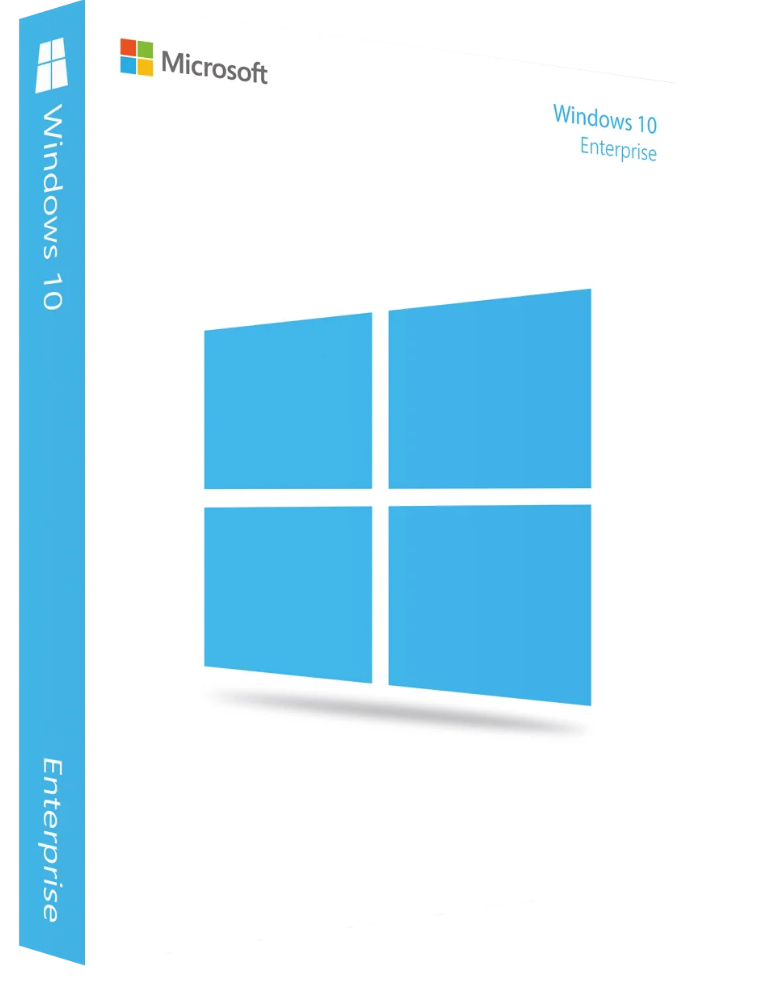
139.00 € Original price was: 139.00 €.49.00 €Current price is: 49.00 €.
Digitally delivered by email within a few minutes after payment confirmation. These are ESD digital licenses — all product keys are original and have no expiration date. They can be reinstalled on the same activated device at any time.
By purchasing this product, you will receive the digital software download from our servers along with the product key needed for software activation, as well as detailed installation instructions.
License previously used and relinquished by the former owner in compliance with CJEU ruling C-128/2011 :
100% authentic digital products with official vendor warranties, ensuring genuine licenses.
Enjoy peace of mind with a 30-day return policy on all digital products. Full refunds or exchanges for any issues.
Your payments are fully secure with our encrypted transaction network. Shop with confidence.
Microsoft Windows 10 is the latest version of Microsoft’s operating system, developed specifically for large businesses and organizations. Its numerous functions and features not only simplify daily work but also enable more efficient and focused processing of everyday tasks.
The tried-and-tested Start menu is back and offers a clear overview. The modern user interface impresses with its user-friendliness. Businesses purchasing this version of Microsoft Windows 10 will not only get familiar features but also newly revised software functionalities.
In a company, multiple teams and employees are often involved in a project. It should be possible to exchange data and send information quickly and easily as part of daily work. Effective tools in Microsoft Windows 10 support employees in these work processes, thus optimizing collaboration.
The Enterprise edition of Microsoft Windows 10 includes, among other things, the following features:
Microsoft Windows 10’s enterprise security features offer a high level of protection.
Security features of Microsoft Windows 10 Enterprise:
Company data is protected using specialized algorithms. Threats, potential vulnerabilities, and malware can be detected or blocked thanks to these features. Facial and fingerprint recognition are also integrated, providing enhanced security. Furthermore, existing defense mechanisms are regularly updated.
The program automatically adapts to the individual characteristics of the devices used, as optimal display varies depending on the device. It doesn’t matter whether you’re working on a traditional desktop PC, a tablet, or a netbook. Even older device models can benefit. This is possible because Microsoft hasn’t made any significant changes to the system requirements.
Businesses that purchase the Microsoft Windows 10 operating system will also receive the Enterprise edition, which includes familiar programs such as Mail, Calendar, Photos, Music, Videos, the Microsoft Edge browser, DirectX 12, and Continuum mode for touchscreen devices. In addition, Microsoft Windows 10 also includes business features such as domain joining, Remote Desktop, Group Font Management, and a special enterprise mode for Internet Explorer.
This version of Windows allows you to join Azure Active Directory, a cloud-based identity and directory management service. After a single login, users can access multiple cloud-based SaaS applications such as Concur, Office 365, and Dropbox.
As Microsoft has announced, there will be no more versions of Windows after Windows 10. Microsoft views Windows as a future service. On the one hand, Microsoft will optimize the existing system and fix bugs. On the other hand, Microsoft wants to work on new features and functions.
Besides the return of the popular Start menu, which had briefly disappeared in Windows 8, Windows 10 also offers the Cortana personal assistant, which allows you to control various applications with voice commands. Furthermore, Windows 10, like previous versions, comes in different editions. Microsoft has specifically targeted different user groups, so it’s truly worthwhile for every user with a suitable device to purchase Windows 10. The different editions include:
In this case, we recommend using one of the Office suites specifically developed for Windows 10:
| Platform | Windows |
| Supported operating systems | Windows 10 |
| Processor | Processor or SoC with at least 1 GHz |
| Working paper | 1 GB for 32-bit or 2 GB for 64-bit |
| Hard drive space | 16 GB for a 32-bit operating system or 20 GB for a 64-bit operating system |
| Graphics card | DirectX 9 or higher with the WDDM 1.0 driver |
Microsoft Windows 10 Enterprise 32 & 64 bit full version Online Activation
Reviews
There are no reviews yet.