
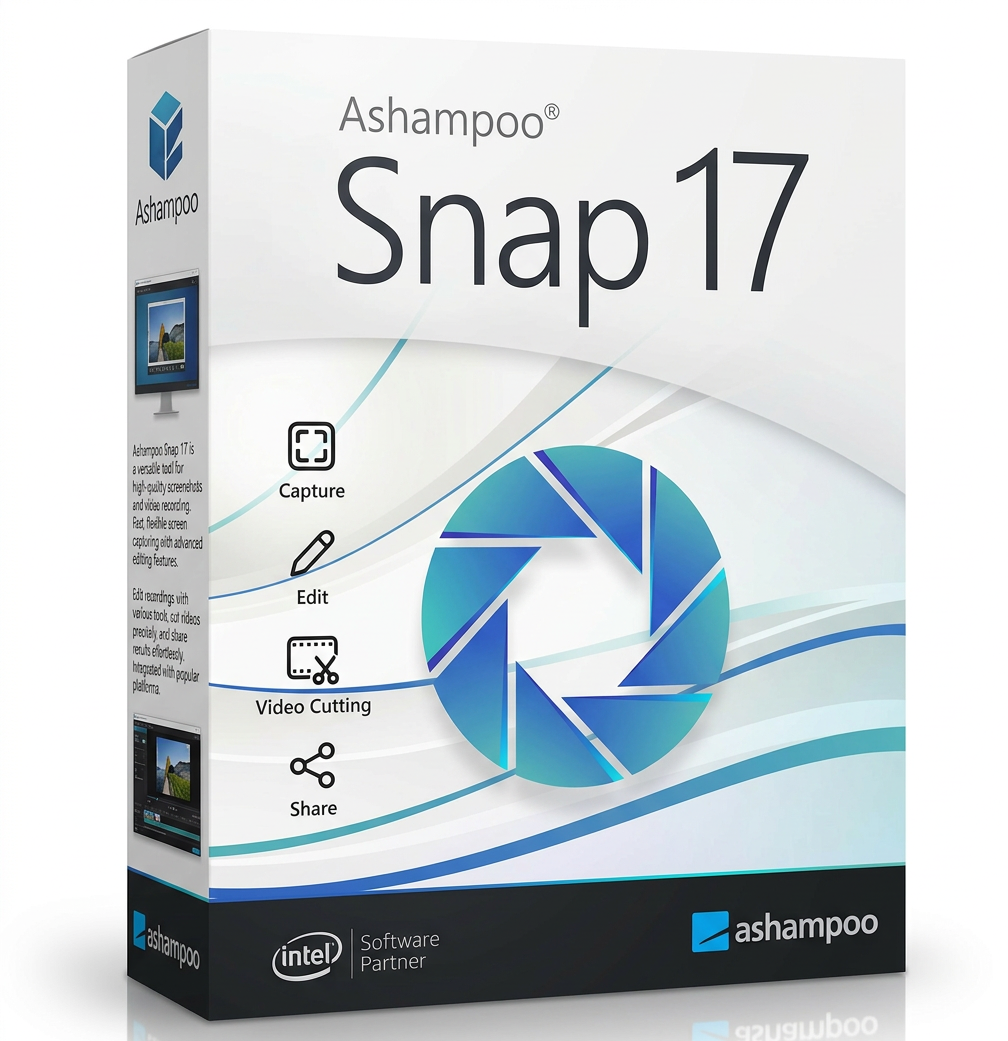

With Ashampoo Snap 17 , you can create screenshots and videos in seconds! Easily capture everything on your screen and edit, save, and share it in the built-in editor. Add graphic elements to your screenshots, such as auto-numbering, comments, stickers, and more, to make your content even more engaging. Whether you need to quickly illustrate something, work from home, or create a detailed tutorial, Snap 17 will help you achieve your goal efficiently and professionally.
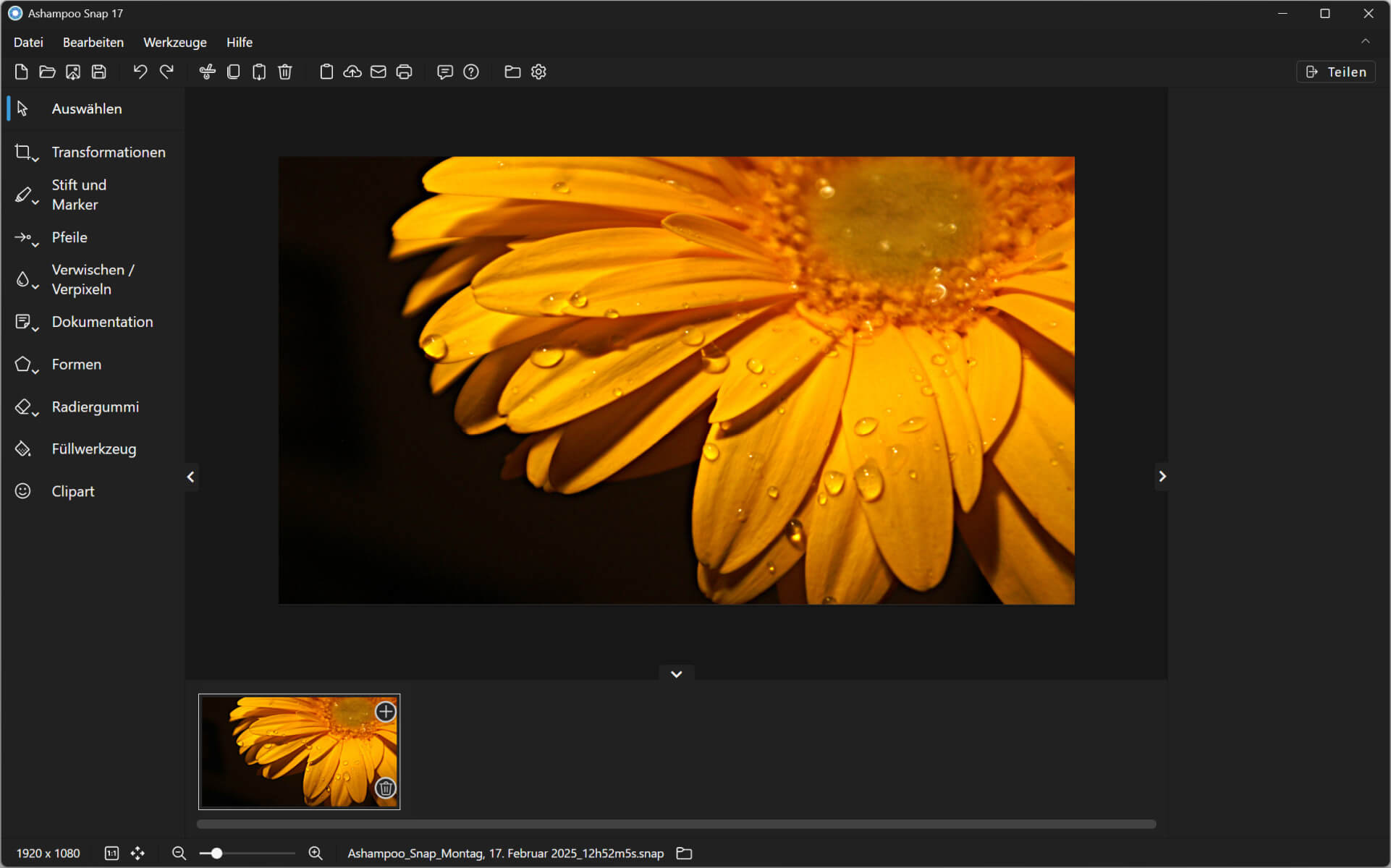
The new quick access bar puts your most important functions right at your fingertips and ensures an even smoother workflow. Thanks to the optimized user interface, clear layout, and customizable properties bar, you’ll work more intuitively than ever. The revised file menu, smart shortcuts, and improved share button make it even faster and more convenient to use—exactly as you need it.
Create screenshots and videos in secondsWith Ashampoo Snap 17 , capture everything that appears on your screen in just a few clicks. The built-in editing tool lets you retouch your captures quickly and easily. Professional adjustments with graphic elementsEnhance your screenshots with numbering, comments, stickers, and other tools. Perfect for documentation, presentations, or tutorials. Optimized quick access bar for efficient workThe new quick access bar brings all the important functions directly to your page, improves your workflow and saves valuable time when editing your screenshots and videos. Intuitive operation and smart featuresThanks to the redesigned user interface and smart shortcuts, it’s even more intuitive to use. The improved share button makes it easy to share your content directly. |
Optimized design with improved usability and a more efficient structure.
Direct access to all important functions for a smooth workflow.
New technique with an improved usage concept for more precise editing.
Videos can now be converted even faster to MP4 (H.264) format.
Exports videos as GIFs, audio, or individual images.
Improved technique for more accurate recording of long web pages.
New settings for even more flexible screen recording.
Less system load for even more efficient use.

Ashampoo Snap 17 offers a perfect combination of high speed and a modern user interface thanks to its newly developed video editor. Precisely trimming and editing videos has never been easier. Place multiple editing markers simultaneously, extract high-quality individual frames, and save your recordings as animated GIFs. Even existing videos can be opened, reworked, and converted to MP4 or MP3 format to ensure maximum compatibility with all devices.
The versatile export options are a particular highlight. Audio tracks can be saved as independent MP3 or WAV files , while individual video frames can be saved for later editing. These features make the new video editor an indispensable tool for anyone who values flexible and professional video editing.

Ashampoo Snap 17 ‘s optimized technology enables even more stable video recordings, up to 60 FPS. New features such as flexible frame rate selection , automatic recording stop , and customizable webcam resolution ensure professional results. The reduced memory consumption is particularly noteworthy, resulting not only in faster boot and response times but also improved overall system performance—ideal for older computers that need to take advantage of modern software.
Drag and drop support significantly simplifies the workflow by allowing users to drag and drop files directly into the program for immediate processing. Furthermore, users benefit from enhanced hardware acceleration, enabling even more efficient use of system resources. The upload function has also been revamped to ensure faster and more stable web uploads – ideal for directly sharing content with colleagues or clients.

Ashampoo Snap 17 ‘s new Quick Access Toolbar revolutionizes how you work with screenshots and video editing. Projects can now be created, saved, and edited even faster. Important functions such as Undo, Redo, object control, and direct access to sharing options are immediately available. This streamlines and accelerates the entire editing process.
Another useful feature is the saving of recently used directories and individual settings. Users no longer need to painstakingly navigate through folders or redo their preferred settings—everything is saved, ensuring a seamless workflow. This intelligent optimization saves valuable time and enables more efficient work.
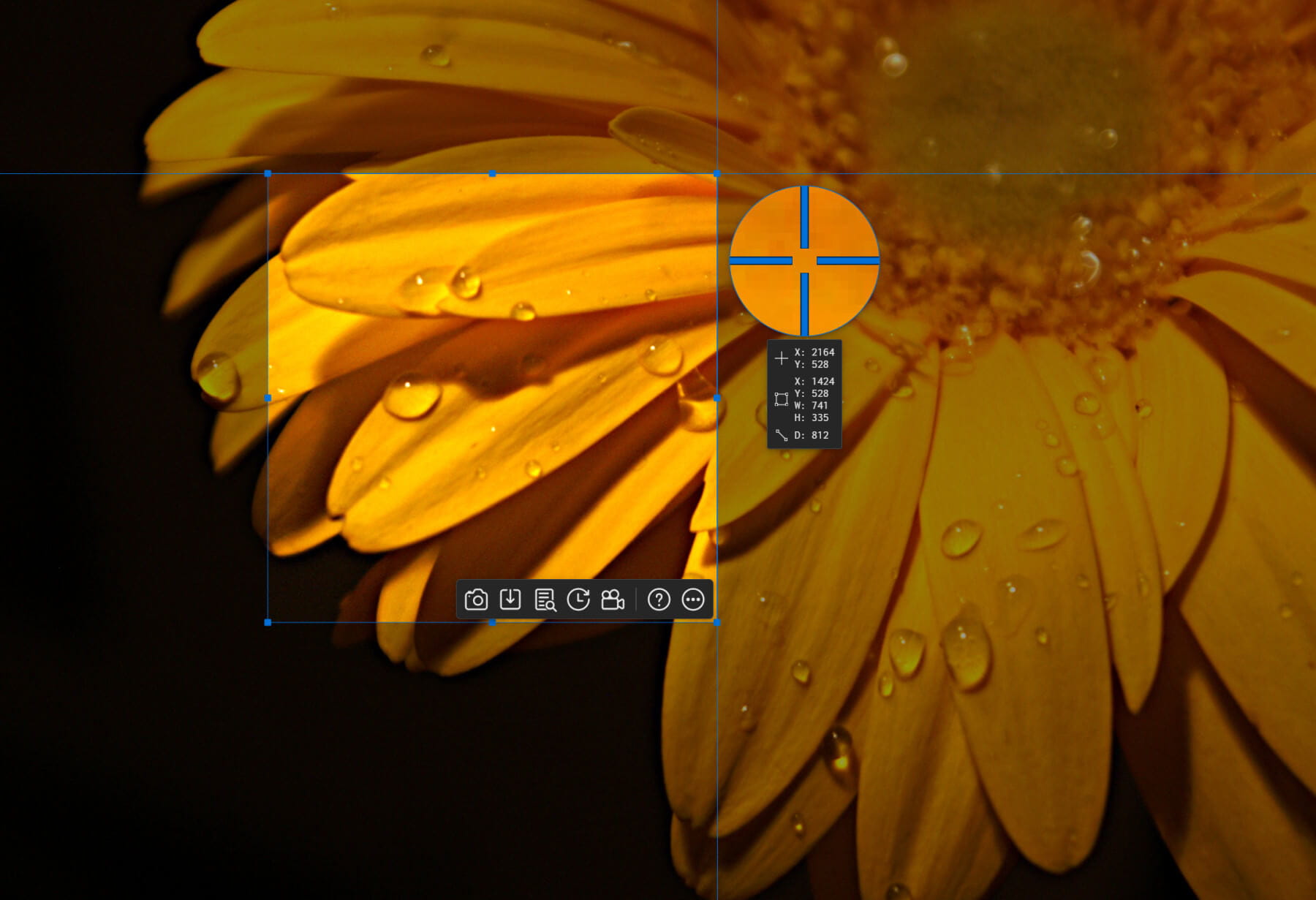
Ashampoo Snap 17 is the ideal tool for creating screenshots with maximum precision and flexibility. Whether you want to capture the entire desktop, a scrolling web page, or a specific section, all options are just a click away. The ability to capture the desktop in multiple parts or with a time offset is especially useful for capturing the perfect moment.
The new quick access toolbar makes creating, editing, and saving screenshots even more intuitive. It offers a wealth of editing options, including pixel-perfect cropping, annotation insertion, and direct one-click sharing. This versatility sets Ashampoo Snap 17 apart as a powerful Windows screenshot tool that meets all your needs.
With the new real-time print preview of the Ashampoo Snap 17 , you always have control over your print settings. From paper size (A3, A4, Letter) to margins and orientation – everything can be adjusted instantly.
Save your preferred settings for future print jobs and print multiple documents at once . Of course, black and white and color printing options are also available, as well as access to the system’s print dialog box. Printing has never been easier!
With Ashampoo Snap 17 , editing screenshots is even faster! The new and improved tools guarantee maximum efficiency:
Every detail has been developed with the utmost care – for an exceptional user experience!
The Ashampoo product you want isn’t available in your language?No problem! With Ashampoo Translation Studio , you can create and use your own language file – according to your needs.Use your product in your native languageIf your favorite Ashampoo product is not available in your language, you can create a custom translation in just a few steps.Simple and intuitive to useAshampoo Translation Studio guides you step by step through the process – no prior technical knowledge is required.Individual adaptations for maximum flexibilityTranslate not only the user interface, but also the help texts and other content according to your wishes.Maximum compatibilityAll translated content is seamlessly integrated into your Ashampoo software – for a fully personalized user experience. |
| Operating system |
| Windows 11 (64-bit) |
| Windows 10 (64-bit) |


Reviews
There are no reviews yet.