
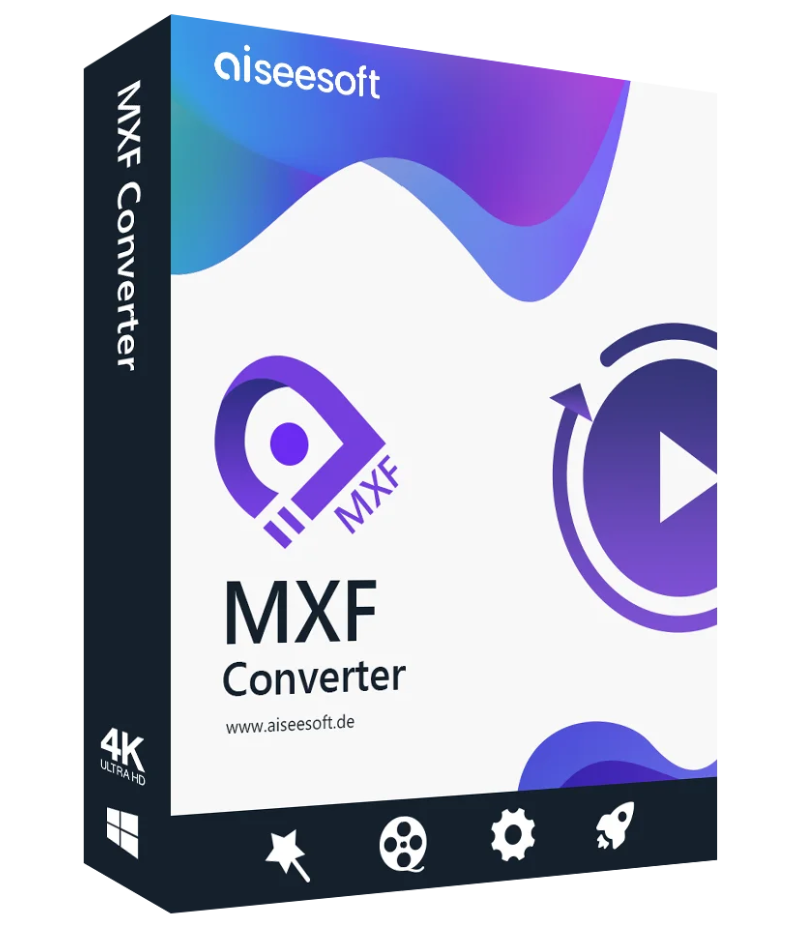
| Aiseesoft MXF Converter |

Convert an MXF video to other formats
With the converter, you can convert an MXF video to MOV, MP4, AVI and other SD/HD video formats.

Convert MXF files for editing
It allows you to convert MXF files for Adobe Premiere Pro, iMovie, Final Cut Pro, Sony Vegas Pro, etc.

Play MXF videos on iPhone 7/6/5
After conversion, you can read the saved MXF on your iPhone 7/7 Plus and other devices.
The MXF Converter allows you to convert MXF files recorded from professional camcorders to all common video formats without any loss of quality. The Converter can convert MXF files to video/audio formats and also to HD video formats, including H.264/MPEG-4 AVC, HD WMV, HD TS, HD MTS, MOV, MP4, 3GP, AVI, MKV, WMV, FLV, SWF, VOB, DV, and MPG, etc. By adjusting the settings, you can maintain the high quality of your output.
This wonderful converter allows you to convert MXF videos recorded from Panasonic HC-V720, Sony HDR PJ, Sony XDCAM, Canon Vixia HF R, and more, so you can watch them on other devices. After converting your MXF files with this converter, you can watch the converted videos on your portable device, such as iPhone 7/iPhone 7 Plus, iPhone 6/6 Plus, iPhone 5s/5c, iPad mini 4, iPad Air, and others. You can also convert videos for use with video editing programs like Adobe Premiere Pro, Final Cut Pro, Sony Vegas Pro, Magix Video Pro, and more.
Aiseesoft MXF Converter is not only a video converter but also an excellent video editor. With MXF Converter, you can shorten video length, crop the video frame, add text/image watermarks, and merge multiple videos into a single file. You can also adjust brightness, contrast, saturation, and hue to enhance faded videos. The 3D function allows you to convert 2D MXF videos to 3D format.

Preview of video effects
Before converting the MXF, you can preview the video effects of the video.

Take a snapshot
You can take a snapshot of the preview window with one click.

Batch conversion assistance
The MXF converter can convert up to eight videos at a time.

Merge MXF videos
The converter helps you merge different MXF videos into a single file.

Adjust the settings
You can define the video encoder, frame rate, resolution, etc. yourself.

A lightning-fast conversion
Thanks to AMD and NVIDIA® CUDA™ technologies, the conversion is very fast.
Aiseesoft MXF Converter for Mac is the best solution for Mac users to read MXF files on Mac, and convert saved MXF files for various editing software, including Final Cut Pro, iMovie, Final Cut Express, Adobe Premiere, etc.

Convert MXF files to popular high/standard resolution formats without loss of quality.

This program allows you to easily add 3D effects to 2D MXF files.

You can easily modify and improve your MXF files.
Aiseesoft MXF Converter for Mac is the best solution for editing MXF files. It allows you to convert saved MXF files for various editing software, including iMovie, Avid Studio, Adobe Premiere, Final Cut Pro, Final Cut Express, and Avid Media Composer, among others. This software supports different profiles such as Apple ProRes, DVCPRO, HDV, Avid DNxHD, XDCAM, and Apple InterMediate Codec (AIC).
The MXF converter supports numerous output formats, including MP4, MOV, MKV, AVI, WMV, FLV, SWF, M4V, and the most common HD video formats such as H.264/MPEG-4 AVC, HD MP4, HD MOV, HD AVI, and more. You can also make your MXF videos playable on various devices, including the latest iPhone XS, iPhone XS Max, iPhone XR, iPhone 8, iPhone 8 Plus, iPhone 7, iPhone 7 Plus, iPhone 6 Plus, iPhone 6s, iPad Pro/Air/Mini 2, Samsung Galaxy S7 Edge/S7, and others. After conversion, the saved MXF file can be played directly on your Mac or other portable player.
You can adjust video effects such as brightness, contrast, saturation, hue, and volume to suit your needs. With Aiseesoft MXF Converter for Mac, you can remove black areas from MXF videos and change the aspect ratio to achieve full-screen video. You can also add text/image watermarks to your MXF videos. All parameters, such as text color, font, transparency, and position, can be adjusted to your specifications.
This Mac MXF converter lets you preview your MXF videos before conversion. During the preview, you can easily take a screenshot. Even if you’re a beginner, the entire conversion process can be completed in just a few clicks.

You can view the video effects before conversion and take a snapshot.

Thanks to the latest technology, you can convert MXF videos very quickly.

The converter offers you different options for creating MXF videos.

You can convert your MXF videos into a wide range of output formats.
Reviews
There are no reviews yet.