Discount up to 35% for first purchase only this month.
Sale!

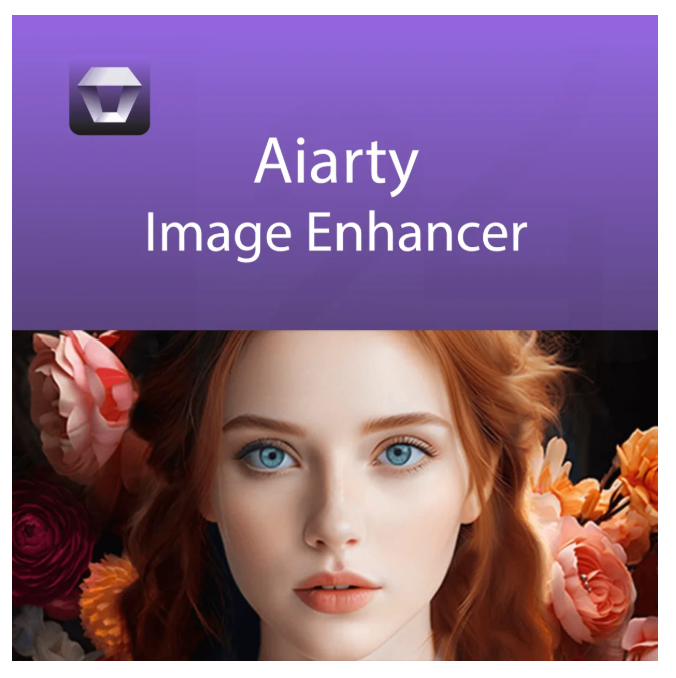
Aiarty Image Enhancer (Windows)

Price range: 79.00 € through 99.00 €

Digitally delivered by email within a few minutes after payment confirmation. These are ESD digital licenses — all product keys are original and have no expiration date. They can be reinstalled on the same activated device at any time.

By purchasing this product, you will receive the digital software download from our servers along with the product key needed for software activation, as well as detailed installation instructions.

License previously used and relinquished by the former owner in compliance with CJEU ruling C-128/2011 :

  • License valid for 1 device
  • Compatible with Windows
  • Instant digital delivery
  • 24/7 support, also available via WhatsApp
  • No expiration
  • Reusable after formatting
  • Lifetime updates
Add to Wishlist
Add to Wishlist
Original Product

100% authentic digital products with official vendor warranties, ensuring genuine licenses.

30 Days Warranty

Enjoy peace of mind with a 30-day return policy on all digital products. Full refunds or exchanges for any issues.

100% Secure

Your payments are fully secure with our encrypted transaction network. Shop with confidence.

Description

Aiarty Image Enhancer – The ultimate solution for image optimization and enhancement

In today’s digital world, image quality plays a crucial role. Whether you’re editing professional photographs, creating digital artwork, or simply want to capture your memories in the best possible quality, Aiarty Image Enhancer provides all the tools you need to take your images to the next level. This innovative software uses the latest advancements in artificial intelligence to automatically analyze and enhance images, allowing you to effortlessly achieve professional results.

Advantages of Aiarty Image Enhancer

Aiarty Image Enhancer is a powerful image processing software specifically designed to optimize the quality of photos and digital images. With an intuitive user interface and advanced features, this software is suitable for both beginners and professionals looking for a quick and efficient way to enhance their images. By integrating cutting-edge algorithms and machine learning, Aiarty Image Enhancer can bring out details in images, correct colors, and eliminate distracting noise to achieve flawless and impressive results.

Advanced features of Aiarty Image Enhancer

  • AI-based image enhancement: The software uses artificial intelligence to automatically analyze your images and make optimal adjustments to brightness, contrast, color saturation, and sharpness.
  • Detail Enhancement: Aiarty Image Enhancer can restore fine image details that may have been lost in the original image, resulting in a sharper and clearer picture.
  • Color correction and enhancement: with one click, you can optimize the color balance of your images to create realistic and vibrant tones that surpass the original image.
  • Noise reduction: Thanks to advanced noise reduction technology, image noise is effectively reduced, especially when shooting in low light conditions or with high ISO settings.
  • Automatic exposure correction: the software automatically adjusts the exposure of your photos to compensate for overexposed or underexposed areas and obtain a balanced and natural result.
  • Face recognition: Aiarty Image Enhancer can recognize faces in images and enhance them in a targeted way to soften skin tones and bring out details like eyes and hair.
  • Batch processing: Optimize multiple images simultaneously using the batch processing function. This saves time and allows for consistent processing of large quantities of images.
  • Presets and adjustments: The software offers a multitude of predefined image styles and effects that you can apply with a single click. Furthermore, you can save your own customizations and apply them to your future projects.
  • Support for various image formats: Aiarty Image Enhancer supports a wide range of image formats, including JPEG, PNG, TIFF, BMP and RAW, to ensure maximum flexibility during editing.

Reasons to choose Aiarty Image Enhancer

Aiarty Image Enhancer stands out from other image editing software thanks to its ease of use and the high quality of its results. Here are a few reasons why this software is the best choice for your image processing needs:

  • Ease of use: The intuitive user interface makes image processing easy even for beginners, while advanced users have the ability to make deeper adjustments.
  • Fast results: Thanks to powerful AI technology, you can achieve impressive results in no time, without having to spend hours fine-tuning the settings.
  • Versatility: Whether you’re working on landscapes, portraits, product photos or artwork, Aiarty Image Enhancer offers the right tools for every type of image.
  • Cost-effective: compared to other high-end image processing software solutions, Aiarty Image Enhancer offers excellent value for money without compromising on quality.
  • Regular updates: The developers behind Aiarty Image Enhancer are continuously working to improve the software and add new features to ensure you always have the best tools at your disposal.

Supported formats for Aiarty Image Enhancer

Supported input formats
.jpg, .jpeg, .jp2, .j2k, .jpf, .jpm, .jpg2, .j2c, .jpc, .jpx, .mj2, .png, .tif, .tiff, .webp, .bmp, .avif, and RAW formats (.dng, .cr3, .cr2, .crw, .nef, .nrw, .arq, .arw, .sr2, .srf, .raf, .rw2, .orf, .ori, .pef, .ptx, .3fr, .fff, .iiq, .cap, .eip, .rwl, .srw, .erf, .mos, .mef, .mrw, .mdc, .dcr, .kdc, .dcs, .drf, .k25, .bay, .pxn, .r3d, and .rwz)
Supported output formats
.jpg, .png (8-bit, 16-bit)


System requirements for Aiarty Image Enhancer

System Component Minimum system requirements
Windows Supported operating systems Microsoft Windows 10, 11 (x64) or higher
Processor (CPU) Any Intel or AMD processor with 64-bit support
Random Access Memory (RAM) 8 GB (16 GB or more recommended)
Mac Supported operating systems macOS Catalina 10.15 – macOS Sonoma 14.6 or later
Processor (CPU) Any Intel processor
Random Access Memory (RAM) 4GB
Hard disk drive (HDD) space 512 GB
Graphics card (GPU) Each
Properties: “Aiarty Image Enhancer”
Operating System:

Additional information

Period

1 Year, Lifetime

Reviews

There are no reviews yet.

Be the first to review “Aiarty Image Enhancer (Windows)”

Your email address will not be published. Required fields are marked *