
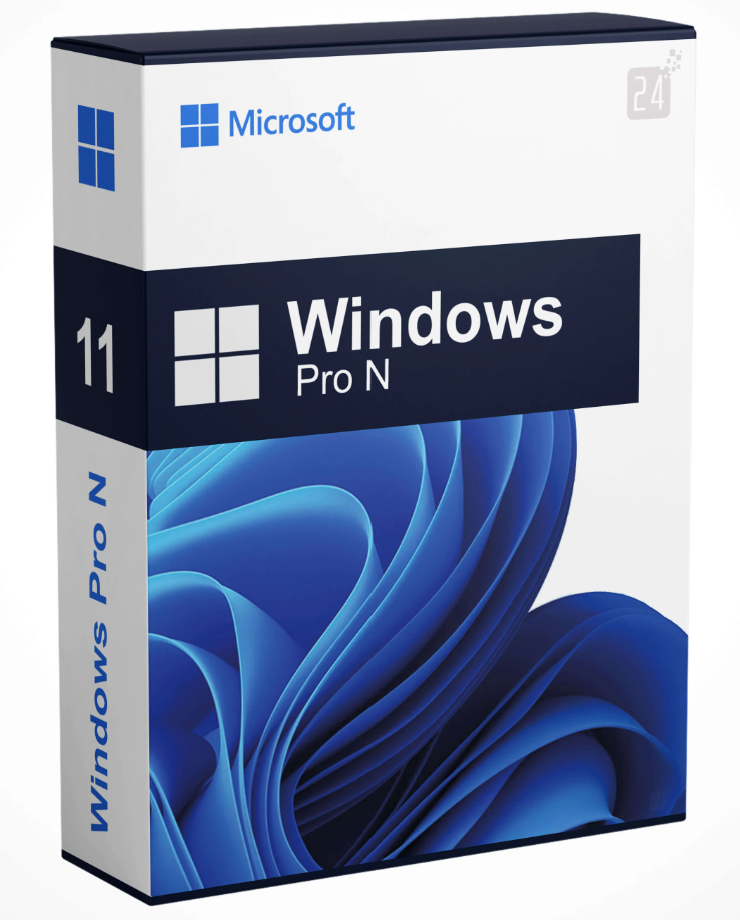
With Microsoft Windows 11 Pro N, a new version of Windows 11 , or rather Windows 11 Pro, is available, which is exactly the right product for professional and multi-level implementation. Compared to the more economical Home version , Windows 11 Pro N doesn’t require a local account, giving you complete flexibility throughout the process. This means the new Windows can be installed even without an internet connection. But what are the other advantages of Windows 11 Pro N, and what exactly does it offer?
In terms of technical security, Windows has improved considerably. The Pro version, in particular, fixes many bugs that prevented proper operation in previous versions. Security plays a crucial role, especially for professional use of the system. The following features are new with Windows 11 Pro N :
These advantages are especially important for a multi-device network. They enable much better collaboration and emphasize that security is the top priority. The way and implementation of digital collaboration have also been significantly enhanced with Windows 11 Pro N thanks to improved video conferencing integration. Therefore, you can expect the most efficient, modern, and technically precise Windows site ever to be on the market.
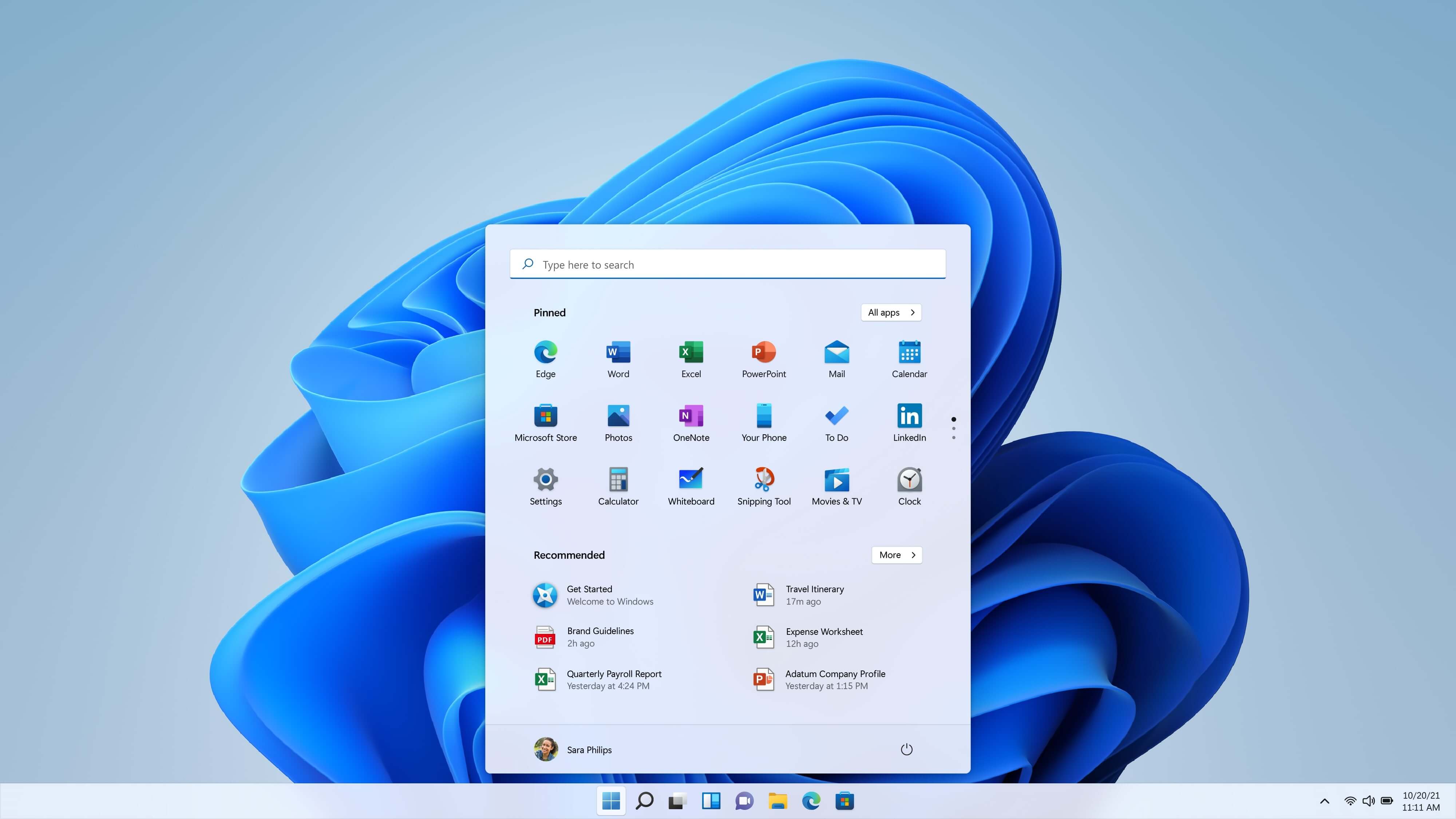
A quick look at the numerous improvements offered by Windows 11 Pro N reveals, first and foremost, an even clearer structure. This is true, for example, of the new design, which clearly distinguishes itself from its predecessor and perfectly complements your workflows. The same applies to the improved Microsoft Store, which makes it easy to find additional features and essential companion programs for your daily life.
But not only for Windows 11 in general, but also for Windows 11 Pro N, there are some new features compared to other versions. For example, the RAM limit has been increased. While it was previously limited to 128 GB, it’s now possible to install up to 2 TB of RAM on your device. Up to two fully functional processors are also supported with Windows 11 Pro N. From a technical standpoint, this ensures significantly improved performance.
Even though we’ve already covered the most important aspects, there are still some differences between Windows 11 Pro N and Windows 11 Home N. While the general features and design are similar, this isn’t true for every aspect. In our table, we’ve clearly highlighted the most important details, and we’ll tell you a little more about them:
|
Windows 11 Home N |
Windows 11 Pro N |
|
| A Microsoft account is required for installation. |
Yes |
No |
| Hyper-V Virtualization |
No |
Yes |
| Firewall and network protection |
Yes |
Yes |
| New BitLocker device encryption |
No |
Yes |
| Azure Active Directory Integration |
No |
Yes |
| High operating system security | Yes |
Yes |
| Remote desktop as a basic function |
No |
Yes |
| Integrated maintenance duration |
24 months |
36 months |
If you’re also looking for an operating system designed for efficiency, Windows 11 Pro N is the right choice. While this version is the system without an integrated media player, you also get the version with an integrated media player with Windows 11 Pro. So you can decide for yourself what’s important in your new operating system. You can buy your Windows 11 Pro N key directly from us and protect yourself.
Reviews
There are no reviews yet.