Description
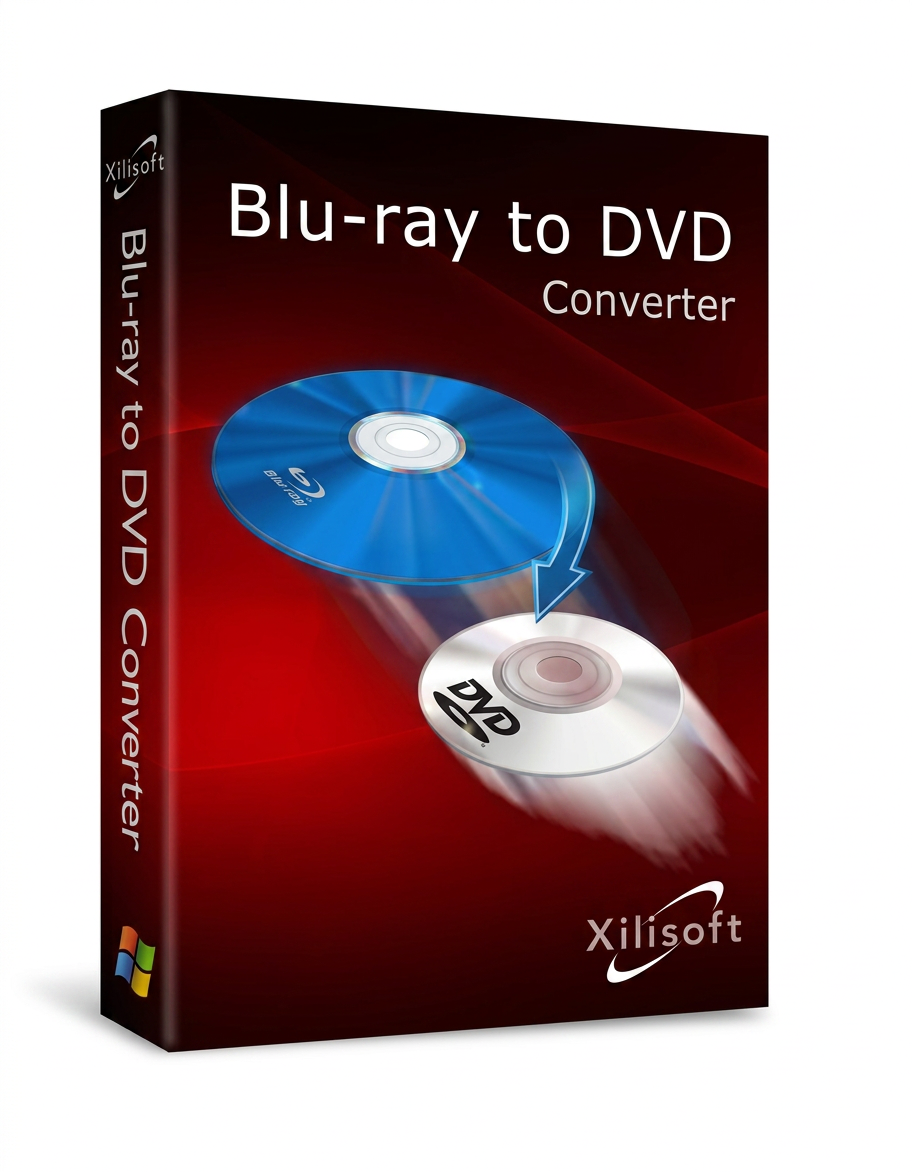
Xilisoft Blu-ray to DVD Converter
Xilisoft Blu-ray to Home DVD Converter is specifically designed for Blu-ray disc users to convert Blu-ray movies and copy Blu-ray discs to Home DVD. This allows you to quickly create a high-definition backup of your Blu-ray disc on your PC or Home DVD player.
The Blu-ray to Home DVD Converter lets you enjoy playback on your home DVD player, iPod, iPhone, Apple TV, PSP, PS3, or iRiver instead of having to buy an expensive Blu-ray player. Furthermore, this Blu-ray to Home DVD Converter can convert Blu-ray movies to high-definition video, AVCHD video, and other popular video formats.
Audio extraction and snapshot capture from Blu-ray movies are available in this Blu-ray to Home DVD converter. Almost all common video formats are supported, including HD video (H.264/MPEG-4 AVC, AVCHD video (*.m2ts, *.mts), Apple TV h.264 720P, HD MPEG-2/MPEG-4 TS video, WMV HD) and common video formats (AVI, MPEG, WMV, DivX, MP4, H.264/AVC, RM, MOV, XviD, 3GP, and FLV).
In addition, this Blu-ray to Home DVD dubbing program offers you many editing tools to customize your videos and DVDs, cut/trim/split videos, add watermarks, edit special effects, adjust output settings, create your own DVD menu and much more.
- Copying Blu-ray to DVD, Home DVD folder, ISO files
- Copy Blu-rays in high-definition video or other popular formats to your computer
- Compress Blu-ray movies to DVD-5/9, DVD-R/RW
- Watch Blu-ray movies on PC, living room DVD player, multimedia devices
- It is impossible to rip/convert a copyrighted Blu-ray.
* When ripping copy-protected DVDs, please comply with the appropriate rules and laws of your country.

Copying a Blu-ray movie to DVD
Enjoy Blu-ray movies on your computer, DVD player, iPod, iPhone, PSP or NDS.
- Blu-ray DVD Copy Tool
: Copy Blu-ray movies to any DVD and compress them to DVD-5 or DVD-9
- Copy Blu-ray movies to your computer.
Convert Blu-ray discs to high-definition video and other popular formats on your computer.
Supports HD video: H.264/MPEG-4 AVC, AVCHD video (*.m2ts, *.mts), Apple TV h.264 720P, HD WMV, HD MPEG-2/MPEG-4 TS video.
Supports most common video formats: AVI, MPEG, WMV, DivX, MP4, H.264/AVC, RM, MOV, XviD, 3GP and FLV.
- Burn DVD folders and ISO images.
Burn Blu-ray files and many videos to the hard drive into a DVD folder or ISO image files.
- Extract audio and video from Blu-ray movies.
Extract music from Blu-ray movies and save it in MP3, WMA, AAC, WAV, OGG, FLAC, APE, M4A, RA, AC3, MP2, AIFF, AMR, or SUN AU format.
Capture images from Blu-ray movies and save them in JPG, PNG, GIF, and BMP format.
Full support and high compatibility
Discover high-definition video with high-quality images in Full HD
All types of DVDs are supported
- All DVD types are supported: DVD-R, DVD+R, DVD-RW, DVD+RW, DVD+R DL, DVD-R DL, DVD-RAM, DVD-5 and DVD-9.
- Play Blu-ray movies on devices and media players.
Watch Blu-ray movies on iPod, iPhone, Apple TV, PSP, Xbox, NDS, Wii or mobile phone.
Edit a Blu-ray movie and personalize your own DVD
Powerful editing features allow you to personalize your Blu-ray movies
- Cut, trim, and split video.
Trim video segments to get any clip from the Blu-ray movie. Adjust the video field to remove black bars or advertising logos. Merge multiple files into one and split a file into several smaller files.
- Add watermarks and effects.
Insert image or text titles into the movie. Edit the video with the following effects: Old film, snowflake, mosaic, embossing, sand, and more.
- Design and edit your DVD menu.
Several DVD menu templates are available. You can also add your favorite background music and a title to create your DVD menu.
- Previewing and comparing effects:
Real-time previewing allows you to directly compare the edited video with the original. The edited DVD menu can also be viewed in real time.
A clear and easy-to-use interface
For beginners and advanced users alike, the Blu-ray to DVD copying program is quick and easy to learn!
- Convert a file to different formats simultaneously.
Select different profiles for a unique application folder to adapt to different devices. Define your preferred settings and save them as custom profiles for later use.
- Adjusting video and audio settings
You have several adjustment options available for video and audio, such as bitrate, resolution, frame rate, sampling rate, codec and many more.
- Determining the file size:
Thanks to the bitrate calculator integrated into the Blu-ray to DVD dubbing program, you can define and obtain the desired output file size and the exact bitrate.
- Background operation and “After-Done” option:
You can run Xilisoft Blu-ray to DVD Converter in the background. The following options help avoid long waiting times after conversion: Hibernate, Quit, or Wait.
- Batch conversion
: Convert multiple Blu-ray M2TS files at once to save time.


Reviews
There are no reviews yet.