
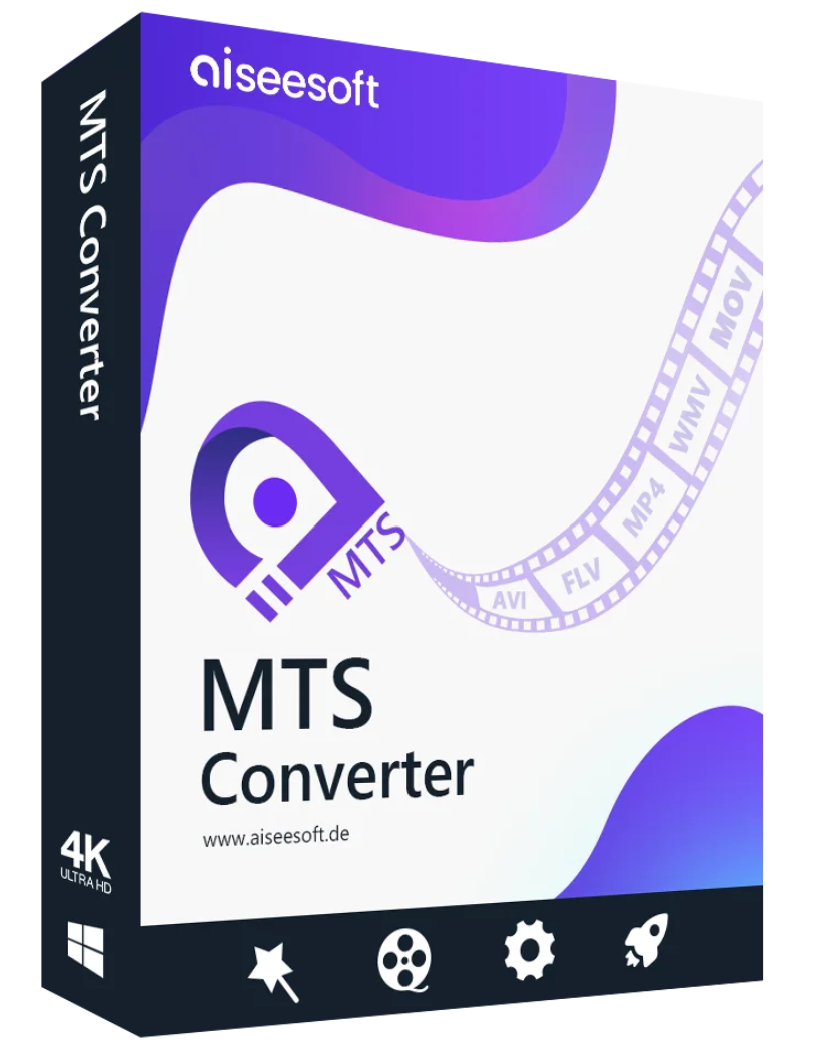
Aiseesoft MTS Converter is the perfect companion for your AVCHD/HD camcorder. It allows you to convert MTS/M2TS files to all common video formats such as MP4, AVI, MOV, WMV, FLV, MKV, and other video formats without any loss of quality.

Aiseesoft MTS Converter helps AVCHD/HD camcorder users convert MTS files to any video/audio format and eliminates incompatibility issues. It converts MTS files to MOV, MP4, AVI, WMV, MPEG, FLV, and MKV video, and MP3, AAC, OGG, FLAC, CUE, APE, and WAV audio. This MTS video converter preserves the best video/audio quality after conversion and is very easy to use, even for beginners. It can also import M2TS, TS, and other formats into standard definition/high definition video without any loss of quality.
This Aiseesoft MTS Converter contains ready-to-use profiles for all common portable digital devices such as iPhone, iPad, iPod, Samsung Galaxy S4, Samsung Galaxy Note 3, PSP, PS4, Xbox One, Xbox 360, etc. It is supported by various media player programs, such as Windows Media Player, VLC, QuickTime Player, etc. The MTS converter allows users to easily convert MTS videos in editing software, such as Avid Media Composer, Adobe Premiere, Sony Vegas, etc. Simply select the output format according to your needs, then play the converted videos on your devices or continue editing your videos with editing software.
3D Effect:
Display the MTS file in 3D.
This professional 3D MTS converter can convert 2D and 3D MTS files. It offers 3D settings such as anaglyph 3D, side-by-side (half-width) 3D, side-by-side (full) 3D, top and bottom (half-height) 3D, and top and bottom (full) 3D. This allows you to watch MTS 3D videos on HD TVs or portable devices without needing to purchase a 3D camcorder.
Adjust output settings:
You can configure video parameters such as video encoder, frame rate, resolution, aspect ratio, and video bitrate, and adjust audio parameters such as audio encoder, sample rate, channels, and audio bitrate. You can also enable 3D settings to watch the MTS movie with a 3D effect. Meanwhile, you can easily export 4K/HD/SD MTS files.

Do more with the videos you love! Trim your favorite part of the MTS video or crop the black border to full screen, change the video dimensions, and adjust the pixel aspect ratio. Add an image/text watermark to your MTS file or merge multiple MTS videos into a single file. If you find your video sideways or upside down, you can rotate it 90 degrees or flip it horizontally/vertically. Furthermore, you can make adjustments to MTS files for better video effects by modifying the contrast, hue, saturation, brightness, and volume settings.
If you’ve received some AVCHD MTS/M2TS videos from Panasonic/Canon/Sony/JVC camcorders, you might want to replace or remove the audio from the AVCHD MTS files. Aiseesoft MTS Converter was designed for people interested in recording. With it, you can add the audio track you want or remove the extra audio track. This MTS converter also lets you add your own subtitles (SRT/ASS/SSA) in different languages to the MTS file, allowing you to better understand the story and atmosphere of the film.
Aiseesoft MTS Converter is the perfect companion for your AVCHD/HD camcorder, allowing you to easily convert MTS files to all common video formats like MP4, AVI, and MKV for later use. The right side panel particularly highlights the Aiseesoft MTS Converter.
Preview and snapshot
You can see your video effects in the preview and also take snapshots at any time when you see the video in the preview.
Superior user experience:
This converter offers an unparalleled user experience, high-quality conversion without loss of quality, and unmatched conversion speed.
Batch conversion:
The program allows you to convert multiple MTS/M2TS videos at the same time with excellent quality.
Supports various camcorders.
It supports all MTS files from all AVCHD camcorders from Sony, Panasonic, Canon, JVC, Hitachi, Leica Camera and more.
Supported operating systems: Windows 11, Windows 10, Windows 8.1, Windows 8, Windows 7, Windows Vista, Windows XP (SP2 or higher)
CPU: 1GHz Intel/AMD CPU or higher
RAM: 1GB RAM or more
Supported input file formats:
3GP video (*.3gp;*.3g2), AVI, DV files (*.dv;*.dif), Flash files (*.3gp;*.3g2.flv;*.swf;*.f4v), MOD, MJPEG (*.mjpg;*.mjpeg), MKV, MPEG (*.mpg;*.mpeg;*.mpeg2;*.vob;*.dat), MPEG4 (*.mp4;*.m4v), MPV, QuickTime files (*.qt;*.mov), Real Media files (*.rm;*.rmvb), TOD, Video Transport Stream files (*.ts;*.trp;*.tp), Windows Media files (*.wmv;*.asf)
HD Video Files MPEG2 HD (*.mpg;*.mpeg), MPEG4 HD (*.mp4), QuickTime HD (*.mov), WMV HD (*.wmv), HD TS, HD MTS, HD M2TS, HD TRP, HD TP
Audio Files AAC, AIFF (*.aif;*.aiff), CUE, FLAC, M4A, MPEG (*.mp3;*.mp2), Monkey’s Audio (*.ape), Ogg, Raw AC3 (*.ac3), Real Audio (*.ra;*.ram), SUN AU (*.au), WAV, WMA
Supported Output File Formats
Video Advance Media Video (*.amv), ASF, AVI, DivX Video (*.avi), Flash H264 Video (*.flv), FLV, SWF, H.264 AVI (*.avi) (*.avi
) (*.ts), MPEG-4 HD video (*.mp4), HD VOB video (*.vob), HD WMV video (*.wmv), HD MPEG2-PS video (*.mpg), HD MPEG2-TS video (*.ts), H.264 HD video (*.mp4),
HD MP2, MP3, OGG, WAV, WMA
Supported operating systems: Mac OS X 10.6 or later (including macOS Big Sur and macOS Monterey)
Processor: 1GHz Intel® processor and Apple M1 chip
RAM: 1GB or more
Supported input file formats:
3GP video (*.3gp;*.3g2), AVI, DV files (*.dv;*.dif), Flash video files (*.3gp;*.dif.flv;*.swf;*.f4v), MOD, MJPEG (*.mjpg;*.mjpeg), MKV, MPEG (*.mpg;*.mpeg;*.mpeg2;*.vob;*.dat), MPEG4 (*.mp4;*.m4v), MPV, QuickTime files (*.qt;*.mov), Real Media files (*.rm;*.rmvb), TOD, Video Transport Stream files (*.ts;*.trp;*.tp), Windows Media files (*.wmv;*.asf)
HD Video Files: MPEG2 HD (*.mpg;*.mpeg), MPEG4 HD (*.mp4), QuickTime HD (*.mov), WMV HD (*.wmv), HD TS, HD MTS, HD M2TS, HD TRP, HD TP.
Audio: AAC, AIFF (*.aif;*.aiff), CUE, FLAC, M4A, MPEG (*.mp3;*.mp2), Monkey’s (*.ape), OGG, Raw AC3 (*.ac3), Real (*.ra;*.ram), SUN AU (*.au), WAV, WMA.
Supported Output File Formats
: Advanced Media Video (*.amv), ASF, AVI, DivX Video (*.avi), Flash H264 Video (*.flv), FLV, SWF, H.264 AVI (*.avi), H.264 /MPEG-4 AVC Video (*.mp4), M4V MPEG-4 Video (*.m4v), MKV, MOV, MPEG-1 Video (*.mpg), MPEG-2 Video (*.mpg), MPEG-4 Video (*.mp4), Music TV (*. mtv), VOB MPEG2 PS Format (*.vob), WMV, XviD (*.avi), DV, DVD video (*.vob), Super VCD video (*.mpg), VCD video (*.mpg
) VOB(*.vob), HD WMV video (*.wmv), MPEG2-PS HD video (*.mpg), MPEG2-TS HD video (*.ts), H.264 HD video (*.mp4), XviD HD video (*.avi), MP4 HD video (*.mp4), HD WebM
Audio AAC, AC3, AIFF, AMR, AU, FLAC, M4A, MKA, MP2, MP3, OGG, WAV, WMA


Reviews
There are no reviews yet.