
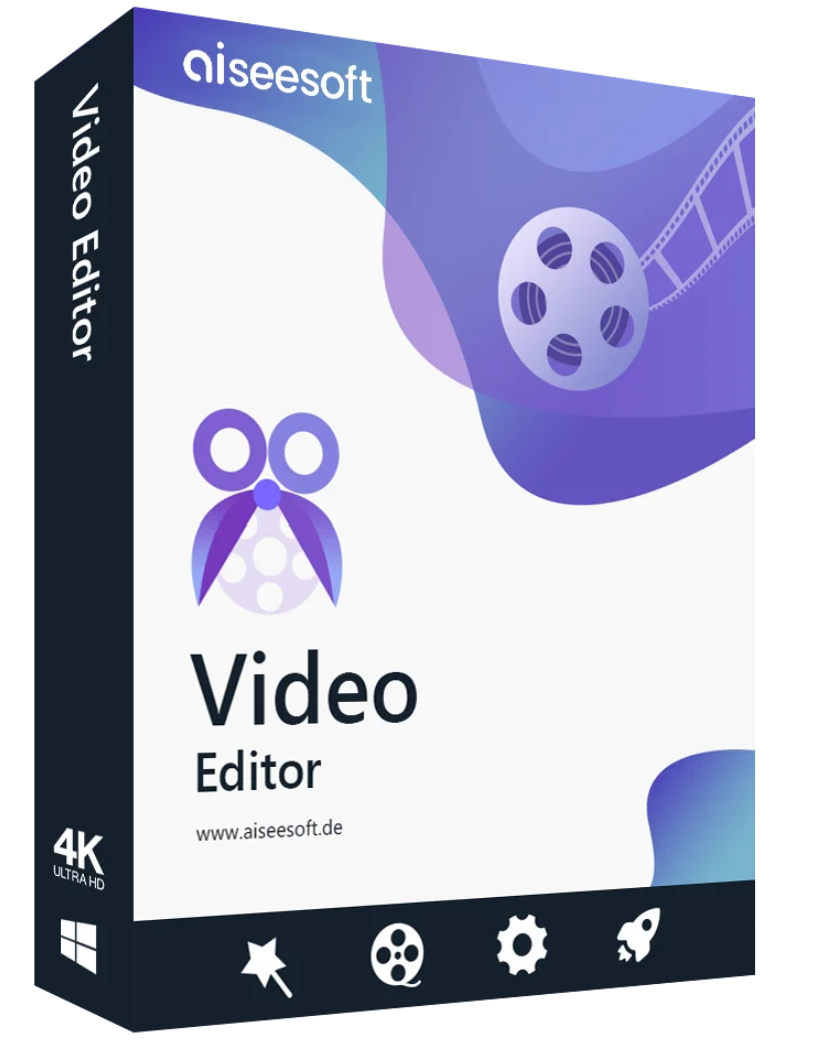
79.00 € Original price was: 79.00 €.39.00 €Current price is: 39.00 €.
Digitally delivered by email within a few minutes after payment confirmation. These are ESD digital licenses — all product keys are original and have no expiration date. They can be reinstalled on the same activated device at any time.
By purchasing this product, you will receive the digital software download from our servers along with the product key needed for software activation, as well as detailed installation instructions.
License previously used and relinquished by the former owner in compliance with CJEU ruling C-128/2011 :
100% authentic digital products with official vendor warranties, ensuring genuine licenses.
Enjoy peace of mind with a 30-day return policy on all digital products. Full refunds or exchanges for any issues.
Your payments are fully secure with our encrypted transaction network. Shop with confidence.
Aiseesoft Video Editor for Mac – The best video editing software to rotate, cut, crop, watermark and convert video and audio files on your Mac (including macOS Monterey).
Shoot and mirror videos with Aiseesoft Video Editor
Is it annoying to have videos recorded with your smartphone at a party rotate sideways? Are you frustrated by a downloaded video that was filmed the wrong way around? It’s not a big deal, but it’s still a bit awkward, right? Then use this video editing software to rotate or flip the video as you wish. You can rotate the video 90 degrees clockwise or 90 degrees counterclockwise to view it in your player and get a complete picture. Plus, you can flip the video vertically or horizontally so you can watch it the way you like.
Trim your video with Aiseesoft Video Editor.
Want to get rid of those unwanted black bars around your videos? Want to add a close-up to your own video for emphasis? Then easily trim your video now. With Aiseesoft Video Editor, you can trim videos using four optional modes: Pan & Scan, Letterbox, Medium, and Full, to get the videos exactly how you want them. You can adjust the position value to remove unwanted parts; you can also manually drag the edge to get the close-up for your spotlight.
Create and assemble video/audio clips.
Want to create music videos for your favorite idols? Looking to create music in your preferred style? Tired of cutting out unwanted video or audio parts from your original recordings? Use the video editor to trim and assemble video and audio files. You can select parts by dragging the timeline or adjust the time to keep or delete selected sections, making it easy to create iPhone or Android ringtones or short videos. Then, use the video/audio joiner to create video or music collections.
Convert video and audio with Aiseesoft Video Editor
. This video editor can also be used as a video converter. It supports over 300 video/audio formats for editing, such as MP4, M2TS, MTS, MOV, MKV, WMV, FLV, AVI, M4V, FLAC, OGG, M4A, M4R, AIFF, WAV, WMA, and more. Even 1080p HD/4K videos are supported. After conversion, you can choose from a variety of output formats, including MP4, M4V, AVI, FLV, MP3, FLAC, AIFF, OGG, and others.
Whether you want to edit a video or convert a video/audio format, this video editing program is always the best choice for you. Thanks to its clear interface, you can easily rotate/cut/trim videos, adjust image/sound effects, improve video quality, and much more.
Mac

Reviews
There are no reviews yet.