
99.99 € Original price was: 99.99 €.79.00 €Current price is: 79.00 €.
Digitally delivered by email within a few minutes after payment confirmation. These are ESD digital licenses — all product keys are original and have no expiration date. They can be reinstalled on the same activated device at any time.
By purchasing this product, you will receive the digital software download from our servers along with the product key needed for software activation, as well as detailed installation instructions.
License previously used and relinquished by the former owner in compliance with CJEU ruling C-128/2011 :
100% authentic digital products with official vendor warranties, ensuring genuine licenses.
Enjoy peace of mind with a 30-day return policy on all digital products. Full refunds or exchanges for any issues.
Your payments are fully secure with our encrypted transaction network. Shop with confidence.
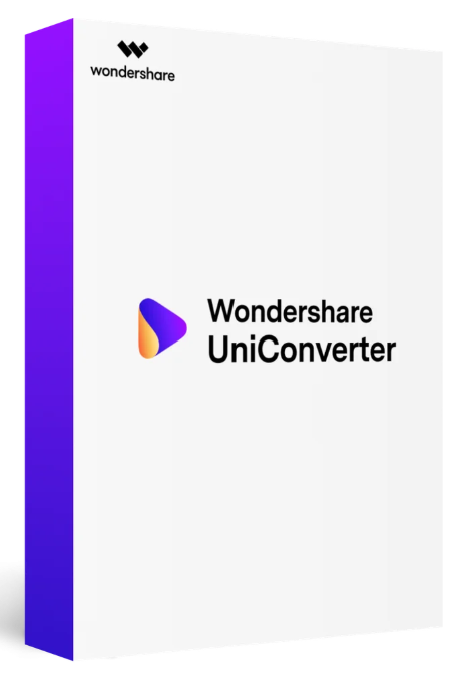
With Wondershare UniConverter, you can convert videos to nearly 1000 formats, burn DVDs, download online videos, and edit videos directly.
With speeds up to 30 times faster and no loss of quality. Compress, edit, burn, and transfer your videos.
Perfectly personalize your videos with advanced editing features and create professional clips and movies in minutes.
Easily create and add subtitles using the built-in subtitle editor
With Wondershare UniConverter, you can download or record your favorite 4K/HD videos from popular video-sharing websites to watch without an internet connection. Convert videos to compatible formats, then stream them to your TV, smartphone, or other devices.
– Download videos from YouTube or UGC sites
Download YouTube videos as MP3s in one click
– Batch downloading of playlists from YouTube
– Record videos from streaming sites
– Burning videos onto DVD and Blu-ray
– Easily convert videos to DVD
– Free menu templates on DVD
– Edit a DVD with a built-in editor
Transfer media files to Apple devices, Android devices, USB drives, or external hard drives
. Most importantly, any unsupported formats
can be automatically converted to a compatible format.
Wondershare UniConverter also provides a powerful toolbox with versatile and practical video enhancement functions.
Compress the video. Compress the video without loss of quality.
Convert Images: Convert and edit images.
Record the screen. Record desktop activities with sound.
Repairing video metadata.
Create a GIF Create a GIF from a video or photos.
Convert VR: Convert the video to VR format.
Convert a DVD to video. Convert a DVD to a video file.
Copy the DVD (Mac only) Burn the DVD to the ISO or DVD folder.
Burn a CD. Burn your music onto a CD.
Reviews
There are no reviews yet.